
Changeflow vs Proofapp


Proofapp
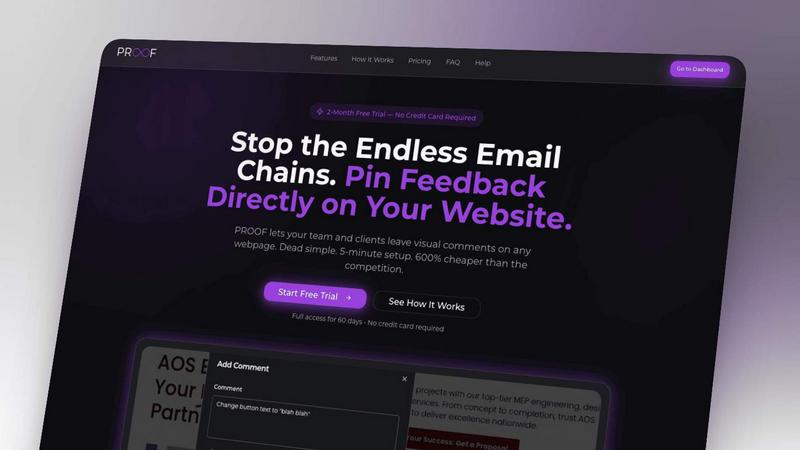
Stop wasting time on miscommunication and endless email chains; get instant visual feedback directly on your website.
Last updated: March 3, 2026
Visual Comparison
Changeflow
Proofapp
Overview
About Changeflow
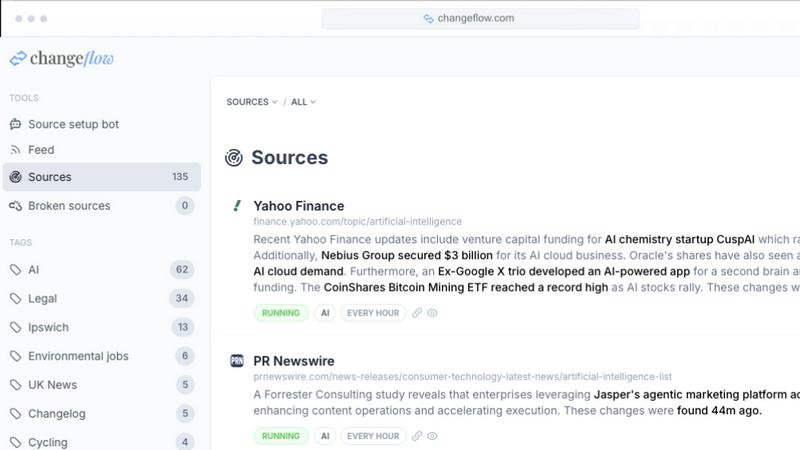
Changeflow watches web pages and tells you what changed. Not just "something changed" but what actually matters. Our AI reads the page, understands context, and summarizes the important bits.
Set up is simple. Describe what you want to track in plain English. Point it at a page with links and it turns into a feed of updates. We handle the tricky stuff like login walls and JavaScript, with a 99.9% success rate on pages other tools can't reach.
Business teams use Changeflow to track competitor pricing, monitor regulatory changes, follow news mentions, and keep tabs on market movements. Legal librarians at Am Law 200 firms monitor court dockets and legal citations. Compliance teams at Fortune 500 companies track FDA guidance and SEC filings.
Shared workspaces keep your team on the same page. API access lets you build monitoring into your workflows. Site Version Control gives you timestamped archives you can navigate through time.
Over 1 billion pages checked. 125,000+ customer hours s
About Proofapp
Proofapp is a revolutionary visual feedback and website review platform designed to enhance collaboration among designers, developers, and clients. By allowing users to upload any website URL, Proofapp automatically captures screenshots for both desktop and mobile views, streamlining the feedback process. This tool is perfect for freelancers, small development teams, and agencies managing multiple projects, as it eliminates the chaos that often accompanies scattered emails and vague revision requests. With features like real-time notifications, Slack integration, and customizable settings, Proofapp transforms the way feedback is gathered and managed. Users can pin comments directly on the designs, reply in threaded conversations, and attach files for clarity—all without needing an account. This not only improves productivity but also ensures that feedback is organized, visual, and actionable, making it an ideal solution for anyone looking to enhance their project workflow.