
JustPDF
JustPDF offers fast, free, and private browser-based PDF tools for merging, converting, and compressing files without leaving your device.
About JustPDF
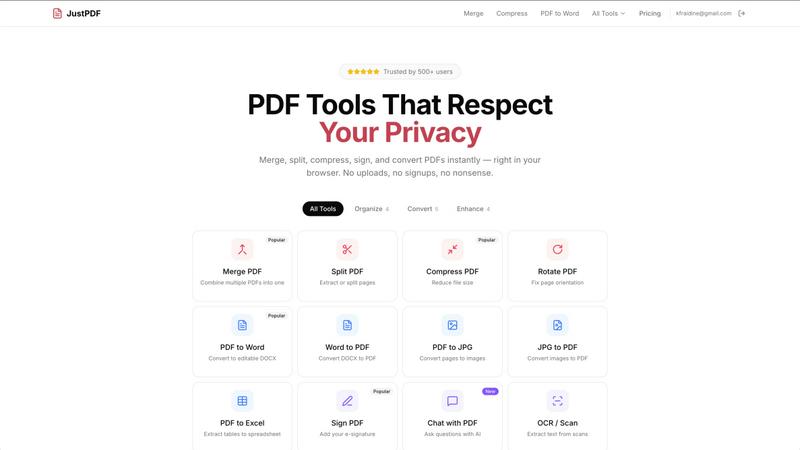
JustPDF is a cutting-edge online PDF toolset that empowers users to manage their PDF files directly in their web browser, ensuring complete privacy and security. With 17 professional-grade tools at your disposal, JustPDF stands out by processing files locally through JavaScript and WebAssembly, making it a superior choice compared to competitors like Smallpdf and iLovePDF, which rely on remote servers. This means your documents never leave your device, providing peace of mind for users who prioritize confidentiality. Ideal for students, educators, professionals, and anyone dealing with PDF documents, JustPDF offers a free tier allowing three operations per day, with a Pro version available for unlimited access starting at just $4 per month. Furthermore, JustPDF is FERPA-compliant, making it a trustworthy choice for educational institutions. Experience fast, efficient, and secure PDF management like never before.
Features of JustPDF
100% Browser-Based Processing
JustPDF operates entirely within your browser, ensuring that files remain on your device. This innovative approach eliminates concerns about data privacy, making it a reliable choice for sensitive documents.
Comprehensive Toolset
With 17 distinct tools including Merge PDF, Split PDF, Compress PDF, and Chat with PDF (AI), JustPDF caters to diverse PDF management needs. Each tool is designed for efficiency and ease of use, allowing users to handle various operations seamlessly.
Free and Flexible
Enjoy three free operations per day without the need for an account. Just drag and drop your PDF files, and experience the convenience of powerful tools without the hassle of sign-ups or watermarks.
FERPA-Compliant for Educational Use
JustPDF adheres to FERPA regulations, ensuring that educational institutions can use the platform with confidence. This compliance highlights its robust security measures and commitment to protecting user data.
Use Cases of JustPDF
Academic Document Management
Students and educators can utilize JustPDF to merge lecture notes, convert PDFs to editable Word documents, and sign assignments electronically. This streamlines academic workflows and enhances productivity.
Professional Document Handling
Businesses can benefit from JustPDF's features by compressing large files for easy sharing, splitting essential documents for targeted distribution, and unlocking PDFs to access crucial information without barriers.
Creative Projects
Graphic designers and content creators can convert images like JPGs and HEICs into PDF format, ensuring that their portfolios and presentations maintain high quality while being easy to share.
Secure Document Signing
Freelancers and professionals can use the Sign PDF feature to add e-signatures to contracts and agreements quickly. This functionality simplifies the signing process while maintaining a high level of security and authenticity.
Frequently Asked Questions
How does JustPDF ensure privacy and security?
JustPDF processes all files locally in the browser using JavaScript and WebAssembly. This means your files never leave your device, providing a secure environment for document management.
Do I need to create an account to use JustPDF?
No, you can use JustPDF without signing up. The free tier allows you to perform three operations per day without any registration, making it extremely user-friendly.
What types of files can I convert using JustPDF?
JustPDF supports a variety of file conversions, including PDF to Word, Word to PDF, JPG to PDF, PDF to Excel, and more. This versatility makes it a comprehensive tool for managing and converting documents.
Is JustPDF suitable for educational institutions?
Absolutely! JustPDF is FERPA-compliant, making it a safe and reliable choice for educational use. Schools and universities can confidently utilize its features for student and faculty document needs.
Explore more in this category:
Top Alternatives to JustPDF
Cece AI
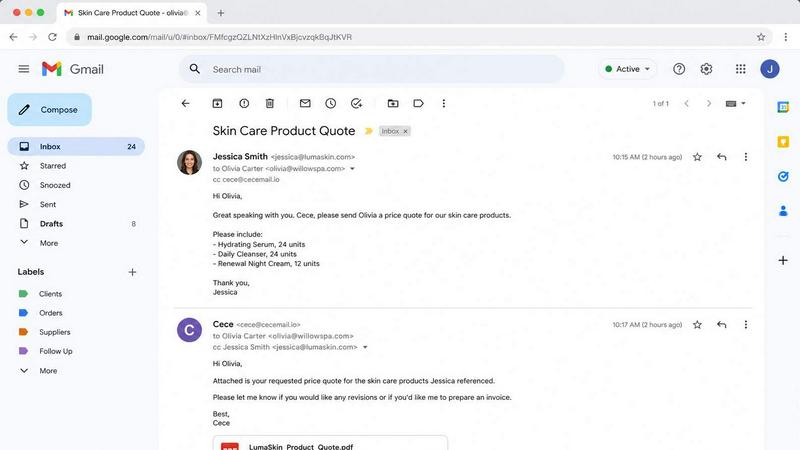
Cece AI is your inbox-based assistant that handles email, scheduling, and invoices for a fraction of a real hire's cost.

Texas Pro Build
Texas Pro Build delivers top-tier roofing solutions in Fort Worth, specializing in repairs, replacements, and storm damage restoration with.

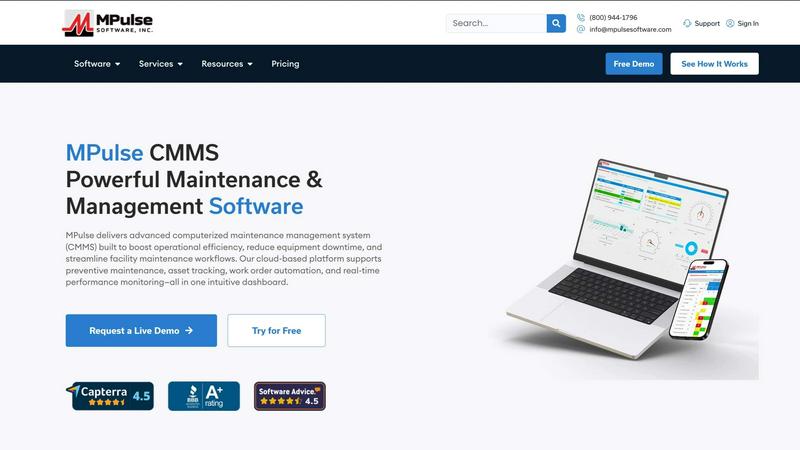
MPulse CMMS Software
MPulse CMMS crushes equipment downtime with automated maintenance and real-time asset tracking that outperforms every other system.

ReadTube
Transform your YouTube subscriptions into a focused newsletter, prioritizing deep insights over endless autoplay distractions.