
Video to Text
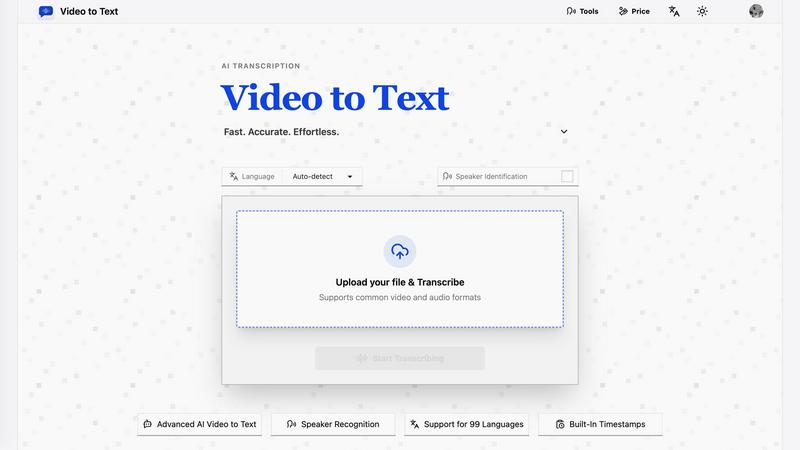
Transform any video or audio into accurate, timestamped text in minutes with our fast and effortless AI transcription tool.
About Video to Text
Video to Text is an innovative AI-powered transcription service that seamlessly converts video and audio files into accurate, clean, and exportable text. Designed for creators, teams, and individuals alike, it offers a fast and reliable solution for anyone in need of efficient speech-to-text conversion. With Video to Text, the hassle of setting up a transcription pipeline is eliminated; users can simply upload their media, let the AI handle the transcription process, and download the results in a format tailored to their workflow. The platform supports a wide array of languages and includes features like speaker identification and built-in timestamps, making it an indispensable tool for content creators, educators, and professionals who rely on precise and accessible text from their audio-visual materials.
Features of Video to Text
AI-Powered Transcription
Leverage advanced AI technology that ensures high-accuracy transcription of both video and audio files. The automated process saves time and effort, allowing users to focus on their core tasks while the AI takes care of converting spoken language into written text.
Multi-Language Support
Video to Text supports automatic language detection and transcription in 99 languages. This feature is ideal for global users and enables content creation in diverse languages, accommodating mixed-language recordings effortlessly.
Speaker Diarization
The platform’s speaker recognition technology identifies different speakers within the audio, providing a clear and organized transcript. This feature is crucial for interviews, meetings, and any scenario where multiple voices need to be distinguished in the final text output.
Flexible Export Options
Users can export their transcripts in various formats, including TXT, SRT, VTT, and CSV. This flexibility ensures compatibility with different applications, whether for subtitles, text editing, or structured data analysis, making it suitable for a wide range of professional uses.
Use Cases of Video to Text
YouTube Subtitles Creation
Content creators can effortlessly generate subtitles for their YouTube videos, enhancing accessibility and viewer engagement. By providing accurate captions, creators can reach a broader audience, including those with hearing impairments or non-native speakers.
Meeting and Webinar Transcription
Transform meetings, webinars, and conference calls into searchable notes, allowing participants to revisit discussions and decisions. This use case is particularly beneficial for teams and organizations that require accurate records for accountability and reference.
Interview Transcriptions for Journalism
Journalists can quickly transcribe interviews, providing a solid foundation for articles, reports, and research. The ability to capture spoken content accurately streamlines the writing process and helps maintain the integrity of quotes.
Educational Resource Development
Educators can convert lectures and lessons into text, creating valuable study materials for students. This feature not only aids in retention but also allows for easier distribution of learning resources, catering to diverse learning preferences.
Frequently Asked Questions
What is Video to Text?
Video to Text is an AI transcription tool that automatically converts video and audio files into text. It provides a user-friendly interface, high accuracy, and multiple export options, making it ideal for content creators and professionals.
How does the speaker identification feature work?
The speaker identification feature, also known as speaker diarization, distinguishes different speakers in the audio. This ensures that the transcript accurately reflects who said what, which is especially useful in interviews, meetings, and collaborative discussions.
What formats does Video to Text support for uploads?
Video to Text supports a variety of common video formats, including MP4, MOV, MKV, WEBM, and M4V, as well as audio formats like MP3, WAV, M4A, FLAC, OGG, AAC, and OPUS. This wide compatibility allows for easy uploads from various sources.
Are there any costs associated with using Video to Text?
Video to Text operates on a pay-as-you-go model with no subscriptions required. Users can purchase minutes as needed, making it a cost-effective option for occasional users and large-scale transcription needs alike.
Pricing of Video to Text
Starter Plan: $9.9 for 200 minutes
Most Popular Plan: $19.9 for 600 minutes
Best Value Plan: $99 for 6000 minutes
New users receive 30 free transcription minutes to explore the platform before committing to a plan. Pay only for what you use, ensuring flexibility and affordability.
Top Alternatives to Video to Text
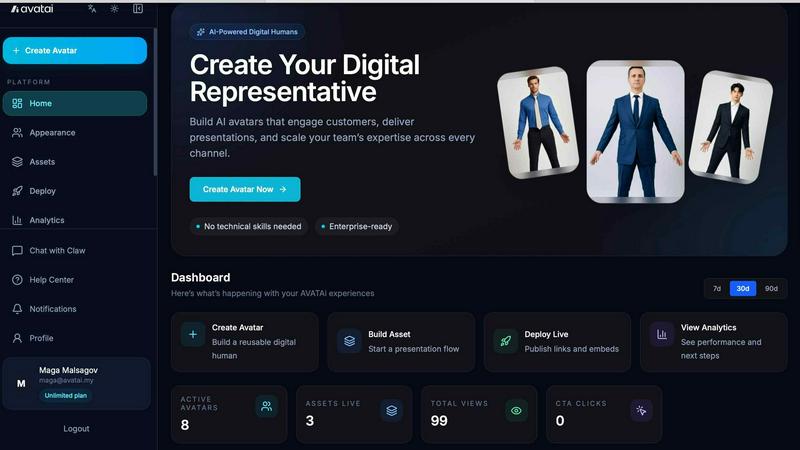
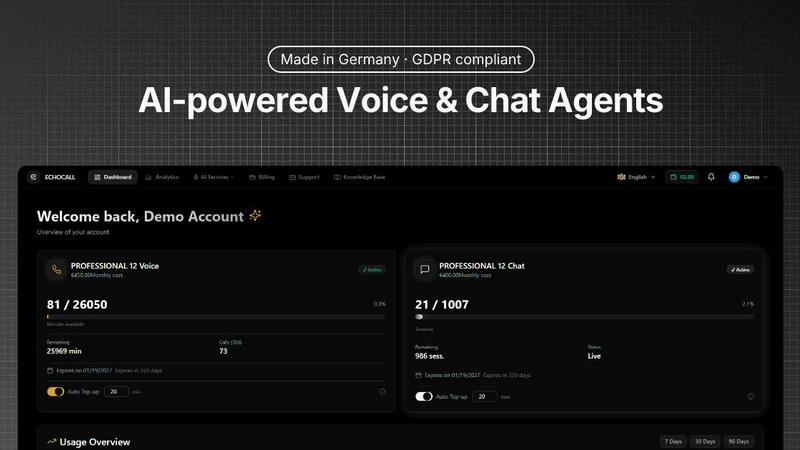
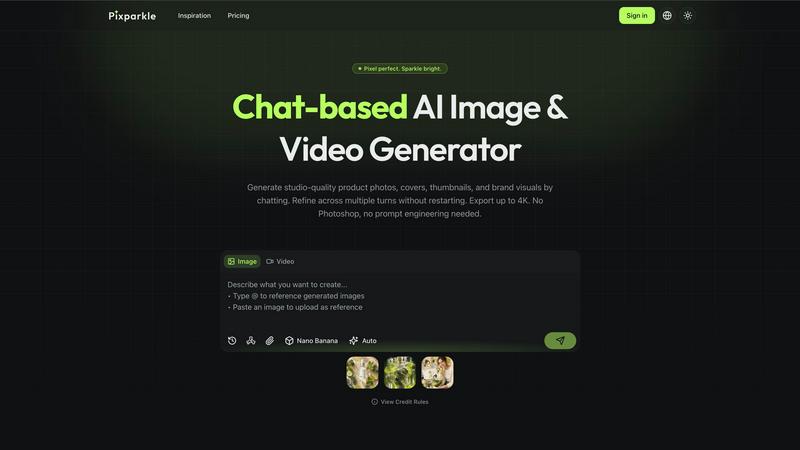
Pixparkle
Pixparkle is a chat-based AI image and video generator that creates stunning visuals effortlessly with no design skills required.
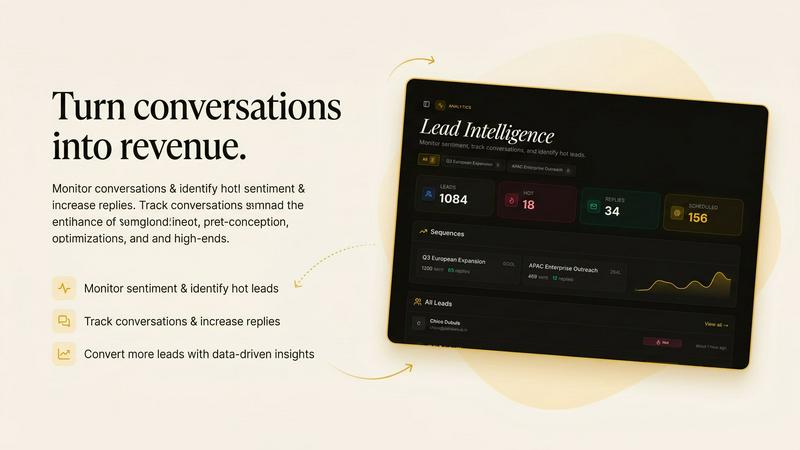
Cognlay
Cognlay is an AI outbound engine that rewrites follow-ups autonomously by learning from prospect engagement signals.
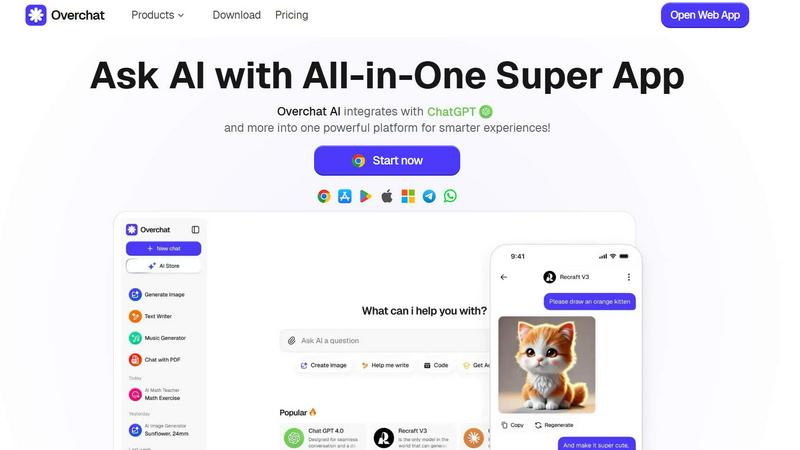
Overchat AI
Overchat AI crushes standalone tools by giving you unlimited access to the latest models for chat, images, and video in one powerful platform.
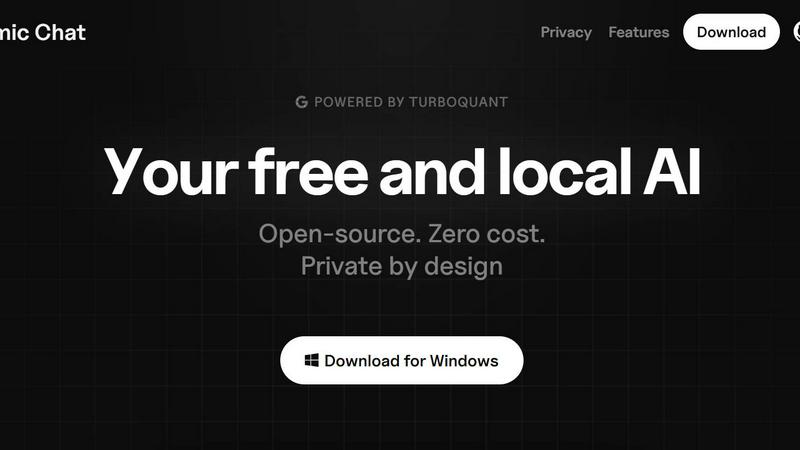
Atomic Chat
Atomic Chat is your free, private, local AI with no rate limits, no cloud, and 1000+ models.
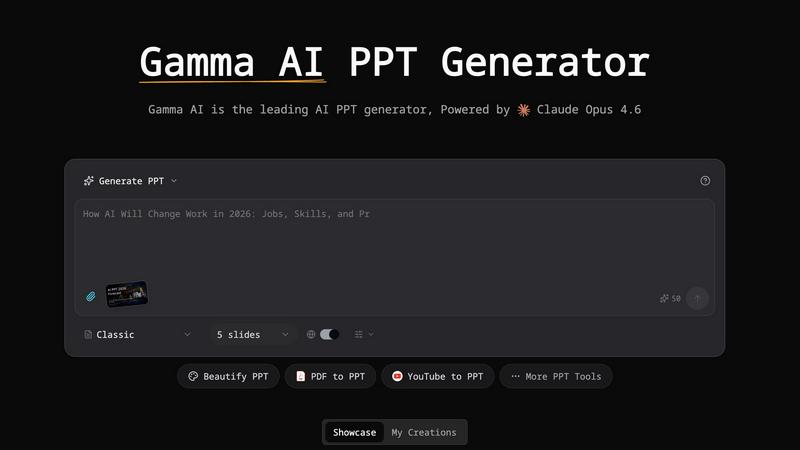
Gamma AI
Gamma AI is the top AI PPT generator that creates stunning professional presentations in minutes from text or existing slides.

OGTV
OGTV is the ultimate Omegle alternative for genuine connections, offering fast, free, and secure 1v1 video and text chats worldwide.