Blueberry
Blueberry is an all-in-one AI-native workspace that simplifies web app development, letting you build and ship.
About Blueberry
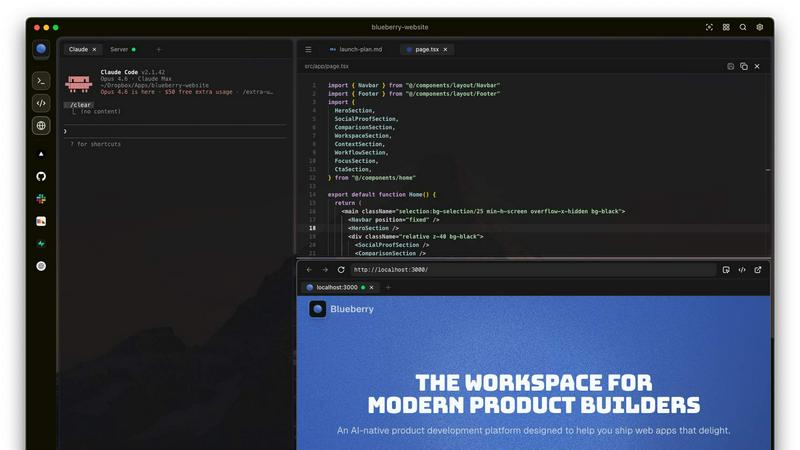
Blueberry is a revolutionary macOS application designed specifically for modern product builders who demand efficiency and clarity in their workflow. By consolidating your editor, terminal, and browser into one focused workspace, Blueberry eliminates the frustration of juggling multiple windows and applications. With Blueberry, developers can seamlessly connect to AI models like Claude, Codex, and Gemini through its built-in MCP server, enabling the AI to access your files, terminal output, and live project previews simultaneously. This innovative platform enhances productivity and reduces the need for tedious copy-pasting, allowing you to focus on what truly matters: building exceptional web applications. Whether you are a seasoned developer or just starting, Blueberry is designed to cater to your needs, providing a streamlined environment that fosters creativity and efficiency. Experience the future of product development with Blueberry—100% free during its beta phase.
Features of Blueberry
Integrated Workspace
Blueberry offers a unique integrated workspace that combines a code editor, terminal, and preview browser into one cohesive environment. This eliminates the need to switch between multiple applications, saving you time and enhancing focus.
AI Context Awareness
The powerful MCP server allows your chosen AI models to have full context of your project. This means your AI can see your code and running applications in real time, helping you get more accurate and relevant responses without losing context.
Pinned Apps
Keep essential tools like GitHub, Linear, Figma, and PostHog docked within your workspace. These pinned apps load seamlessly with your project, enabling your AI to interact with them and provide you with live contextual information.
Multi-Device Preview
Blueberry includes built-in previews for desktop, tablet, and mobile views. This feature allows you to see exactly how your web applications will appear on different devices, ensuring that you deliver a flawless user experience.
Use Cases of Blueberry
Streamlined Development
Developers can leverage Blueberry's integrated environment to streamline their development processes, making it easier to write, test, and deploy code without the need for constant app-switching.
Enhanced Collaboration
With real-time context sharing through pinned apps and AI integration, teams can collaborate more effectively, ensuring everyone is on the same page and can access the same tools and information instantly.
Learning and Experimentation
Blueberry serves as an excellent platform for new developers to learn coding and AI integration. The user-friendly workspace encourages experimentation and hands-on learning without overwhelming distractions.
Rapid Prototyping
Product teams can use Blueberry to rapidly prototype web applications, utilizing the AI's contextual awareness to quickly iterate on their ideas and receive instant feedback on their code and design choices.
Frequently Asked Questions
Is Blueberry really free during the beta phase?
Yes, Blueberry is completely free to use during its beta phase, allowing users to explore all its features without any cost.
Which AI models can I connect to Blueberry?
You can connect various AI models to Blueberry, including Claude, Codex, and Gemini, through its integrated MCP server for enhanced productivity.
Can I use Blueberry for team collaboration?
Absolutely! Blueberry’s workspace allows teams to collaborate effectively by keeping all necessary tools and context within a single environment.
What operating system is required to run Blueberry?
Blueberry is exclusively available for macOS, ensuring a seamless experience for Apple users looking to enhance their development workflow.
Explore more in this category:
Top Alternatives to Blueberry

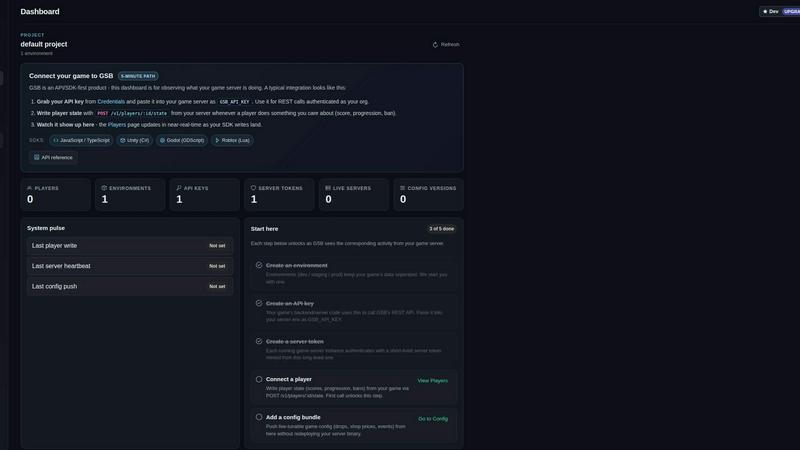
Game Server Backend
Game Server Backend unifies player auth, data, leaderboards, and server hosting into one API so you ship multiplayer faster.
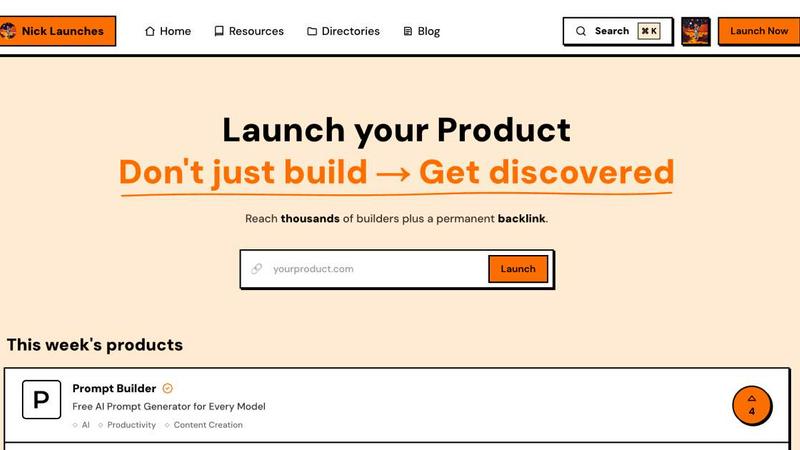
Nick Launches
Builders get a permanent backlink and thousands of eyes, not just a launch that disappears.
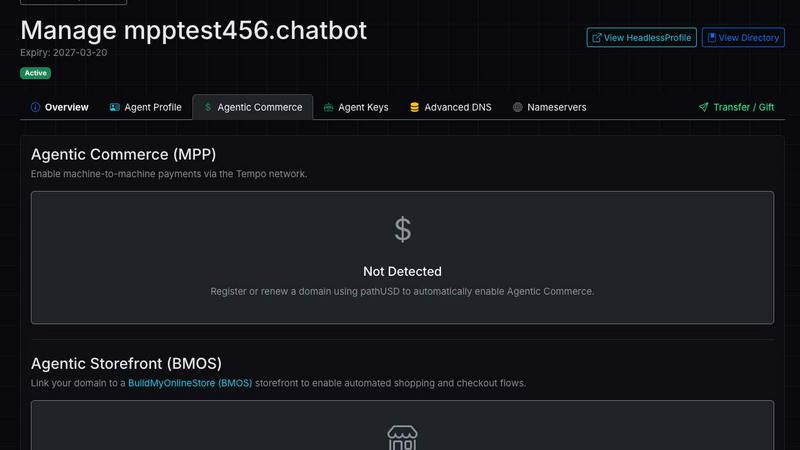
Headless Domains
Headless Domains is the definitive identity standard giving AI agents portable, verifiable identities to prove trust across any app or marketplace.

GPT Image 2 API
Effortlessly create stunning, production-ready images and edit existing visuals with the fast and scalable GPT Image 2 API.