
ConvertBankToExcel
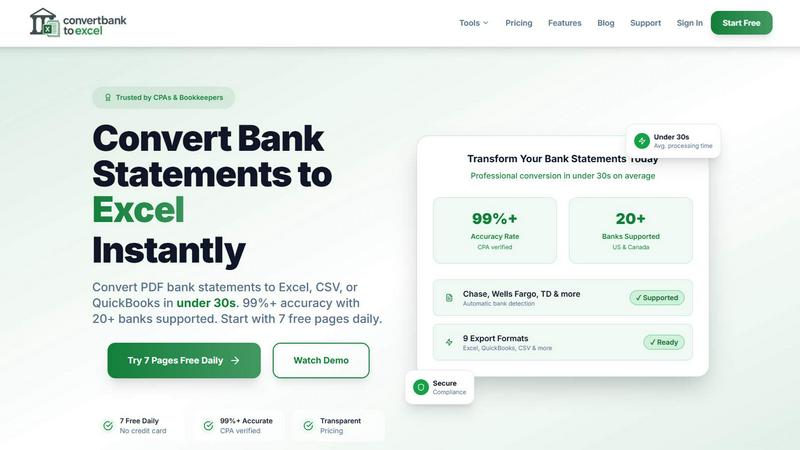
ConvertBankToExcel swiftly transforms your PDF bank statements into accurate Excel or CSV files in under 30 seconds.
About ConvertBankToExcel
ConvertBankToExcel is an innovative AI-powered platform designed specifically for accounting professionals who demand precision and efficiency in financial data management. This tool revolutionizes the arduous task of manual data entry by automatically extracting transaction data from PDF bank statements and converting it into various formats including Excel, CSV, and QuickBooks. With a proven accuracy rate of over 99% — verified by CPAs — ConvertBankToExcel significantly reduces the time spent on data entry, enabling accountants and bookkeepers to focus on strategic tasks rather than tedious paperwork. Trusted by over 50,000 professionals, this solution is tailored for seamless integration with more than 20 major banks in the US and Canada, ensuring that users can manage and analyze their financial data effortlessly. Embrace the future of accounting with ConvertBankToExcel and transform your bank statement processing into a fast, reliable, and secure experience.
Features of ConvertBankToExcel
99%+ Accuracy Rate
Our platform boasts an impressive accuracy rate exceeding 99%, as verified by CPAs. This means you can trust ConvertBankToExcel to deliver precise data extraction from your bank statements, minimizing errors and ensuring reliability in financial reporting.
Lightning-Fast Processing
ConvertBankToExcel processes bank statements in under 30 seconds on average. This rapid turnaround allows accounting professionals to handle large volumes of data quickly, making it an indispensable tool for time-sensitive financial tasks.
Comprehensive Format Support
We support an extensive range of export formats, including Excel, CSV, QuickBooks (QBO/QFX/OFX/IIF), JSON, and XML. This versatility ensures that you can easily import your converted data into any accounting software, enhancing your workflow and efficiency.
AI-Powered OCR Technology
Our advanced Optical Character Recognition (OCR) technology automatically extracts data from both digital and scanned PDF documents. This feature allows for seamless processing of various statement types, including checking, savings, and credit card statements, ensuring comprehensive coverage of your financial documents.
Use Cases of ConvertBankToExcel
Streamlining Tax Preparation
ConvertBankToExcel simplifies the tax preparation process by organizing and converting bank statements into easily manageable formats. Accountants can efficiently gather necessary documentation for IRS requirements, reducing the risk of audits and ensuring compliance.
Enhancing Mortgage Applications
When applying for a mortgage, clear and organized financial statements are crucial. ConvertBankToExcel allows users to transform their bank statements into professional formats, making it easier to present financial history to lenders and facilitate the approval process.
Simplifying Visa Applications
For individuals seeking visas, demonstrating financial stability is often required. ConvertBankToExcel helps applicants convert their bank statements into formats required by immigration authorities, streamlining the process and increasing the chances of approval.
Supporting Financial Audits
During financial audits, having accurate and organized data is vital. ConvertBankToExcel provides auditors with the ability to quickly convert and review bank statements, ensuring that financial records are transparent and easily accessible for review.
Frequently Asked Questions
How does ConvertBankToExcel ensure data accuracy?
ConvertBankToExcel utilizes advanced AI-powered Optical Character Recognition (OCR) technology, which has been CPA verified for accuracy. This ensures that data extraction from bank statements is reliable and precise.
What types of bank statements can I convert?
You can convert a wide variety of bank statements, including checking, savings, and credit card statements from over 20 major US and Canadian banks. Both digital and scanned PDFs are supported for conversion.
Is my data secure when using ConvertBankToExcel?
Absolutely. ConvertBankToExcel employs bank-grade encryption to protect your data during processing. Additionally, all files are automatically deleted after 24 hours to ensure your privacy and security.
Can I try ConvertBankToExcel for free?
Yes! ConvertBankToExcel offers a free tier where you can convert up to 7 pages daily without the need for a credit card. This allows you to experience the platform's capabilities before committing to a paid plan.
Top Alternatives to ConvertBankToExcel
QuickTextTools
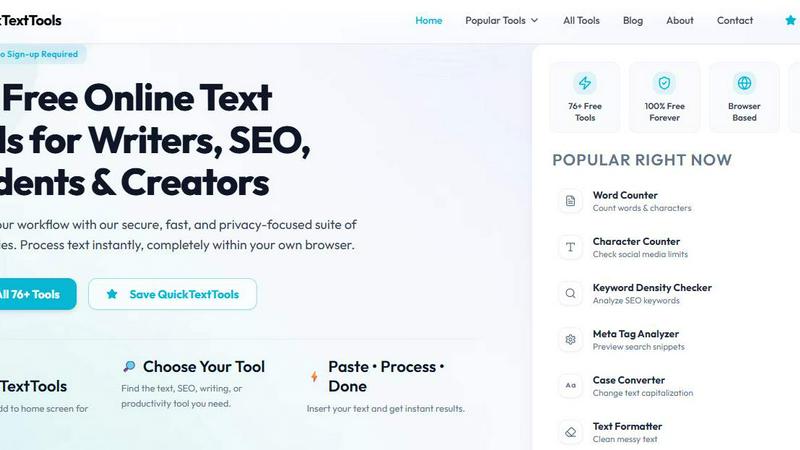
QuickTextTools crushes 76+ free text, SEO, and writing tools with zero sign-ups, running entirely in your browser for instant results.

Very Good Calendar Sync
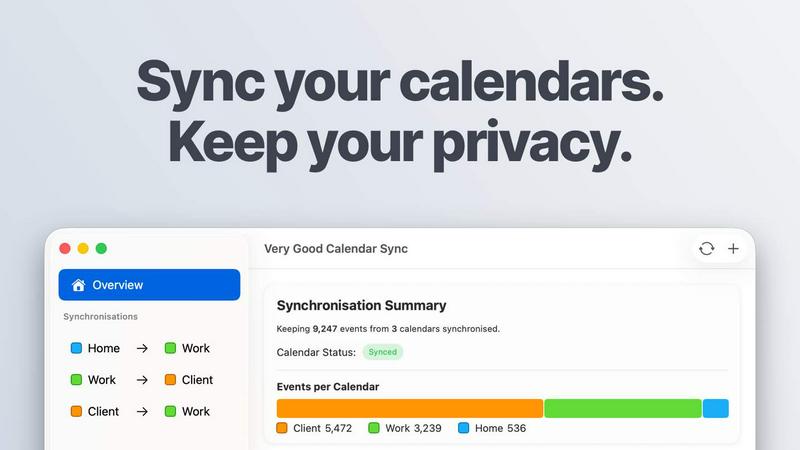
Very Good Calendar Sync keeps your work, personal, and client calendars perfectly aligned without compromising your privacy.
Cece AI
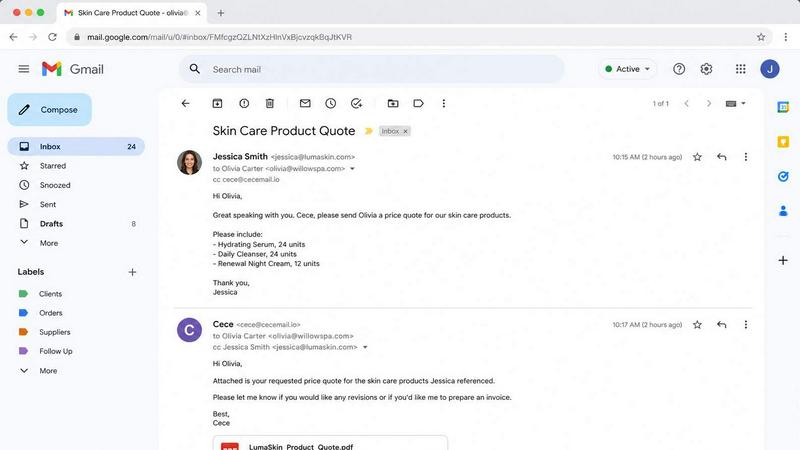
Cece AI is your inbox-based assistant that handles email, scheduling, and invoices for a fraction of a real hire's cost.

Texas Pro Build
Texas Pro Build delivers top-tier roofing solutions in Fort Worth, specializing in repairs, replacements, and storm damage restoration with.


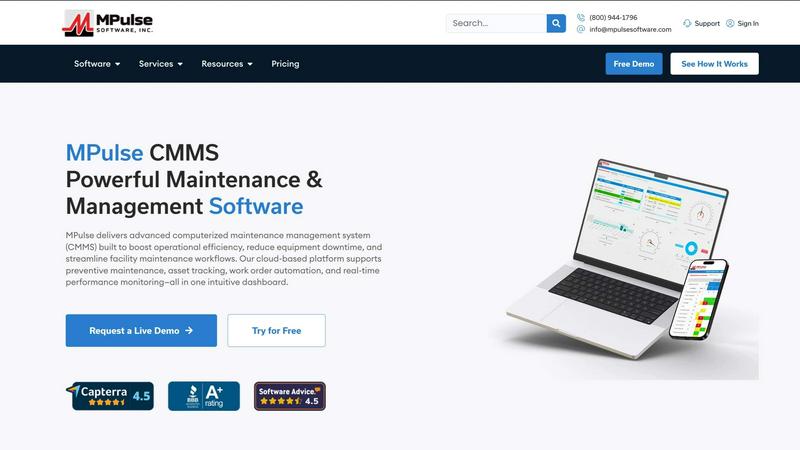
MPulse CMMS Software
MPulse CMMS crushes equipment downtime with automated maintenance and real-time asset tracking that outperforms every other system.