GPT Image 2
GPT Image 2 turns text prompts and reference images into polished visuals with instant AI editing that outpaces basic generators.
About GPT Image 2
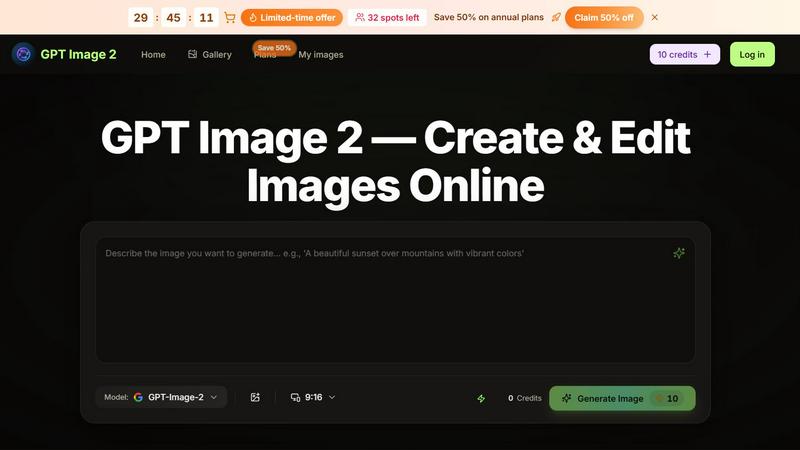
GPT Image 2 is a powerful AI image generator and editor that puts the capabilities of the advanced GPT-Image-2 model directly into your browser. This tool is built for speed and simplicity, allowing anyone from e-commerce sellers to content creators to generate professional-grade visuals from text prompts, edit images using plain English commands, and remix reference images for consistent branding. The core value proposition is eliminating the need for complex design software or hiring photographers. You can describe a product photo, a marketing visual, or a social graphic, and GPT Image 2 delivers a polished, usable image in under 30 seconds. It is not just a generator; it is a complete image workflow tool. You can start from a blank text prompt, upload an existing image for editing, or provide a reference for style and then change the subject. The editing capabilities are equally impressive. You can swap backgrounds, remove objects, adjust styles, or make detailed tweaks by simply typing what you want. This makes it a direct competitor to traditional photo editing suites, offering a faster, more intuitive alternative. GPT Image 2 is designed for professionals who need to iterate quickly, from marketers A/B testing ad creatives to freelancers delivering consistent series of visuals. It offers a free tier to get started and scales with a Pro plan for higher generation limits and priority processing. The entire experience is browser-based, meaning no downloads, no installations, and no hardware limitations.
Features of GPT Image 2
Text to Image Generation
Turn your written ideas into stunning visuals with unmatched speed. By typing a simple description in plain English, you can generate product photos, marketing visuals, social graphics, or concept art. The GPT-Image-2 model interprets your intent accurately, producing clean, usable images in seconds. This feature is perfect for creating ads, thumbnails, and e-commerce assets without any design skills.
AI Image Editing with Plain English
Upload any image and describe the changes you want to make. You can swap backgrounds, shift the artistic style, remove unwanted objects, or tweak specific details. There is no need for complex software like Photoshop. GPT Image 2 performs these edits directly in your browser, keeping the iteration process fast and intuitive. This feature empowers marketers and creators to refine visuals on the fly.
Reference Remix for Consistent Style
Upload a reference image to capture its look, feel, or style, and then describe a new subject or scene. GPT Image 2 follows both cues to create on-brand variations, consistent series of images, or A/B test visuals without the need for reshoots. This is a powerful feature for maintaining brand consistency across a campaign or catalog, allowing you to generate multiple variations that all look like they belong together.
High-Speed Browser Workflow
The entire creation process is optimized for speed and efficiency. You can generate a first draft of an image in under 30 seconds, with fewer retries and less guesswork. The tool is designed to follow your intent precisely, so you spend more time creating and less time debugging prompts. This browser-based workflow means you can start working immediately without any software installation or hardware upgrades.
Use Cases of GPT Image 2
E-commerce Product Photography
Generate professional product photos, lifestyle shots, and ads without hiring a photographer or renting a studio. Describe your product and the desired scene, whether it is a clean white background, a lifestyle setting, or a creative angle. GPT Image 2 creates ready-to-use images for listings, ads, and social media, saving you significant time and money while allowing you to quickly test different visual concepts.
Marketing and Ad Creative Generation
Marketers and brands can create and iterate on ad creatives in minutes. Generate hero images for landing pages, social media graphics, and campaign visuals directly from text prompts. The ability to edit images with plain English allows for rapid A/B testing of different backgrounds, styles, and compositions, helping you find the highest-performing visuals for your campaigns without waiting for a design team.
Content Creation for Social Media
Content creators and influencers can generate unique, eye-catching visuals for their social channels. Whether you need a thumbnail for a video, a background for a quote, or a conceptual image to illustrate a point, GPT Image 2 delivers. The reference remix feature allows you to maintain a consistent aesthetic across your entire feed, building a recognizable brand identity without needing advanced design skills.
Design Iteration and Freelance Work
Designers and freelancers can use GPT Image 2 to rapidly prototype visual ideas, generate mood boards, or create variations of a base design. The tool acts as an accelerator for the creative process, allowing you to explore many directions quickly before committing to a final design. Editing with plain English makes it easy to communicate changes and iterate with clients, streamlining the entire workflow from concept to delivery.
Frequently Asked Questions
How does GPT Image 2 compare to other AI image generators?
GPT Image 2 is built for speed and a complete workflow. While many tools focus only on generation, GPT Image 2 combines text-to-image, AI image editing with plain English, and a reference remix feature in one browser-based tool. It is designed to minimize retries and guesswork, generating first drafts in under 30 seconds that closely follow your intent. This makes it a more efficient and integrated solution for professionals who need to create and edit visuals quickly.
Do I need any design skills to use GPT Image 2?
No. The tool is designed for anyone to use, regardless of design experience. You create and edit images by typing descriptions in plain English. To generate an image, you simply describe what you want. To edit an image, you upload it and describe the changes you want to make, such as "swap the background to a beach" or "remove the red object." The AI handles the complex technical work.
What can I use GPT Image 2 for?
You can use GPT Image 2 for a wide range of visual tasks. This includes generating product photos for e-commerce listings, creating marketing and ad creatives, designing social media graphics and thumbnails, producing concept art, editing and retouching existing photos, and creating consistent visual series for branding. It is a versatile tool for sellers, marketers, content creators, and designers.
How does the Reference Remix feature work?
The Reference Remix feature allows you to upload an image to define the visual style or look you want. You then describe a new subject or scene. GPT Image 2 combines these two inputs to generate a new image that maintains the style of your reference while depicting the new subject you described. This is ideal for creating on-brand variations, consistent product series, or A/B test visuals that share a common aesthetic.
Pricing of GPT Image 2
GPT Image 2 offers a free tier that provides 10 credits to try text-to-image generation and AI image editing. For users who need higher daily generation limits and priority processing, the tool offers an upgrade to GPT Image Pro. A limited-time offer is available, saving 50% on annual plans, with only 32 spots left. Users can claim this offer by clicking "Save 50%" on the website.
Top Alternatives to GPT Image 2
Lip Sync AI
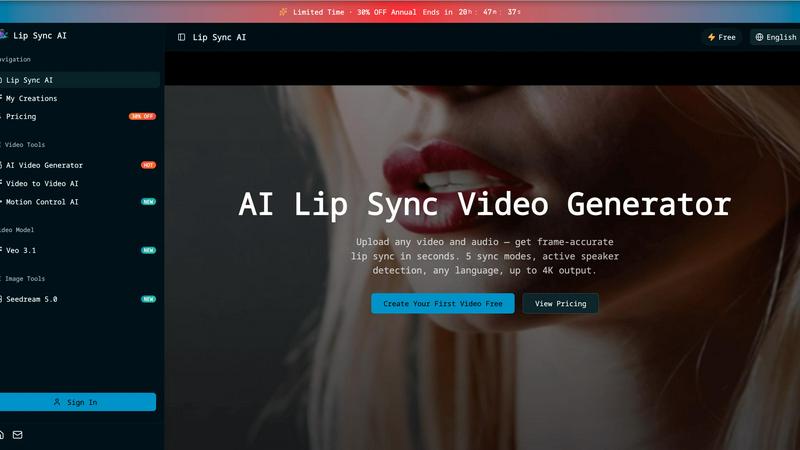
Lip Sync AI delivers frame-accurate, multilingual lip synchronization for any video in seconds, beating expensive tools with 5 sync modes and up to.

MStudio
MStudio revolutionizes filmmaking by transforming scripts into pitch-ready storyboards with AI-driven efficiency and seamless workflows.
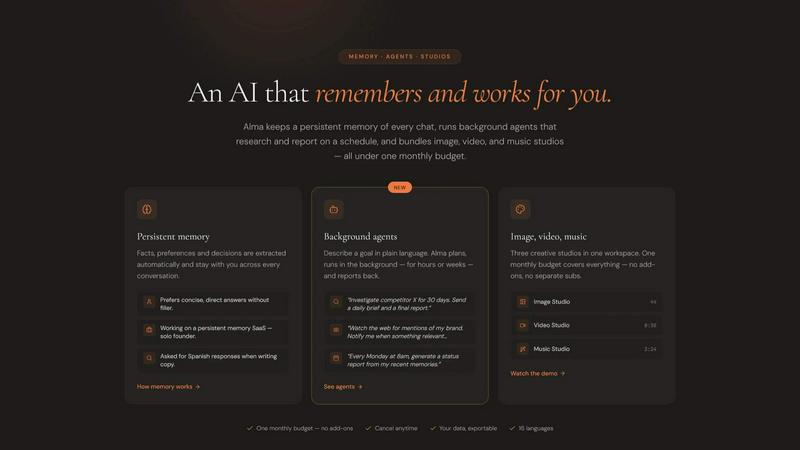
Alma by Olivares AI
Alma by Olivares AI seamlessly combines persistent memory and creative studios, empowering you to work smarter and more efficiently.
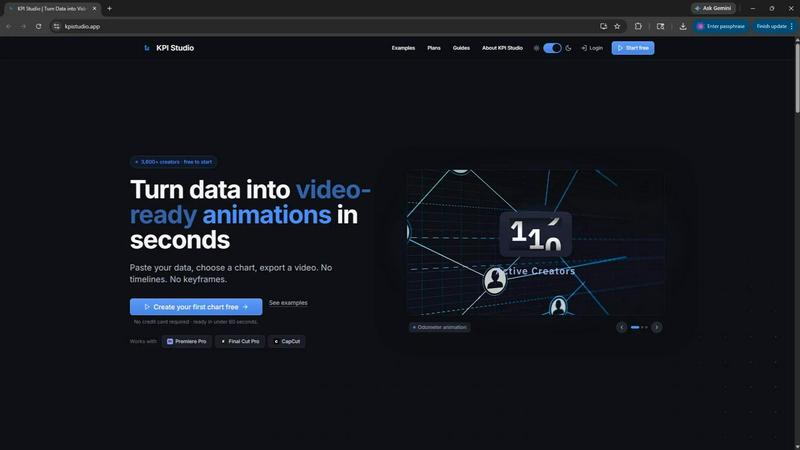
KPI Studio
Transform your data into stunning video animations in under 60 seconds with KPI Studio—no design skills required.
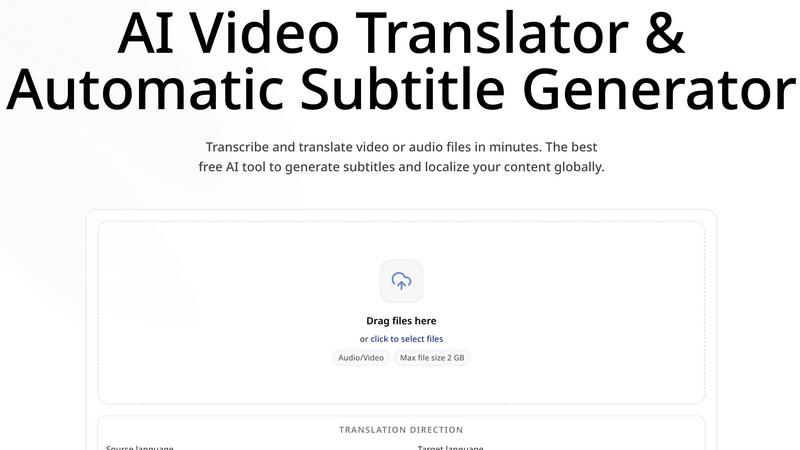
CoffeeTrans
CoffeeTrans beats generic tools by delivering Netflix-level subtitles and multi-language translations from any audio or video file in one click.
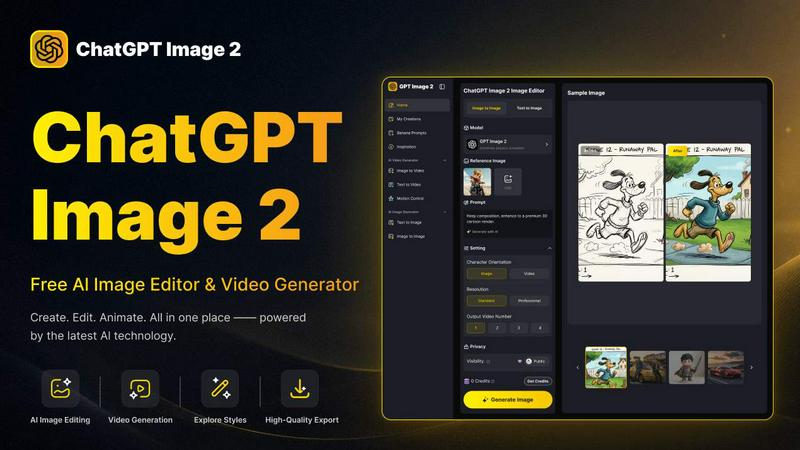
ChatGPT Image 2
ChatGPT Image 2 crushes the competition by delivering free, pro-grade AI image editing, flawless text rendering, and stunning video generation all in.
Editly AI
Editly AI replaces human editors by turning raw footage into polished videos from a single text prompt in minutes.