
Editly AI
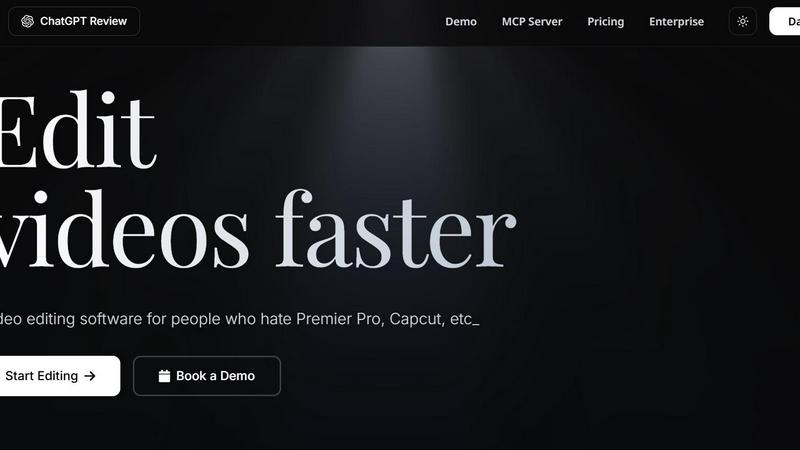
Editly AI replaces human editors by turning raw footage into polished videos from a single text prompt in minutes.
About Editly AI
Editly AI is a revolutionary agentic video editor that transforms how video content is created. Instead of wrestling with complex timelines, layers, and effects in traditional software like Premiere Pro or CapCut, Editly lets you edit videos by simply typing what you want. Upload your raw footage, describe your desired outcome in plain English, and the AI autonomously executes the edit, delivering a finished video in minutes. This tool is built for a wide range of users, including marketing teams, founders, solo creators, and course businesses who need to produce high-quality video content rapidly without the high cost and slow turnaround of human editors. The core value proposition is a massive reduction in both time and cost: users can cut video production expenses by up to 90% and ship finished videos in minutes instead of waiting days or weeks. Editly eliminates the need for $5,000 agency invoices and the back-and-forth of traditional editing. It handles everything from automatic captioning and multi-format reframing for platforms like Reels, YouTube, and Shorts, to unlimited revisions via a simple chat interface. With a flat monthly subscription that includes unlimited renders, Editly positions itself as the ultimate alternative to expensive human editors and time-consuming DIY software, offering a 24/7 turnaround that keeps your content pipeline flowing.
Features of Editly AI
Natural Language Video Editing
The core feature of Editly is its ability to understand and execute edits based on natural language prompts. Instead of learning complex software, you simply type instructions like "remove silences," "add B-roll," or "highlight the funny parts." The agentic AI analyzes the video's content, audio, and context to autonomously apply these edits, turning a raw video into a polished final product with zero timeline work.
Automatic Captions and Multi-Format Reframing
Editly automatically generates accurate, styled captions for your videos, enhancing accessibility and engagement, especially for social media where silent viewing is common. Furthermore, it offers intelligent multi-format reframing, allowing you to take one source video and instantly produce versions optimized for TikTok, Instagram Reels, YouTube Shorts, and other platforms. This eliminates the tedious manual work of re-editing for each aspect ratio.
Unlimited Revisions via Chat
Unlike traditional editing where revisions involve slow, frustrating back-and-forth emails, Editly offers unlimited revisions through a simple chat interface. You can ask for changes, tweak the pacing, adjust the music, or refine the captions, and the AI will apply your feedback instantly. This iterative process is seamless and fast, ensuring the final video matches your exact vision without any additional cost or delay.
Cloud-Based Processing and 24/7 Turnaround
Editly is entirely cloud-based, meaning you do not need a powerful computer to run it. All the heavy lifting for video analysis, processing, and rendering is handled on Editly's servers, accessible from any device with a web browser, including laptops, tablets, and smartphones. This infrastructure supports a 24/7 turnaround, so you can submit a job at any time and get your finished video back in minutes, keeping your content production on schedule around the clock.
Use Cases of Editly AI
Social Media Content Creation for Creators
Creators on TikTok, Instagram, and YouTube can use Editly to dramatically speed up their workflow. Instead of spending hours cutting down raw footage, adding captions, and reformatting for different platforms, they can simply upload their video and ask Editly to "create a 60-second highlight reel for Reels with dynamic captions." The AI handles the rest, allowing creators to post more frequently and focus on filming, not editing.
Marketing Team Ad and Promo Video Production
Marketing teams can skip expensive agency fees and long wait times by using Editly for ad cuts and promotional videos. They can upload raw product footage or testimonials and prompt the AI to "create a 15-second ad cut with a fast pace and a call to action at the end." This enables rapid A/B testing of different creative approaches and allows teams to respond to market trends with video content in minutes, not days.
Podcast and Long-Form Content Repurposing
Podcasters and long-form content creators can use Editly to efficiently repurpose their hours-long recordings. Instead of manually scrubbing through a 60-minute podcast to find the best moments, they can ask Editly to "extract the top 3 funny moments into separate clips for Shorts" or "trim the fluff and add chapter markers for a YouTube upload." This turns a single recording session into a week's worth of content.
Course and Educational Video Creation
Course creators and educators can use Editly to produce polished training modules without a production team. They can upload screen recordings or lecture footage and prompt the AI to "remove all silences and ums, add text overlays for key terms, and create a clean intro and outro." This allows educators to focus on the quality of their teaching material while Editly handles the technical editing, making professional course production accessible to anyone.
Frequently Asked Questions
Is Editly good for TikTok and Instagram Reels?
Yes, Editly is specifically trained on high-performing social media content. It understands pacing, trends, and formats for TikTok, Instagram Reels, and YouTube Shorts. You can ask it to make a video viral or cut it for TikTok, and it will apply fast cuts, dynamic captions, and trending styles automatically, saving you hours of manual work.
How does the AI video editor work?
Unlike traditional editors where you move clips on a timeline, Editly works with natural language prompts. You upload your raw footage and type instructions like "remove silences," "add B-roll," or "highlight the funny parts." Our agentic AI analyzes the video content, audio, and context to execute these edits autonomously, delivering a finished video in minutes.
Can I use Editly for long-form YouTube videos?
Absolutely. Editly can process long recordings, podcasts, or vlogs. You can use it to trim fluff, remove dead air, add chapter markers, or even repurpose a long video into multiple short viral clips for social media. It is designed to handle both short and long-form content efficiently.
Do I need a powerful computer to use Editly?
No. Editly is entirely cloud-based. All the heavy lifting for video analysis, processing, and rendering happens on our powerful servers. You can use Editly on any device with a web browser, including laptops, tablets, and even smartphones, making it accessible from anywhere.
Pricing of Editly AI
Editly offers a flexible pricing model to suit different needs. You can start with a Free Trial to test the waters with 3 lifetime credits, community support, and basic rendering. For serious creators, the Pro plan is available at $28 per month (billed yearly) and includes 100 credits per month, founder support, and high upload limits. A Max plan with more credits and features is also available for power users. A yearly subscription saves you 30% compared to the monthly billing option.
Top Alternatives to Editly AI
CoffeeTrans
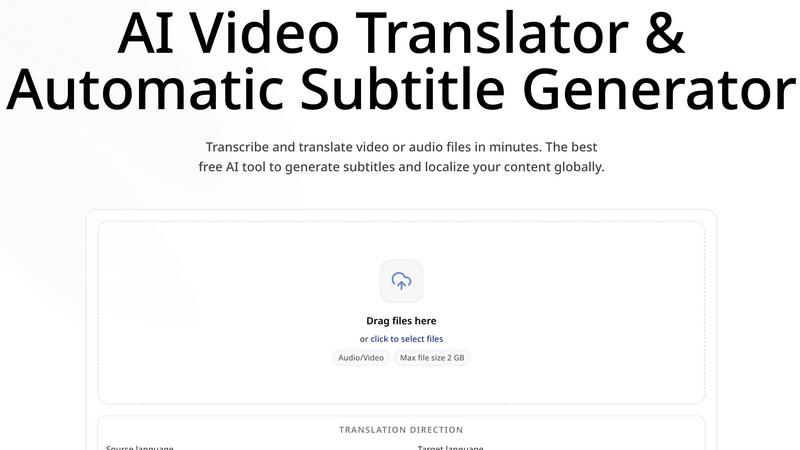
CoffeeTrans: Generate Netflix-Level Precise Subtitles for Audio & Video in One Click
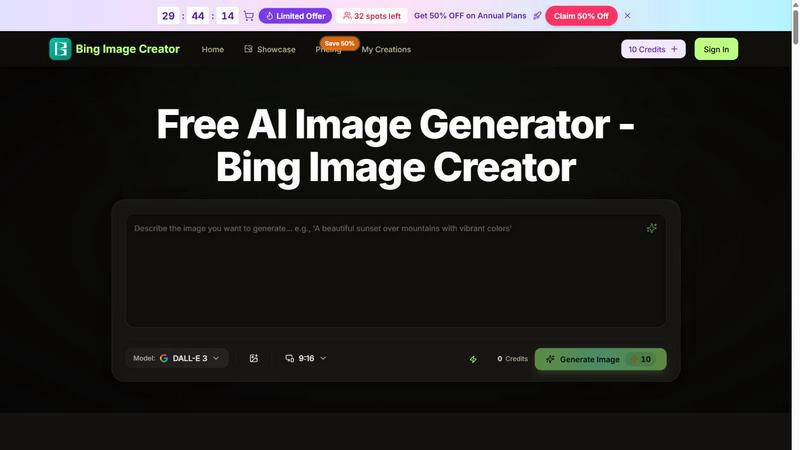
Bing Image Creator
Bing Image Creator crushes Midjourney and DALL-E 3 with free, professional 4K visuals from text or blended images.
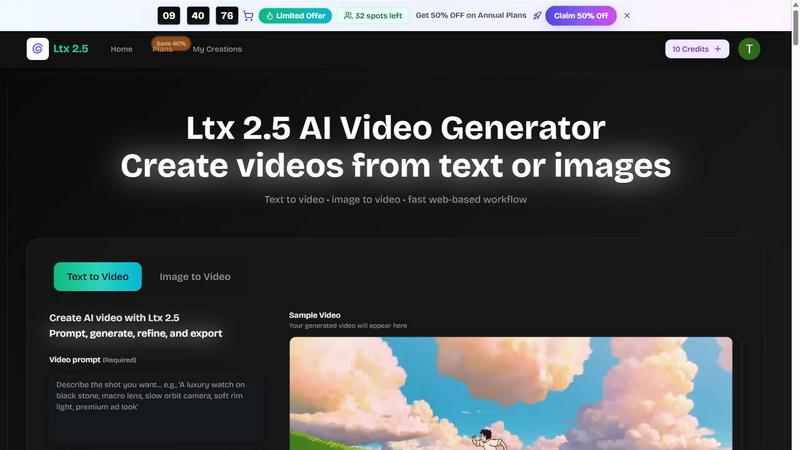
Ltx 2.5
Ltx 2.5 is an AI video generator that transforms text and images into stunning videos quickly and effortlessly for all your creative needs.

EsyBlog
EsyBlog transforms your data into editorial-grade articles for programmatic SEO, enhancing content quality without the AI clutter.
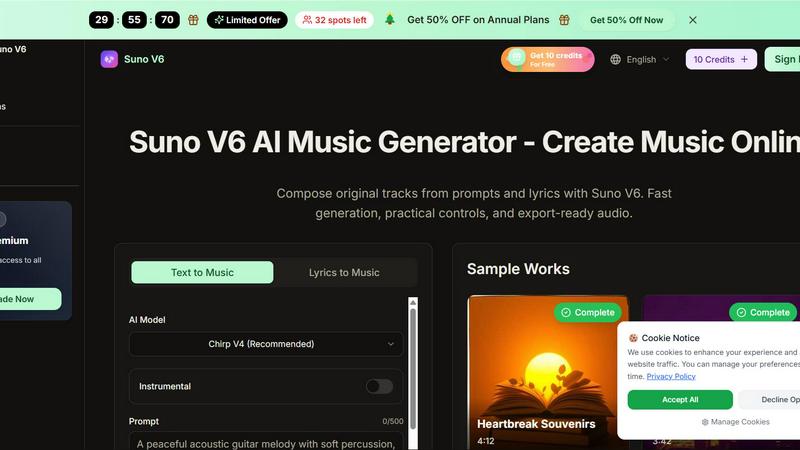
Suno V6
Suno V6 crushes other AI music tools by generating studio-quality songs, vocals, and lyrics from your prompts in seconds.
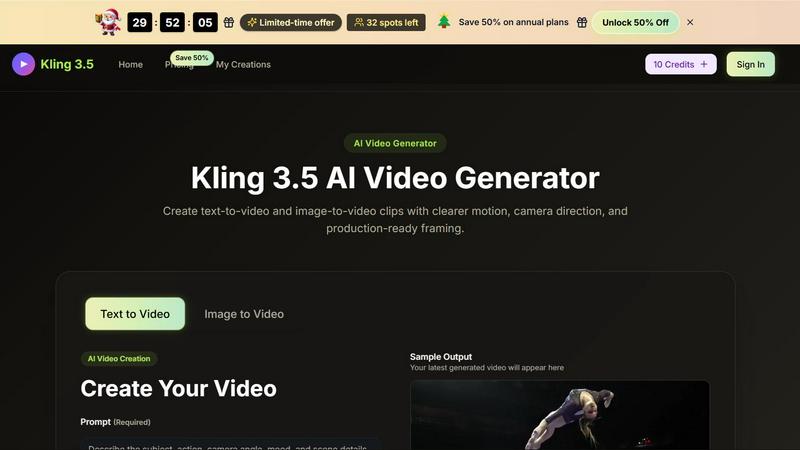
Kling 3.5
Kling 3.5 transforms your text and images into stunning videos with precise motion and professional framing, perfect for any project.