Sprite-AI

Stop wasting hours drawing pixel art by hand; Sprite-AI generates perfect, game-ready sprites in seconds from just your words.

1 upvote
Visit
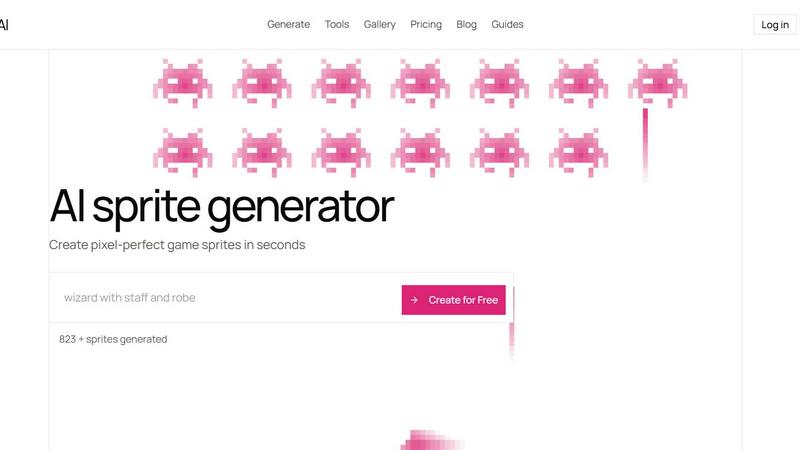
Sprite-AI application interface and features

About Sprite-AI

Sprite-AI is a purpose-built AI pixel art generator that obliterates the bottleneck of 2D asset creation for indie game developers, hobbyists, and prototypers. Instead of spending hours or days hunting for the perfect sprite or wrestling with complex art software, you simply describe what you need in plain English -- a "fire-breathing dragon with red scales" or a "medieval knight with sword and shield" -- and Sprite-AI produces clean, game-ready pixel art in seconds. The platform delivers sprites in the exact sizes your game demands: 32x32 for icons and items, 64x64 for standard characters, and 128x128 for hero or boss art. This is not a toy; it is a battle-tested production tool designed to compete head-to-head against traditional asset pipelines and generic AI art generators that waste your time with unusable outputs. Once generated, a built-in pixel editor gives you full control to paint, erase, fill, and color-pick every single pixel, ensuring your sprite matches your vision perfectly before you export a transparent PNG. These files drop straight into Unity, Godot, GameMaker, or Unreal with zero friction. Sprite-AI also includes a community gallery for inspiration, prompt guides to sharpen your descriptions, and a token-based pricing model so you only pay for what you actually generate. Over 386,000 sprites have already been created, proving this is the fastest, most reliable way to get pixel-perfect game assets into your hands.

Features of Sprite-AI

AI-Powered Generation from Plain English

Describe any sprite in plain English and watch Sprite-AI bring it to life instantly. Unlike competitors that require complex prompts or technical jargon, this tool understands natural language, letting you type "cute slime monster green and blue" or "flaming sword icon with orange glow" and get a polished, game-ready result. The AI is fine-tuned specifically for pixel art, ensuring every output respects the constraints and aesthetics of the medium. You get clean, usable sprites in seconds, not the messy, uncropped garbage that generic image generators produce. This feature alone slashes your asset creation time from hours to seconds, giving you a massive competitive advantage in game jams or tight production schedules.

Built-in Pixel Editor for Fine-Tuning

Once your sprite is generated, the battle is only half won. Sprite-AI includes a fully featured pixel editor that lets you take full control of your art. You can paint new details, erase mistakes, fill large areas with color, and use the color picker to match your palette precisely. This is not a superficial filter; it is a legitimate editing tool that respects your creative input. Whether you need to tweak a dragon's eye color or add a missing shield, you can do it pixel by pixel without leaving the platform. This feature ensures that every sprite is 100% yours, ready for final integration into your game engine without any external software dependencies.

Multi-Size Export for Any Game Engine

Sprite-AI generates sprites in the exact sizes that matter for game development: 32x32 for icons and items, 64x64 for standard characters, and 128x128 for hero or boss art. But the real power lies in the export. Every sprite is delivered as a transparent PNG that drops straight into Unity, Godot, GameMaker, or Unreal with zero conversion hassle. No background artifacts, no scaling issues, no format headaches. This is a direct pipeline from your imagination to your game engine, designed for developers who value speed and reliability. While other tools make you jump through hoops to get a usable asset, Sprite-AI hands you a file that is ready to animate and deploy immediately.

You do not have to work in a vacuum. Sprite-AI features a community gallery where thousands of generated sprites are displayed, from "japanese kitsune fox mask red and white" to "skeleton running with flaming sword." This gallery serves as both inspiration and a benchmark for what the AI can achieve. Additionally, the platform provides prompt guides that teach you how to write effective descriptions, helping you get the best possible results every time. Whether you are a solo dev looking for ideas or a team needing consistent art direction, these resources accelerate your workflow and improve output quality. The community aspect also lets you share your creations, building a library of assets you can reference for future projects.

Use Cases of Sprite-AI

Rapid Prototyping for Game Jams

When you have 48 hours to build a game from scratch, every second counts. Sprite-AI is the ultimate weapon for game jam participants who need high-quality pixel art on demand. Instead of spending precious hours drawing sprites or searching through asset packs, you can generate a full roster of characters, items, and icons in minutes. Describe your hero, your enemies, and your power-ups, and the AI delivers them at the exact sizes your prototype requires. This lets you focus on gameplay mechanics and level design while still shipping a visually polished product. Competitors cannot match this speed, making Sprite-AI the default choice for jam winners.

Indie Game Asset Production

Indie developers shipping real games face the constant challenge of creating hundreds of unique assets without a dedicated artist. Sprite-AI solves this by acting as your on-demand pixel art factory. Generate a medieval knight for your RPG, a flaming sword for your action game, or a golden magic lamp for your puzzle title. The built-in editor lets you iterate on designs until they fit your art style perfectly. With plans that offer 20 or even 75 sprites per month, you can build out entire game worlds without breaking the bank. This is a direct competitor to hiring freelance artists or spending weeks learning pixel art yourself, and it wins on both cost and speed.

Icon and UI Element Creation

Modern games need polished icons and UI elements that communicate clearly at small sizes. Sprite-AI excels at generating 32x32 icons for inventory items, skills, buffs, and menu options. Describe a "gold coin shiny pixel art" or a "magic wand with star tip glowing" and get a crisp, readable icon that fits your game's aesthetic. The transparent PNG export ensures these elements integrate seamlessly into any UI framework. For developers building mobile games, web games, or desktop titles, this feature eliminates the tedious process of hand-drawing every small asset, freeing you to focus on player experience.

Boss and Hero Art for Showcases

When you need a standout character to anchor your game's trailer, store page, or boss fight, Sprite-AI delivers at 128x128 resolution. Generate a "medieval knight with silver armor" or a "ninja with spiky yellow hair and katana" that looks impressive and game-ready. The AI understands the importance of silhouette, color contrast, and pixel density for larger sprites, producing art that commands attention. This is perfect for developers preparing for Steam Next Fest, Kickstarter campaigns, or demo releases where first impressions are everything. Instead of outsourcing this critical asset, you can generate and refine it in minutes.

Frequently Asked Questions

How does Sprite-AI generate sprites from text?

You type a plain English description of the sprite you want, such as "fire-breathing dragon with red scales" or "cute slime monster green and blue." Sprite-AI's machine learning model, trained specifically on pixel art, interprets your description and generates a clean, game-ready sprite in seconds. You can choose from three output sizes: 32x32 for icons and items, 64x64 for standard characters, or 128x128 for hero and boss art. The AI handles the heavy lifting, ensuring the result respects pixel art conventions and is ready for immediate use.

Can I edit a sprite after it is generated?

Yes. Every sprite you generate can be fine-tuned using Sprite-AI's built-in pixel editor. This editor includes tools for painting, erasing, filling areas with color, and using a color picker to match specific shades. You can adjust details, fix imperfections, or add your own creative touches before exporting. This ensures the final asset is exactly what you need, without requiring external software like Aseprite or Photoshop. The editor is designed to be intuitive, so even non-artists can make meaningful changes.

What game engines are supported for export?

Sprite-AI exports sprites as transparent PNG files that are compatible with all major game engines, including Unity, Godot, GameMaker, and Unreal Engine. The files are clean, properly sized, and have no background artifacts, so you can drop them directly into your project without any preprocessing. This seamless integration saves you time and eliminates the frustration of converting or cleaning up assets from other generators. Simply download and import.

How does the token-based pricing work?

Sprite-AI uses a token-based pricing model where you only pay for the sprites you generate. Each plan includes a fixed number of tokens per month, with each token allowing you to generate one unique sprite. For example, the Hobby plan gives you 8 sprites per month, while the Creator plan offers 20. Unused tokens do not roll over, but you can upgrade or cancel anytime. This model is ideal for developers who need flexibility and want to avoid paying for unlimited access they will not use. The current launch pricing offers 38% off the Creator and Studio plans, locking in that rate forever.

Top Alternatives to Sprite-AI

Mockupanda

Mockupanda transforms one design into unlimited professional mockups instantly, helping Etsy and POD sellers launch faster than competitors.

GPT Image 2 API

Effortlessly create stunning, production-ready images and edit existing visuals with the fast and scalable GPT Image 2 API.

Lip Flip

Lip Flip uses AI to preview subtle lip transformations, letting you see realistic before-and-after results before consulting a provider.

Claude Image

AI image generator and editor for text-to-image creation and quick online edits.

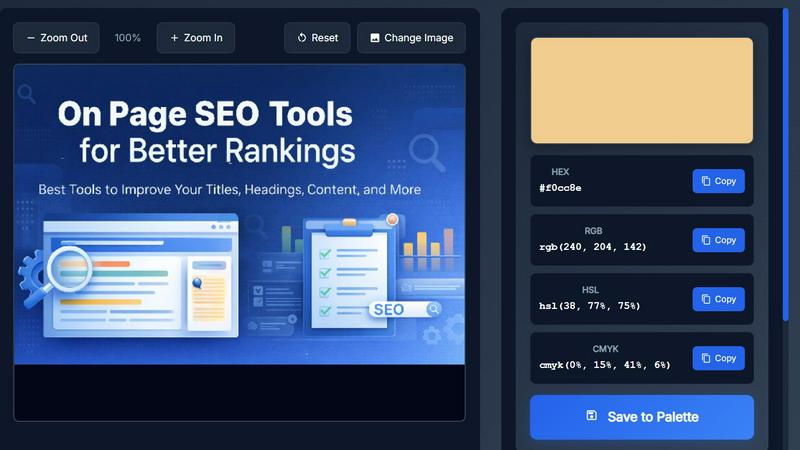
Image Color Picker Online

Effortlessly extract precise HEX, RGB, HSL, and CMYK colors from any image in seconds with our intuitive online color picker tool.
Seed3D 2.0

Seed3D 2.0 transforms your text and images into stunning 3D models effortlessly, with free credits for new users to start creating today.
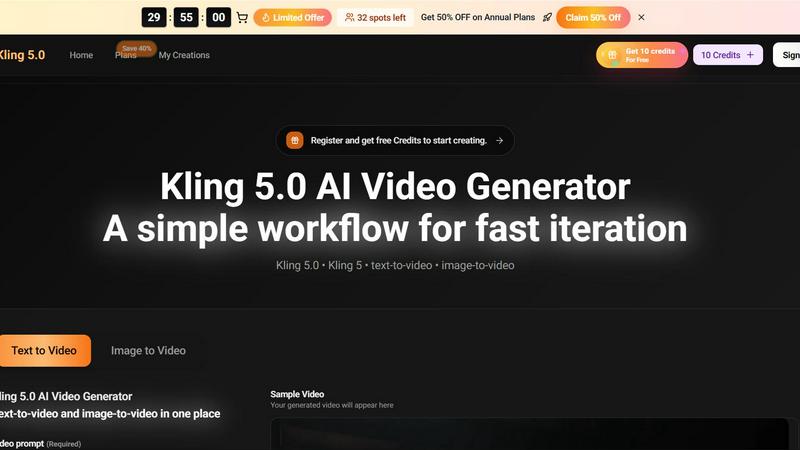
Kling 3.5

Kling 3.5 transforms your text and images into stunning videos with precise motion and professional framing, perfect for any project.
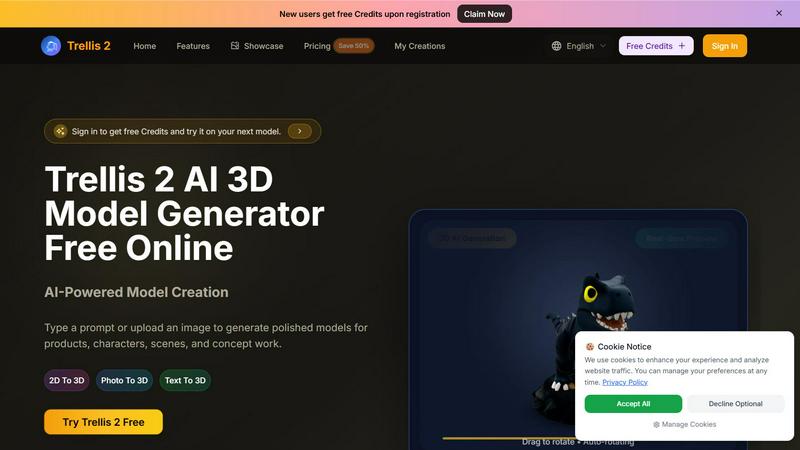
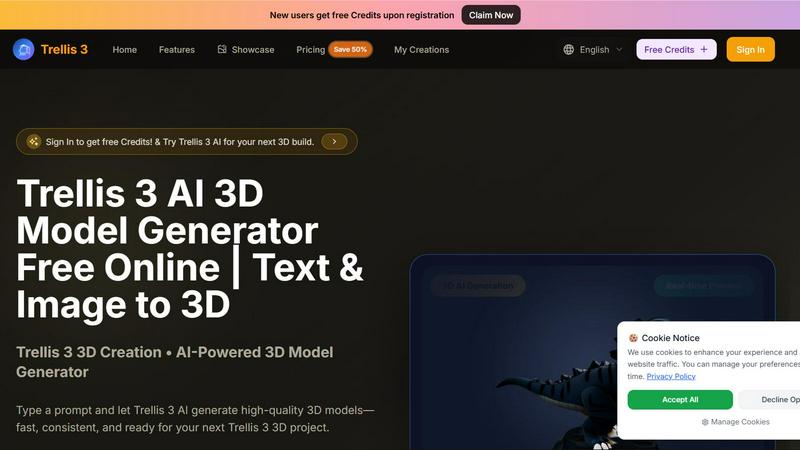
Trellis 2

Trellis 2 crushes competitors by turning text or images into polished 3D models with fast previews and high-res exports for free.