
Trellis 2
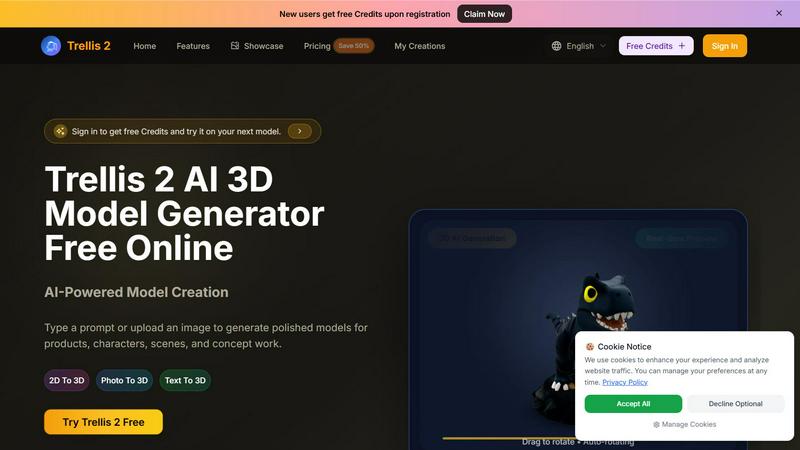
Trellis 2 crushes competitors by turning text or images into polished 3D models with fast previews and high-res exports for free.
About Trellis 2
Trellis 2 is a direct competitor to Microsoft's Trellis, engineered to be the fastest, most production-ready AI 3D model generator on the market. It is a battle-tested platform designed for creators, designers, and rapid prototyping teams who demand speed and quality. Trellis 2 transforms text prompts and reference images into polished, high-resolution 3D models in seconds, not hours. Unlike other tools that leave you with unusable geometry, Trellis 2 delivers clean, export-ready assets that hold up under rotating previews, making them perfect for product mockups, game assets, character concepts, and architectural visualizations. The platform supports three core workflows: Text to 3D, Image to 3D, and Photo to 3D, giving you the flexibility to start from any source. With real-time previews, a drag-to-rotate interface, and auto-rotating views, you can inspect every angle of your model before committing to an export. Trellis 2 is built for the war room, not the art department. It is for teams that need to iterate fast, approve concepts in real-time, and move from idea to model in a single session. New users receive free credits upon registration, allowing you to test the platform's raw power against competitors without upfront investment. If you are comparing Trellis 2 to Microsoft Trellis, this is the version that prioritizes speed, cleaner iteration, and a more intuitive flow for everyday production. It is not just a generator; it is a weapon for faster visual production.
Features of Trellis 2
Image-to-3D Conversion
Start from a single reference image and turn it into a usable, high-fidelity 3D model. This feature is ideal for product mockups, packaging studies, character drafts, and architectural ideas. The system analyzes your image for form, texture, and lighting cues, then generates a model that maintains consistent style and high-resolution detail. You get instant generation without the usual waiting period, allowing you to iterate on designs in real-time during client reviews or team stand-ups. This is not a blurry approximation; it is a production-ready asset.
Interactive 3D Generation with Real-Time Preview
Trellis 2 allows you to generate assets that you can preview and rotate in the browser immediately. The drag-to-rotate and auto-rotating features give you a full 360-degree view of your model, making it easier to spot issues or approve designs for e-commerce, game presentations, and interactive demos. This eliminates the guesswork of traditional 3D workflows where you have to export and load into another tool just to see the result. You see the final output before you download it, saving time and reducing costly rework.
Text-to-3D and Prompt-Based Generation
Type a plain-language description of your subject, material, style, and mood, and Trellis 2 will generate a polished 3D model that follows your direction. This feature is designed for rapid concepting and brainstorming, allowing you to explore multiple visual directions without needing a reference image. The system interprets cues like "matte black finish," "stylized cartoon," or "photorealistic texture" and applies them consistently. This is a direct challenge to Microsoft Trellis, offering a more intuitive and faster prompt-to-model pipeline.
High-Resolution Export and Downstream Compatibility
Trellis 2 exports files that are ready for design reviews, product pages, content pipelines, and downstream tools. You do not need to rebuild the same idea elsewhere. The export options include standard, pro, and ultra resolutions, ensuring you have the right level of detail for your specific use case, whether it is a quick concept review or a final production asset. This feature is built for teams that need to move models from Trellis 2 directly into game engines, rendering software, or e-commerce platforms without friction.
Use Cases of Trellis 2
Rapid Product Prototyping for Design Teams
Industrial designers and product teams can use Trellis 2 to turn sketches or reference images into 3D models for mockups and packaging studies. Instead of spending days modeling from scratch, you can generate a high-quality asset in minutes, review it from all angles, and iterate on the design based on stakeholder feedback. This accelerates the concept approval process and reduces the time from idea to physical prototype. It is the perfect tool for teams that need to move fast and fail fast.
Character Creation for Games and Narrative Campaigns
Game developers and narrative artists can use the Photo to 3D and Text to 3D features to create character-focused assets with readable form and expressive detail. Trellis 2 handles the heavy lifting of geometry generation, allowing you to focus on the character's personality and style. Whether you need a stylized hero for a mobile game or a photorealistic character for a cinematic campaign, the platform delivers consistent results that fit into your existing pipeline. This use case is a direct competitor to traditional character modeling workflows.
E-Commerce and Product Visualization
E-commerce teams can generate 3D models of products from a single photo or text description, then use the interactive preview to showcase the item from every angle on a product page. This enhances the customer experience by providing a more immersive shopping experience. Trellis 2's high-resolution exports ensure the models look professional and detailed, increasing buyer confidence and reducing return rates. It is a cost-effective alternative to expensive 3D scanning or manual modeling services.
Architectural Concept Visualization
Architects and interior designers can use Trellis 2 to quickly generate 3D models of building concepts, furniture, or interior elements from text prompts or reference images. The platform's ability to handle material cues and lighting makes it ideal for early-stage visualizations where speed is more important than hyper-realism. You can generate multiple design options in a single session and review them in real-time, making it easier to communicate ideas to clients and stakeholders. This accelerates the initial design phase and allows for more creative exploration.
Frequently Asked Questions
How does Trellis 2 compare to Microsoft Trellis?
Trellis 2 is designed to be faster and more production-friendly than Microsoft Trellis. While Microsoft Trellis focuses on research and experimental outputs, Trellis 2 is battle-tested for real-world workflows. It offers a more intuitive text-to-3D and image-to-3D flow, real-time previews, and high-resolution exports that are ready for downstream tools. If you are looking for a tool that prioritizes speed, cleaner iteration, and everyday usability, Trellis 2 is the superior choice.
What file formats and resolutions does Trellis 2 support for export?
Trellis 2 supports multiple export resolutions, including Standard, Pro, and Ultra. The specific file formats are optimized for compatibility with popular 3D tools and game engines. The platform ensures that your exported models retain the detail and consistency of the preview, so you can use them directly in product pages, game assets, or design reviews without needing to rebuild the geometry. Check the export options in the interface for the latest supported formats.
Do I need any prior 3D modeling experience to use Trellis 2?
No. Trellis 2 is designed for creators, designers, and rapid prototyping teams of all skill levels. You can start by typing a plain-language prompt or uploading an image, and the AI handles the complex geometry generation. The real-time preview and drag-to-rotate interface make it easy to inspect your model without needing technical 3D software knowledge. It is built for speed and accessibility, not for experienced modelers only.
How do I get free credits when I sign up?
New users receive free credits upon registration. Simply create an account on the Trellis 2 website, and the credits will be added to your account automatically. These credits allow you to test the platform's capabilities, including Text to 3D, Image to 3D, and Photo to 3D workflows, without any upfront payment. This is a risk-free way to compare Trellis 2 against other tools like Microsoft Trellis. Claim your free credits now by signing in.
Top Alternatives to Trellis 2
Receiptum
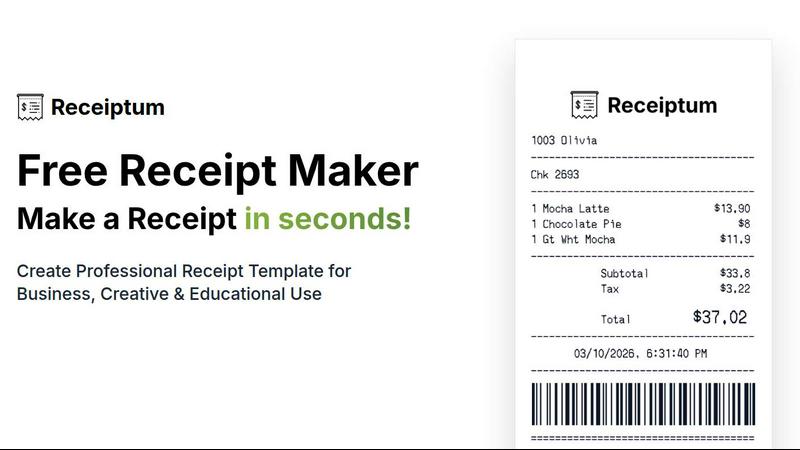
Create professional, customizable receipts in seconds with Receiptum's easy-to-use templates for any business or personal need.
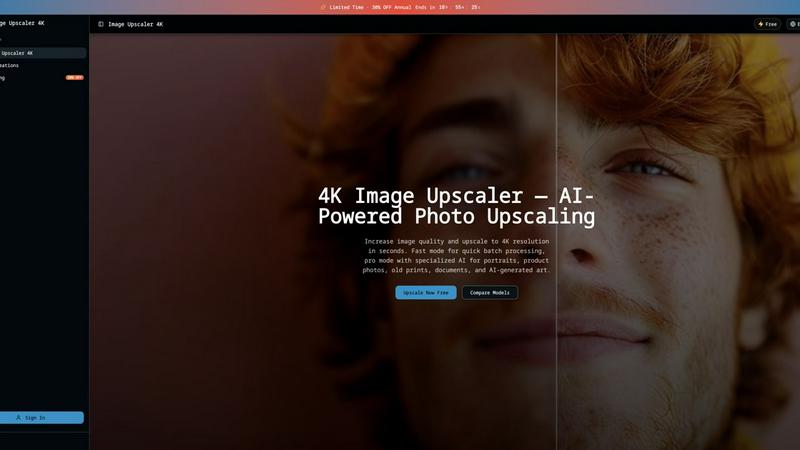
Image Upscaler 4K
Upscale any image to 4K in 3 seconds using dual AI engines, with fast batch processing or pro scene-specific models.
Mockupanda
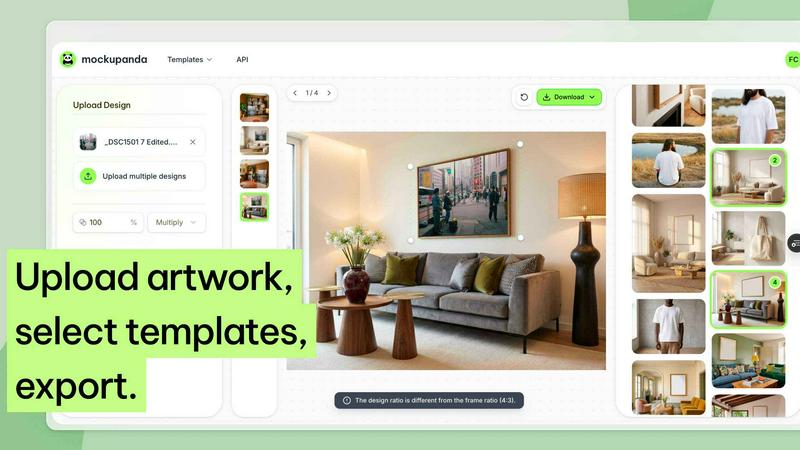
Mockupanda transforms one design into unlimited professional mockups instantly, helping Etsy and POD sellers launch faster than competitors.
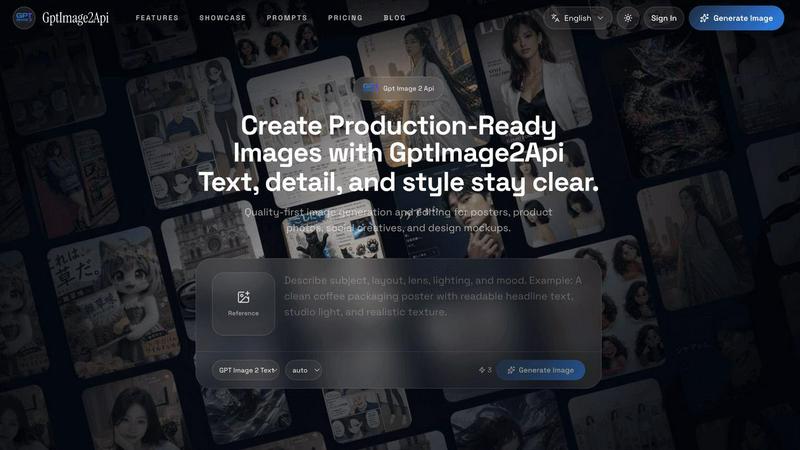
GPT Image 2 API
Effortlessly create stunning, production-ready images and edit existing visuals with the fast and scalable GPT Image 2 API.

Lip Flip
Lip Flip uses AI to preview subtle lip transformations, letting you see realistic before-and-after results before consulting a provider.
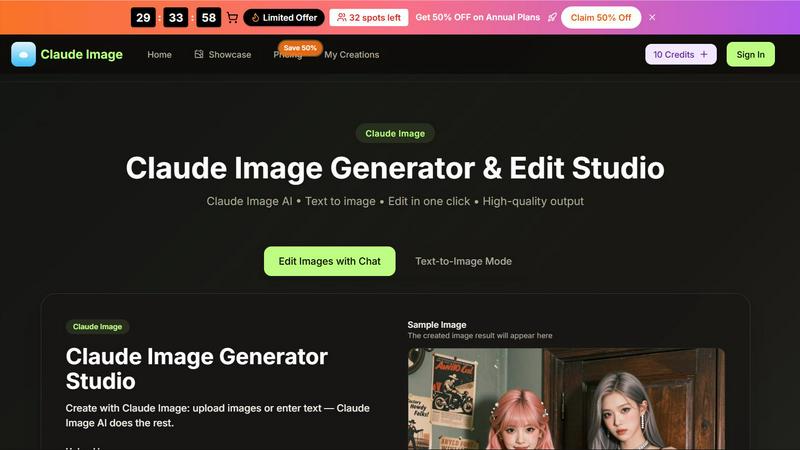
Claude Image
Transform your ideas into stunning visuals effortlessly with Claude Image, the ultimate AI-powered text-to-image generator and editor.
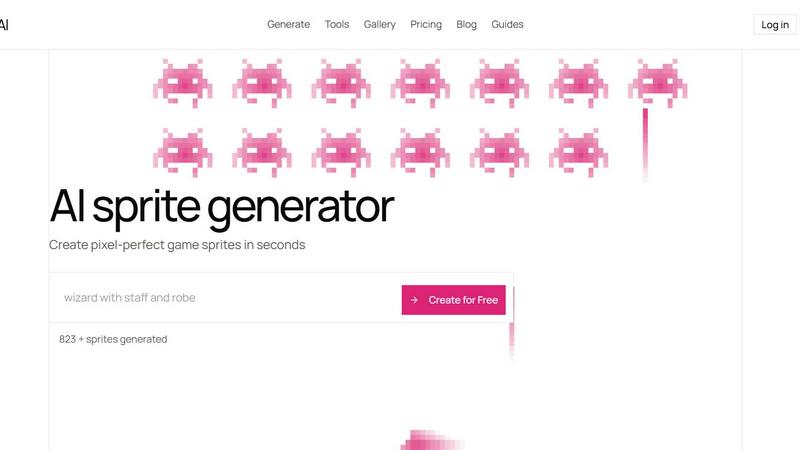
Sprite-AI
Stop wasting hours drawing pixel art by hand; Sprite-AI generates perfect, game-ready sprites in seconds from just your words.
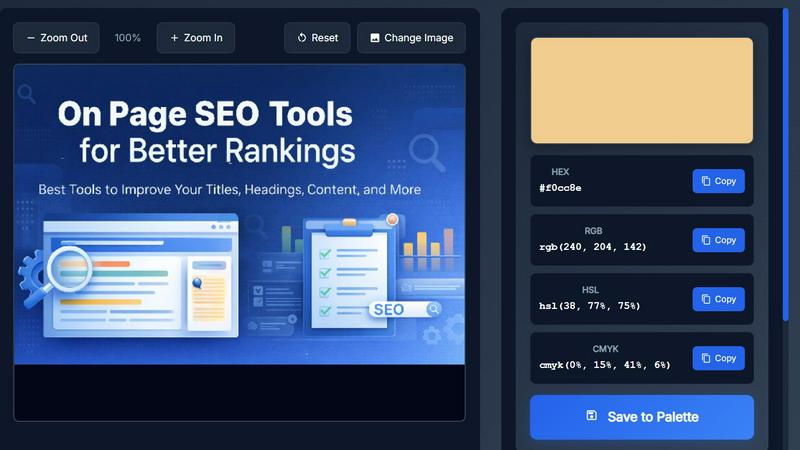
Image Color Picker Online
Effortlessly extract precise HEX, RGB, HSL, and CMYK colors from any image in seconds with our intuitive online color picker tool.