
Kling 5.0 AI Video Generator
Kling 5.0 outpaces competitors by turning text or images into export-ready video clips in seconds, not hours.
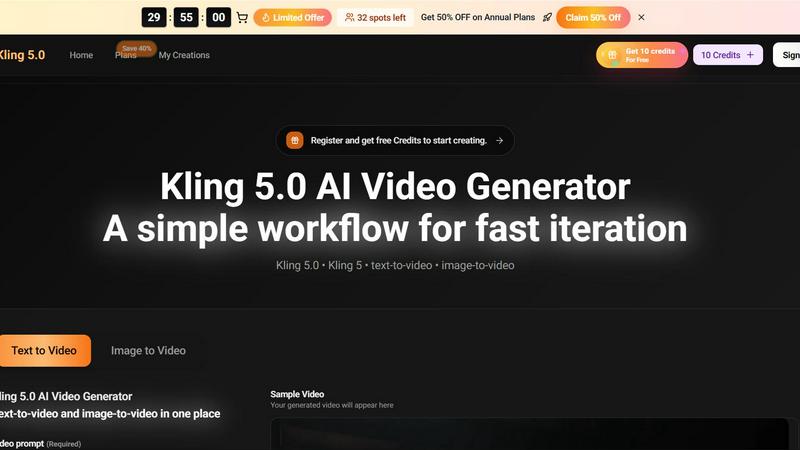
About Kling 5.0 AI Video Generator
Kling 5.0 AI Video Generator is a powerful, all-in-one platform that transforms text prompts and reference images into high-quality, export-ready video clips. Designed for marketers, content creators, learning teams, and filmmakers, Kling 5.0 offers a streamlined workflow that prioritizes speed, consistency, and creative control. The core value proposition is simple: go from concept to exportable video in minutes, not hours. Users can generate multiple variations of a single idea, refine the best one, and export clean clips suitable for social media feeds, landing pages, ad campaigns, and training modules. The platform supports both text-to-video and image-to-video generation, all within a single, intuitive interface. Kling 5.0 eliminates the need for complex tool-switching, allowing teams to iterate rapidly and stay on-brief. With a free tier offering 10 credits to get started, Kling 5.0 is accessible to anyone. For teams needing higher volume, faster queues, and production-friendly scale, Kling 5.0 Pro provides the horsepower to ship campaigns and content series at speed. The underlying Kling 5 model ensures consistent framing, motion, and style across generations, making it a reliable engine for repeatable content creation.
Features of Kling 5.0 AI Video Generator
Dual Mode Generation: Text-to-Video and Image-to-Video
Kling 5.0 puts two powerful creation modes in one place. With text-to-video, you describe your scene, action, and style in a prompt of up to 800 characters, and the AI generates a clip that matches your vision. With image-to-video, you upload a reference image and pair it with a text prompt to animate the static visual, adding motion and life to your existing assets. This dual mode capability means you can start from scratch or build upon your brand's existing imagery, all without switching between different tools.
Smart Expansion and Aspect Ratio Control
The generator includes a Smart Expansion feature that intelligently builds out your scene beyond the initial prompt, adding contextual details and visual richness. You also have full control over the output's aspect ratio, choosing from popular formats like 16:9 for widescreen, 9:16 for vertical social media, 4:3, 3:4, 21:9 for cinematic looks, and 1:1 for square thumbnails. This ensures your clips are perfectly formatted for their intended platform, whether it's YouTube, TikTok, Instagram, or a corporate landing page.
Flexible Video Quality and Duration Settings
Kling 5.0 puts you in control of the final output's technical specs. You can choose between 720p HD for quick drafts and social media clips, or 1080p Full HD for production-ready assets that look sharp on any screen. The video duration is also adjustable, with options for 5-second or 10-second clips. This flexibility allows you to tailor each generation to its specific use case, from short, punchy ad hooks to slightly longer explainer segments.
Fast Iteration with On-Brief Consistency
The core workflow of Kling 5.0 is built for speed and consistency. You can generate several takes of a single prompt, compare them side-by-side, and keep the best one. The Kling 5 model ensures that framing, motion, and style remain consistent across these variations, so you can refine a concept without losing the original creative direction. This "generate, compare, refine" loop is critical for teams that need to ship multiple ad variants or content series episodes that look and feel cohesive.
Use Cases of Kling 5.0 AI Video Generator
Marketing Excellence: On-Brand Ad Variants for Faster Launches
Marketing teams use Kling 5.0 to generate multiple creative angles for a single campaign in one session. By reusing a consistent prompt recipe, they can produce a set of ad variants that share a coherent visual look and feel, while each offering a different hook or value proposition. This enables faster A/B testing and weekly creative refreshes, keeping campaigns fresh without starting from scratch. The export-ready clips are clean and suitable for direct use in ad platforms, landing pages, and social feeds.
Learning Innovation: Explainer Videos You Can Publish
Instructional designers and L&D professionals can turn a script into clear, scene-by-scene visuals using Kling 5.0. The text-to-video feature allows them to generate specific training modules, and the fast iteration loop means they can update a section by regenerating only the parts that changed. The resulting clips are clear and concise, working well for both web-based training and mobile learning apps. This dramatically reduces the time and cost associated with traditional video production for learning content.
Viral Ready: Hook-First Short-Form Content Variations
Social media creators and growth teams use Kling 5.0 to generate multiple hooks for the same core concept. In a single session, they can produce different pacing, framing, and visual styles to test what resonates best with their audience. This allows for rapid trend iteration and data-driven content decisions. The ability to adapt a single idea for different platforms (TikTok, Reels, Shorts) without rebuilding the concept from the ground up is a significant competitive advantage for staying viral.
Cinematic Vision: Explore Mood, Lighting, and Camera Language
Filmmakers and creative directors use Kling 5.0 as a pre-visualization tool to explore different cinematic looks. They can specify camera angles, lighting conditions, mood, and motion, and generate multiple takes to see how these choices affect the final shot. This allows for stronger creative control over the emotional tone of a scene and makes it easier to make decisions about direction before committing to a full production. The coherence across takes helps maintain a unified visual language for a project.
Frequently Asked Questions
How do I get started with Kling 5.0 AI Video Generator?
Getting started is free and simple. Register for an account on the Kling 5.0 platform, and you will receive 10 free credits to begin creating. You can then choose between text-to-video or image-to-video mode, write your prompt or upload an image, select your preferred aspect ratio, quality, and duration, and click generate. The free credits allow you to explore the tool and test its capabilities before committing to a paid plan.
What is the difference between Kling 5.0 Free and Kling 5.0 Pro?
Kling 5.0 Free provides 10 credits to start, allowing you to generate a limited number of clips and experience the core workflow. Kling 5.0 Pro is designed for teams and professionals who need higher generation volume, faster processing queues, and production-friendly scale. Pro users can generate more videos per day and experience reduced wait times, making it suitable for high-output campaigns and ongoing content series.
Can I use my own images to generate videos?
Yes, Kling 5.0 includes a powerful image-to-video feature. You can upload a reference image, such as a brand asset, a product photo, or a character design, and then write a text prompt describing the motion you want to see. The AI will animate the image according to your prompt, bringing static visuals to life. This is perfect for creating dynamic product demos, animating logos, or adding movement to existing artwork.
How does Kling 5.0 ensure consistency across multiple video generations?
The Kling 5 model is designed to maintain consistent framing, motion, and visual style when you reuse a prompt recipe across multiple generations. This means if you create a specific prompt for a brand campaign, you can generate several variations of that prompt and expect them to share a coherent look. This allows you to produce a series of ad variants or content episodes that feel like they belong together, without manual editing or post-production adjustment.
Top Alternatives to Kling 5.0 AI Video Generator
Lip Sync AI
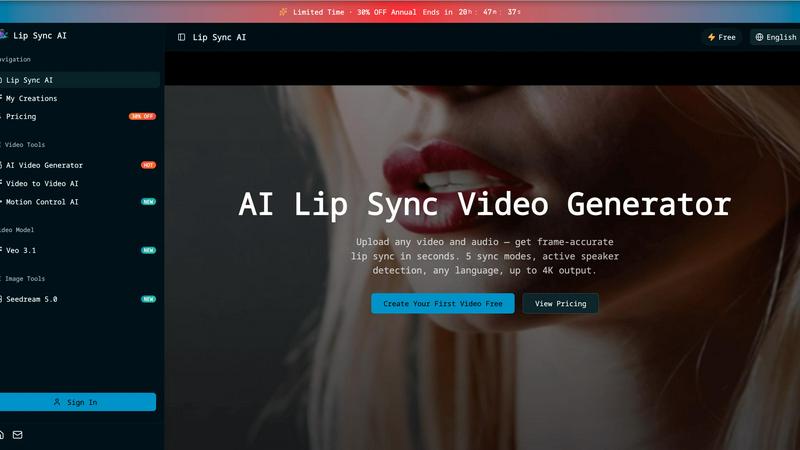
Lip Sync AI delivers frame-accurate, multilingual lip synchronization for any video in seconds, beating expensive tools with 5 sync modes and up to.

MStudio
MStudio revolutionizes filmmaking by transforming scripts into pitch-ready storyboards with AI-driven efficiency and seamless workflows.
Alma by Olivares AI
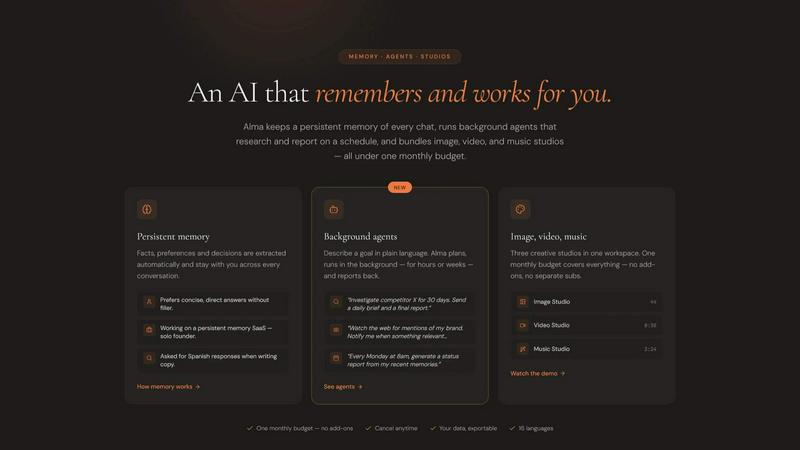
Alma by Olivares AI seamlessly combines persistent memory and creative studios, empowering you to work smarter and more efficiently.
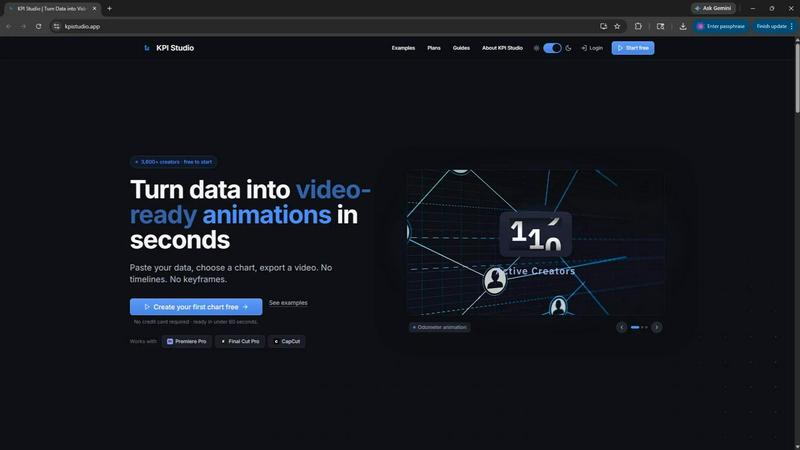
KPI Studio
Transform your data into stunning video animations in under 60 seconds with KPI Studio—no design skills required.
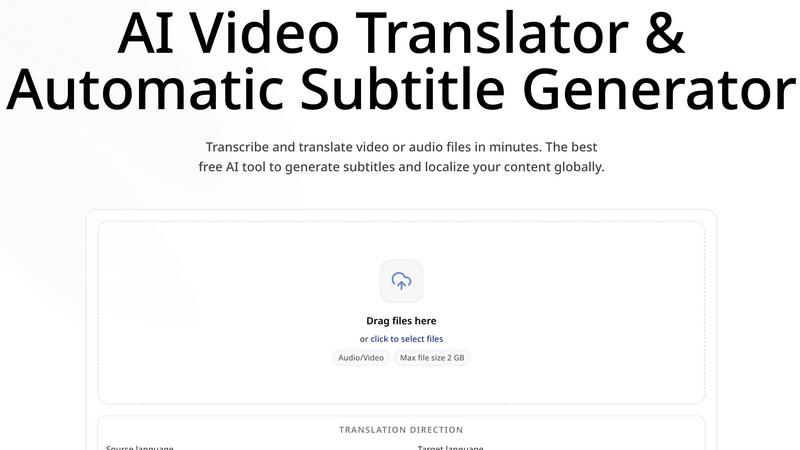
CoffeeTrans
CoffeeTrans beats generic tools by delivering Netflix-level subtitles and multi-language translations from any audio or video file in one click.
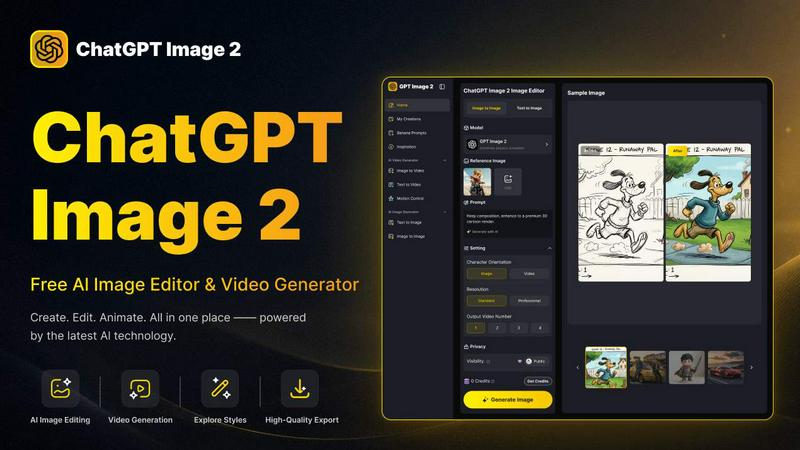
ChatGPT Image 2
ChatGPT Image 2 crushes the competition by delivering free, pro-grade AI image editing, flawless text rendering, and stunning video generation all in.
Editly AI
Editly AI replaces human editors by turning raw footage into polished videos from a single text prompt in minutes.