

Alternatives to Kling 5.0 AI Video Generator
Kling 5.0 outpaces competitors by turning text or images into export-ready video clips in seconds, not hours.
Explore 20 alternatives to Kling 5.0 AI Video Generator. Compare features, pricing, and find the best fit for your needs.
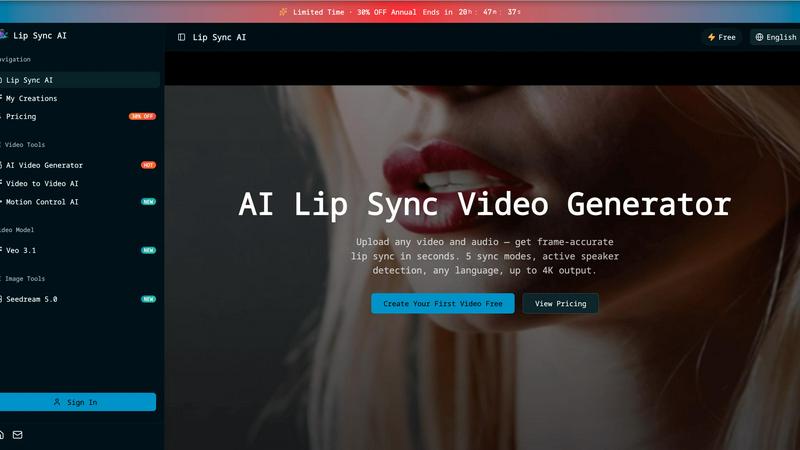
Lip Sync AI
Lip Sync AI delivers frame-accurate, multilingual lip synchronization for any video in seconds, beating expensive tools with 5 sync modes and up to.

MStudio
MStudio revolutionizes filmmaking by transforming scripts into pitch-ready storyboards with AI-driven efficiency and seamless workflows.
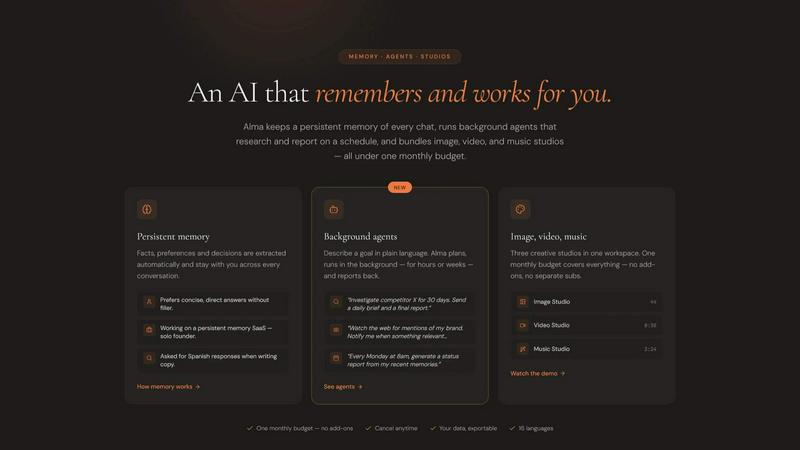
Alma by Olivares AI
Alma by Olivares AI seamlessly combines persistent memory and creative studios, empowering you to work smarter and more efficiently.
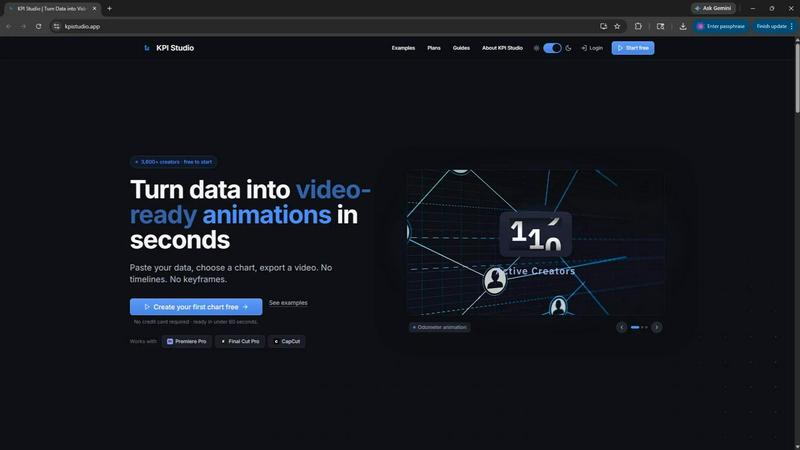
KPI Studio
Transform your data into stunning video animations in under 60 seconds with KPI Studio—no design skills required.
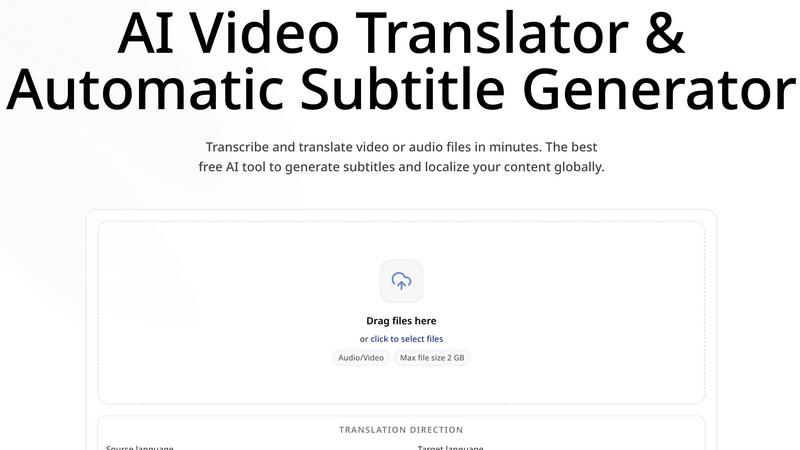
CoffeeTrans
CoffeeTrans beats generic tools by delivering Netflix-level subtitles and multi-language translations from any audio or video file in one click.
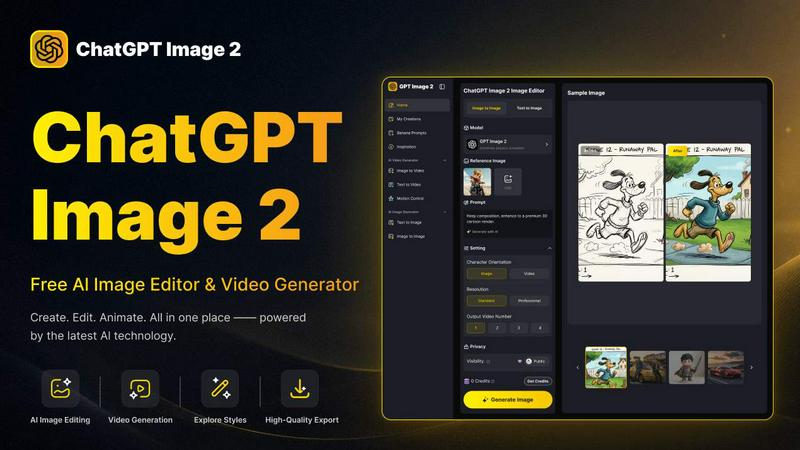
ChatGPT Image 2
ChatGPT Image 2 crushes the competition by delivering free, pro-grade AI image editing, flawless text rendering, and stunning video generation all in.
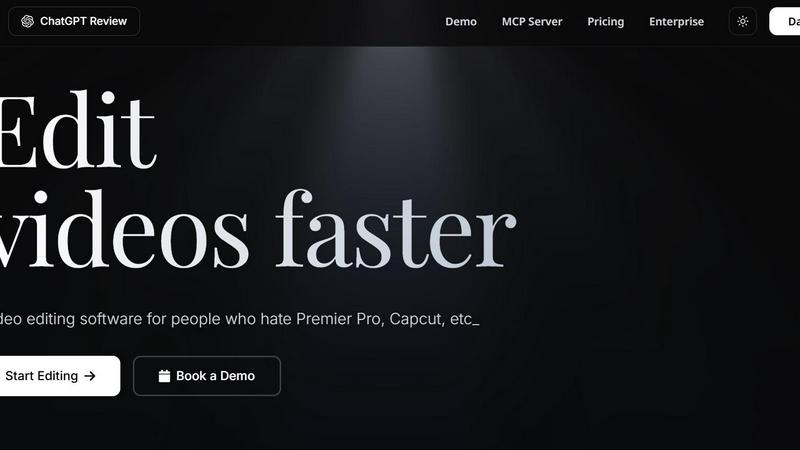
Editly AI
Editly AI replaces human editors by turning raw footage into polished videos from a single text prompt in minutes.
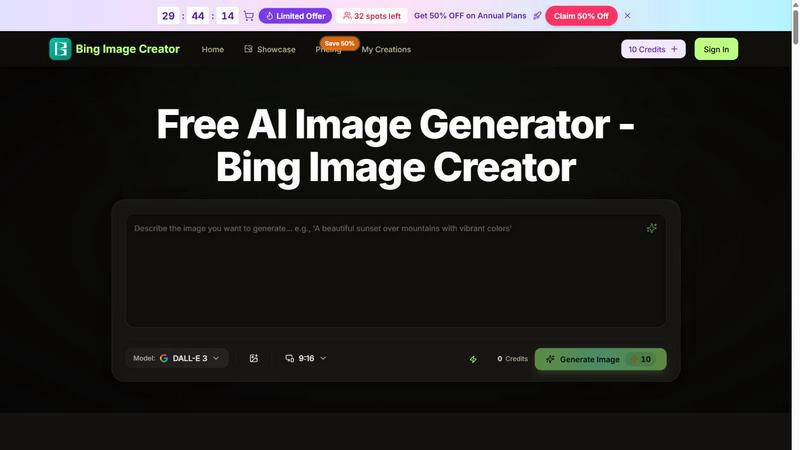
Bing Image Creator
Bing Image Creator crushes Midjourney and DALL-E 3 with free, professional 4K visuals from text or blended images.
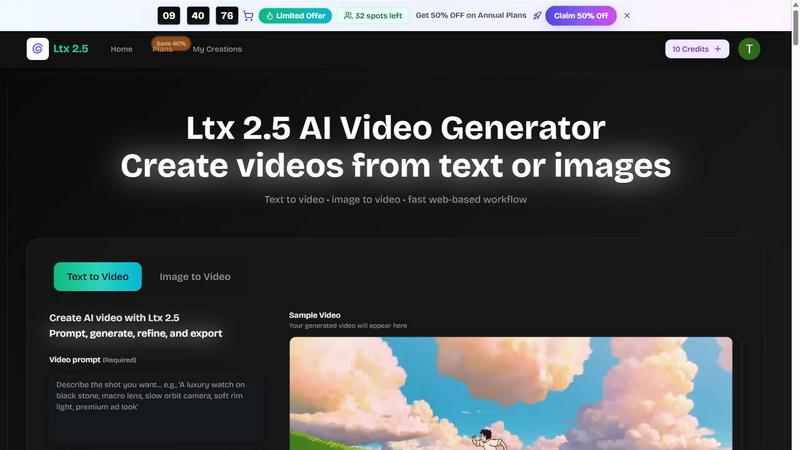
Ltx 2.5
Ltx 2.5 is an AI video generator that transforms text and images into stunning videos quickly and effortlessly for all your creative needs.

EsyBlog
EsyBlog transforms your data into editorial-grade articles for programmatic SEO, enhancing content quality without the AI clutter.
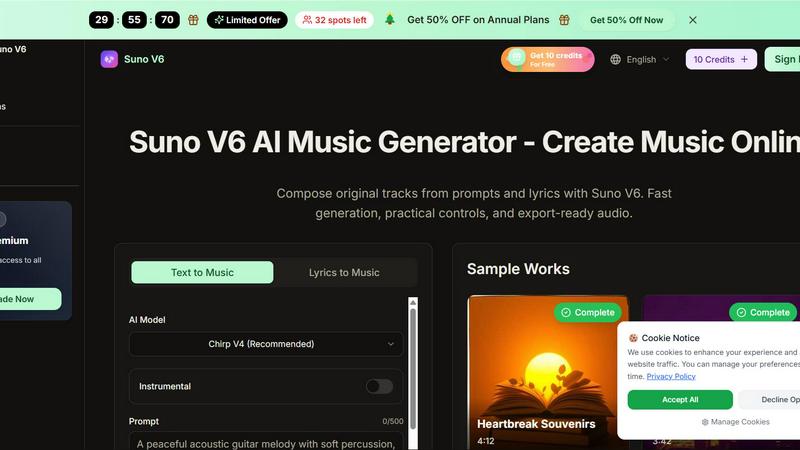
Suno V6
Suno V6 crushes other AI music tools by generating studio-quality songs, vocals, and lyrics from your prompts in seconds.
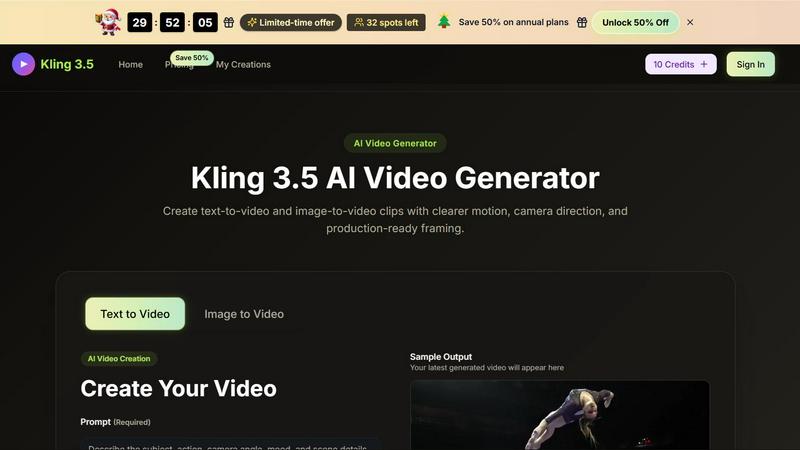
Kling 3.5
Kling 3.5 transforms your text and images into stunning videos with precise motion and professional framing, perfect for any project.
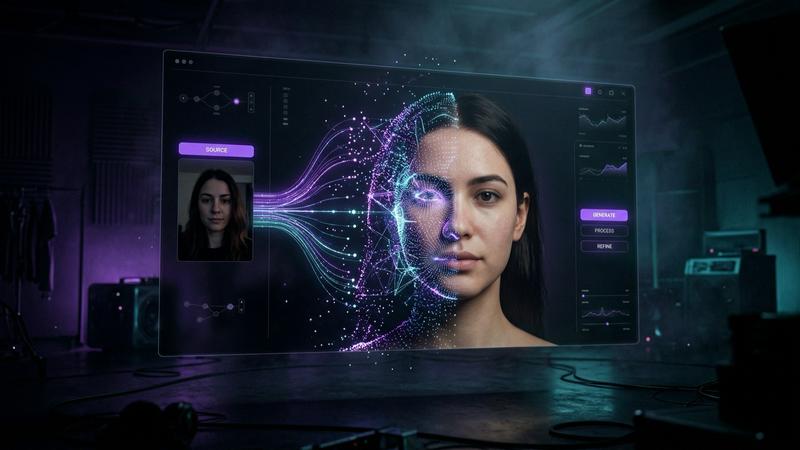
Polymorf
Transform your selfie into a stunning, voice-activated avatar video in seconds—no camera crew or editing required.
Hailuo 3
Hailuo 3 crushes other AI video generators by turning text or images into stunning HD clips faster, powered by Minimax 3.0.
Seedance 3 AI Video Generator
Seedance 3 turns your text or images into cinematic 1080p video, delivering consistent characters and pro-level results that beat other AI generators.
Seedance 4.0 AI Video Generator
Seedance 4.0 crushes traditional editing by turning text or images into cinematic HD videos in seconds, no skills required.
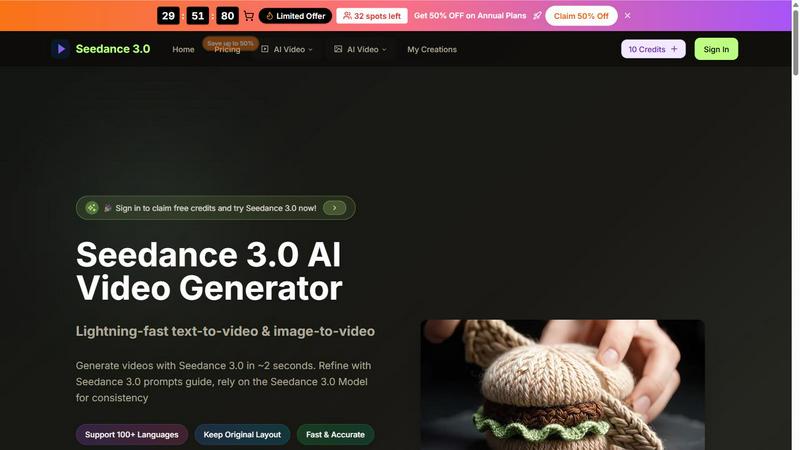
Seedance 3.0 AI Video Generator
Transform text and images into stunning videos in seconds with Seedance 3.0's lightning-fast AI technology and professional-grade controls.
Genie 4 AI 3D World Generator
Transform text into immersive, explorable 3D worlds in real-time with Genie 4 AI, no design skills needed.
LTX-3 AI Video Generator
Transform scripts and images into stunning long-form videos in minutes with LTX-3 AI, your ultimate video creation powerhouse.
About Kling 5.0 AI Video Generator Alternatives
Kling 5.0 AI Video Generator is a high-speed tool in the content creation and video design category that allows you to generate short, downloadable video clips from text prompts or optional reference images. It positions itself as a rapid iteration engine, offering free credits to get started and paid plans for those who need higher generation volume, making it a direct competitor in the fast-moving AI video space. However, many users begin searching for alternatives because they hit the volume cap on free tiers, need more advanced control over motion or camera angles, or find that the platform’s output style doesn’t fit their specific brand aesthetic or professional workflow. When evaluating an alternative to a tool like Kling 5.0, you need to look beyond just the price tag and examine the core battlefields: generation speed versus output fidelity, the flexibility of text-to-video vs. image-to-video control, and the availability of commercial licensing. Some creators require hyper-realism, while others need stylized, cinematic flair that a different engine might handle better. The best choice will depend on whether you need unlimited rendering for a high-volume campaign, granular control over scene composition, or a seamless integration into your existing editing pipeline—so test the free tiers of any contender against your toughest prompts before committing.
FAQs about Kling 5.0 AI Video Generator Alternatives
What is Kling 5.0 AI Video Generator?
Kling 5.0 AI Video Generator is an AI-powered tool designed to create short, downloadable video clips. It belongs to the content creation and design tools category, allowing users to generate videos quickly from either text prompts or by using optional reference images. The platform emphasizes fast iteration, enabling users to refine their outputs rapidly without long rendering waits.
Who is Kling 5.0 AI Video Generator for?
Kling 5.0 is built for content creators, marketers, and designers who need to produce short video assets without traditional filming or complex editing software. It is ideal for social media managers, digital advertisers, and independent creators who value speed and simplicity in turning ideas into visual clips. The tool serves both casual users exploring AI video and professionals who require higher generation volume through paid plans.
Is Kling 5.0 AI Video Generator free?
Yes, Kling 5.0 offers a free tier that provides users with credits to generate videos, allowing them to test the platform's capabilities without upfront payment. This free access is designed to let users experience the fast iteration and text-to-video or image-to-video features. For users who need to produce a higher volume of clips, the platform offers paid plans that unlock additional generation capacity.
What are the main features of Kling 5.0 AI Video Generator?
The primary features include text-to-video generation, where users can write a prompt and receive a short clip, and image-to-video generation, which animates or enhances a reference image. The tool is built for fast iteration, allowing users to quickly adjust prompts and regenerate clips. It also includes a credit-based system with free credits for new users and paid plans for those requiring higher generation volume.