
Kling 3.5
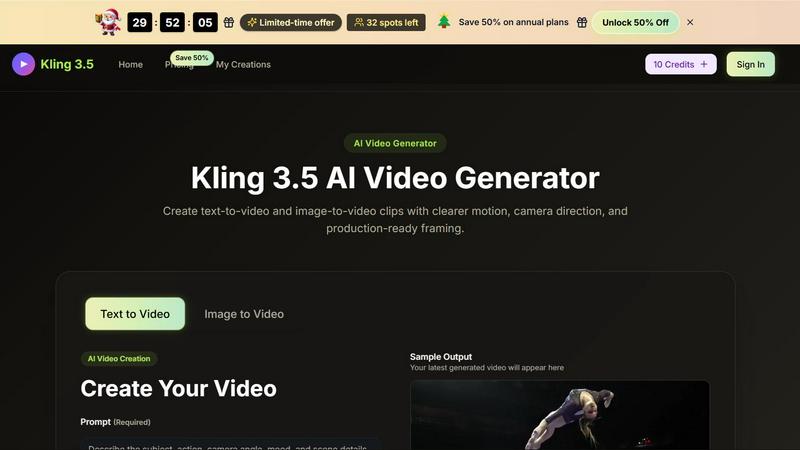
Kling 3.5 transforms your text and images into stunning videos with precise motion and professional framing, perfect for any project.
About Kling 3.5
Kling 3.5 is a revolutionary online AI video generator designed for creators, marketers, ecommerce teams, and designers who need rapid video production without compromising quality. This powerful tool transforms text prompts and reference images into polished short videos, perfect for a variety of applications such as ads, social media posts, launch pages, product demonstrations, and creative reviews. With Kling 3.5, users can craft engaging videos directly in their browser, making high-quality video creation accessible to everyone. The platform's intuitive design allows for quick scene setup, motion direction, and video refinement, ensuring that users can generate compelling visual content that resonates with their audience. By harnessing the capabilities of AI, Kling 3.5 provides a streamlined approach to video production that saves time and enhances creativity.
Features of Kling 3.5
Text to Video
Kling 3.5 offers a robust text-to-video feature that enables users to input detailed descriptions of scenes. By simply writing what they envision, creators can see their ideas come to life as dynamic video drafts, allowing for a clear visualization of concepts before full production begins.
Image to Video
This feature allows users to upload reference images, ensuring that the visual style and composition remain consistent throughout the video. Whether it's a product photo or a design illustration, Kling 3.5 transforms static visuals into captivating motion content seamlessly.
Cinematic Camera Direction
Kling 3.5 empowers users to control the camera movements within their videos. This includes selecting angles, motion speed, and visual styles, enabling creators to produce professional-quality footage that captures the intended mood and feel without requiring extensive editing skills.
Fast Draft Generation
Designed for efficiency, Kling 3.5 generates video drafts rapidly, allowing users to explore multiple versions, hooks, and styles. This speed facilitates the testing of ideas and concepts, enabling creators to refine their messages and visuals before committing to final assets.
Use Cases of Kling 3.5
Marketing Campaigns
Kling 3.5 is perfect for marketers looking to create engaging video content for campaigns. By using the platform, they can quickly generate promotional videos that highlight products or services, helping to capture audience attention and drive conversions.
Social Media Content
Ecommerce teams and brands can leverage Kling 3.5 to produce eye-catching social media posts. With tailored videos optimized for various platforms, users can enhance their online presence and foster greater engagement with their followers.
Product Demonstrations
For designers and product teams, Kling 3.5 serves as an effective tool for creating product demos. By generating informative and visually appealing videos, teams can showcase features and benefits, facilitating better customer understanding and interest.
Creative Reviews
Kling 3.5 streamlines the creative review process for teams. By allowing multiple versions of video drafts to be generated quickly, teams can collaborate more effectively, providing feedback and refining content before the final version is produced.
Frequently Asked Questions
What types of videos can I create with Kling 3.5?
Kling 3.5 allows you to create a variety of video types, including advertisements, social media posts, product demos, and creative reviews. The platform's flexibility in both text and image inputs makes it suitable for numerous applications.
Do I need any special software to use Kling 3.5?
No, Kling 3.5 is an online tool that operates directly in your web browser. There is no need for additional software installations, making it accessible from any device with internet connectivity.
Can I refine my videos after generating them?
Yes, Kling 3.5 provides users with the ability to preview their generated videos and make adjustments if necessary. You can modify prompts, select different takes, and save the versions that best fit your project needs.
Is there a limit to the number of videos I can create?
Kling 3.5 offers different plans that include various credit allocations. Depending on your subscription, you can create numerous videos each month, ensuring that you have the resources needed for your video production requirements.
Explore more in this category:
Top Alternatives to Kling 3.5
Lip Sync AI
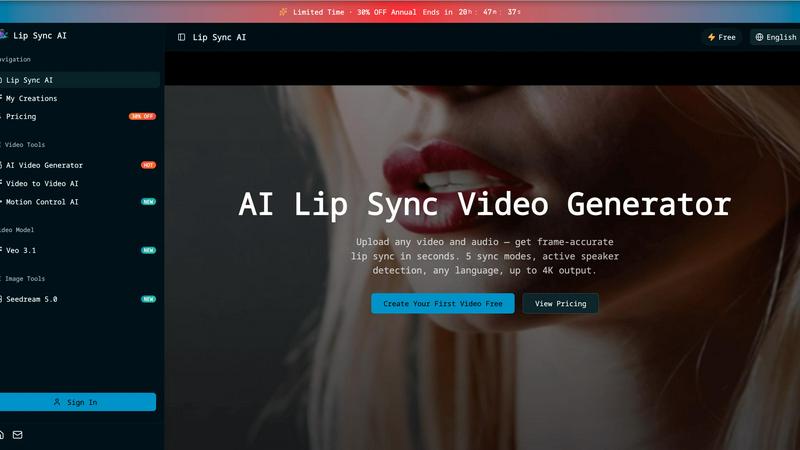
Lip Sync AI delivers frame-accurate, multilingual lip synchronization for any video in seconds, beating expensive tools with 5 sync modes and up to.

MStudio
MStudio revolutionizes filmmaking by transforming scripts into pitch-ready storyboards with AI-driven efficiency and seamless workflows.
Alma by Olivares AI
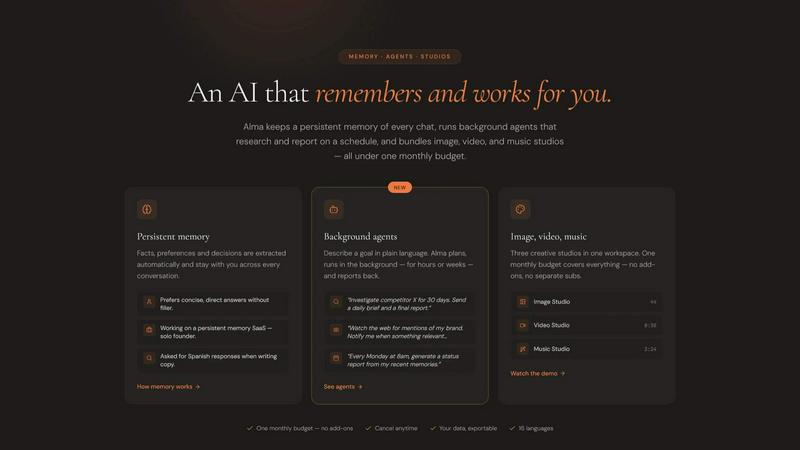
Alma by Olivares AI seamlessly combines persistent memory and creative studios, empowering you to work smarter and more efficiently.
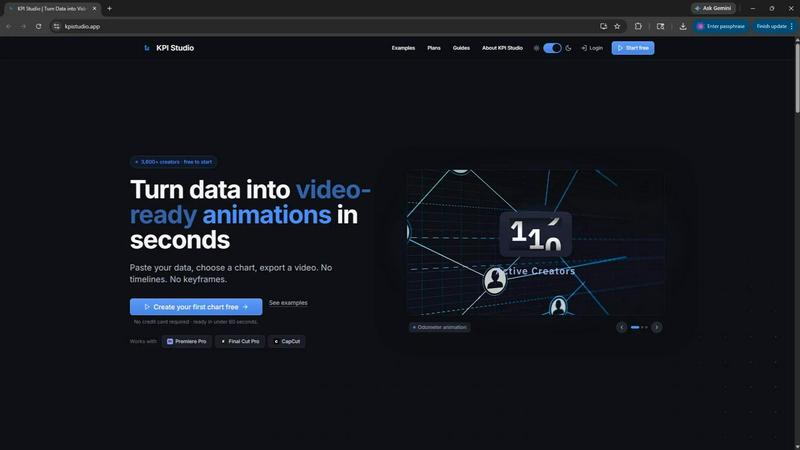
KPI Studio
Transform your data into stunning video animations in under 60 seconds with KPI Studio—no design skills required.
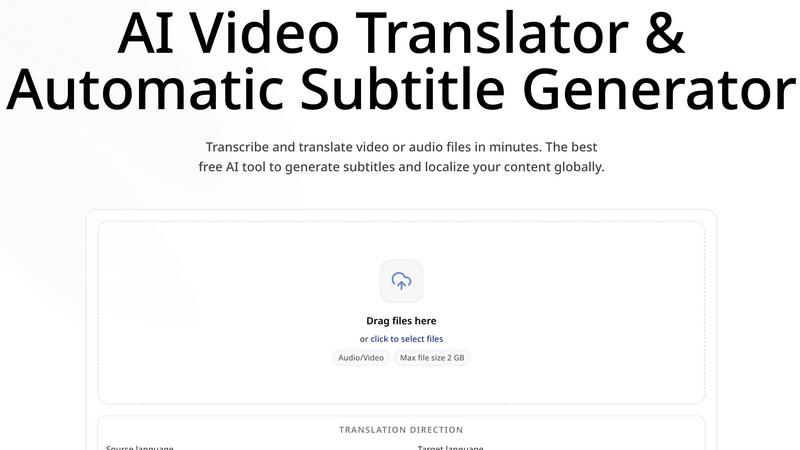
CoffeeTrans
CoffeeTrans beats generic tools by delivering Netflix-level subtitles and multi-language translations from any audio or video file in one click.
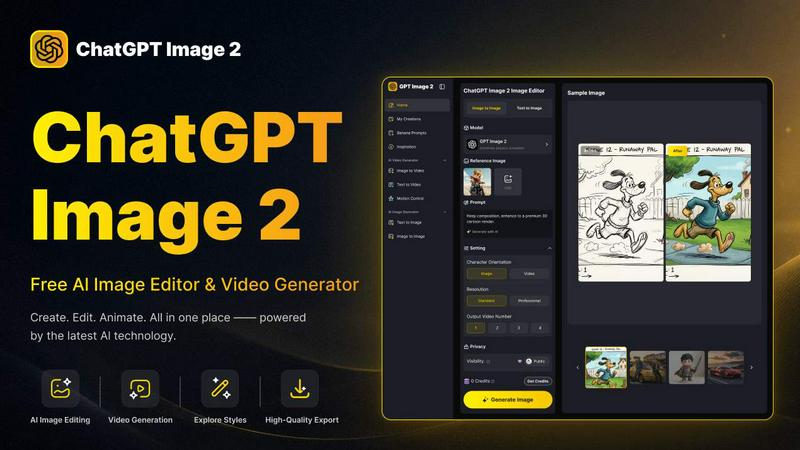
ChatGPT Image 2
ChatGPT Image 2 crushes the competition by delivering free, pro-grade AI image editing, flawless text rendering, and stunning video generation all in.
Editly AI
Editly AI replaces human editors by turning raw footage into polished videos from a single text prompt in minutes.