
Bing Image Creator
Bing Image Creator crushes Midjourney and DALL-E 3 with free, professional 4K visuals from text or blended images.
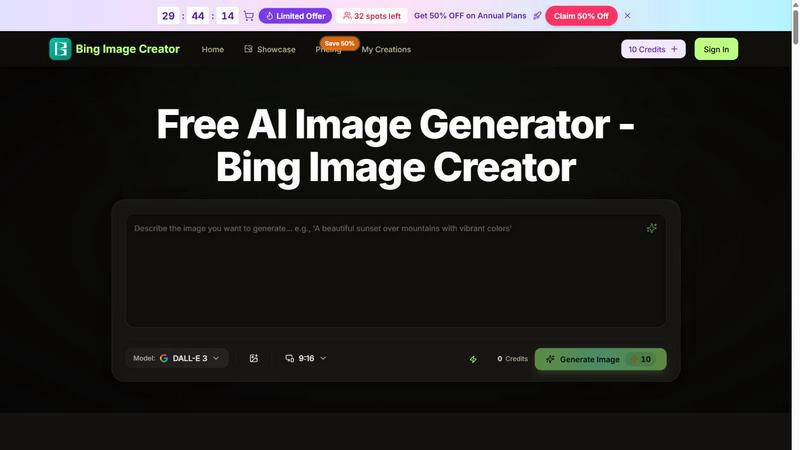
About Bing Image Creator
Bing Image Creator is not just another AI image generator; it is a free, browser-based powerhouse that turns text prompts into polished 4K visuals in seconds. Powered by the cutting-edge DALL-E 3 model, this tool is engineered for creators, marketers, designers, and indie makers who demand speed, quality, and versatility without the hefty price tag. Unlike basic generators that spit out generic images, Bing Image Creator excels at blending three visual inputs: a subject, a scene, and a style. Simply upload your reference images or type a description, and the AI automatically analyzes composition, lighting, and artistic direction to produce a cohesive, professional-grade artwork. The platform also features enhanced text-to-image capabilities, where it intelligently adds professional terminology, lighting details, and composition guidance to elevate your prompts. With generation times as fast as 15 to 30 seconds, you can iterate, refine, and download stunning 4K images directly in your browser. Whether you need product visuals for e-commerce, photo restoration, virtual try-ons, background swaps, or custom avatars, Bing Image Creator delivers battle-tested results that rival premium tools. It is the ultimate weapon for anyone who wants to create high-impact visuals without learning complex software or burning through their budget.
Features of Bing Image Creator
Image Input Generation
Bing Image Creator accepts images as prompts, allowing you to upload a subject, scene, and style reference. The AI understands visual concepts and blends them into a single, cohesive 4K artwork. This feature is a game-changer for professionals who need to combine specific elements from different sources, such as a product photo, a background, and a specific artistic treatment, without manual editing.
AI Auto-Analysis and Enhancement
Microsoft Bing AI Image automatically analyzes the composition, lighting, and style of your inputs. It then enhances your prompts by adding professional terminology and guidance to optimize the output. This means you don't need to be a prompt engineer to get high-quality results; the AI does the heavy lifting to ensure every image is polished and visually striking.
Creative Remix and Style Transfer
Bing Image Creator extracts key features from your reference images and applies them creatively. You can transform any subject into different artistic styles, environments, or visual treatments. Whether you want a product photo to look like a watercolor painting or a portrait to be placed in a futuristic cityscape, the AI handles the remix seamlessly, giving you endless creative possibilities.
Fast 15-30 Second Generation
Speed is critical in a production environment, and Bing Image Creator delivers. It generates 4K images in just 15 to 30 seconds, allowing you to iterate rapidly and refine your concepts without waiting. This fast turnaround is ideal for marketers and designers who need to test multiple visual directions in a single session.
Use Cases of Bing Image Creator
Product Images for E-Commerce
Create stunning 4K product images in seconds with Bing Image Creator. Upload a photo of your product, select a background scene, and choose a style that matches your brand. The AI blends these inputs to produce professional-grade visuals that can be used for online stores, catalogs, and social media ads, eliminating the need for expensive photoshoots.
Photo Restoration and Enhancement
Revive old or damaged photos by using Bing Image Creator to enhance them to 4K quality. Upload the original image as your subject, and the AI will analyze and restore details, improve lighting, and remove imperfections. This is a powerful tool for historians, archivists, and families looking to preserve precious memories with professional results.
Virtual Try-On for Apparel and Accessories
Bing Image Creator powers virtual try-on experiences by generating 4K images of models wearing your products. Upload a photo of the apparel and a model image, and the AI will realistically blend them together. This use case is perfect for fashion brands and online retailers who want to offer customers a lifelike preview of how items will look.
Background Swap and Scene Replacement
Swap backgrounds at 4K resolution with Bing Image Creator. Upload your subject image and a new scene reference, and the AI will seamlessly replace the background while maintaining realistic lighting and shadows. This is ideal for photographers, filmmakers, and content creators who need to change environments without complex masking or green screens.
Frequently Asked Questions
Is Bing Image Creator free to use?
Yes, Bing Image Creator is completely free to use. You can generate, refine, and download 4K images directly in your browser without any subscription fees. The platform does offer optional credit packs for advanced users, but the core functionality remains accessible to everyone.
What model does Bing Image Creator use?
Bing Image Creator is powered by the DALL-E 3 model, one of the most advanced AI image generation models available. This ensures high-quality outputs with accurate prompt adherence, realistic details, and professional-grade composition.
Can I use my own images as prompts?
Absolutely. Bing Image Creator accepts image inputs as prompts. You can upload a subject image, a scene reference, and a style example. The AI will analyze and blend these visual inputs into a single, cohesive 4K artwork, giving you precise control over the final result.
How long does it take to generate an image?
Generation times are incredibly fast, typically between 15 to 30 seconds. This speed allows you to iterate quickly, test multiple variations, and refine your concepts in real time without long waiting periods.
Pricing of Bing Image Creator
Bing Image Creator is free to use with 60 credits provided upon sign-in. For users who need more generation capacity, there is a limited offer with 32 spots left for a 50% discount on annual plans. This premium tier gives you additional credits and priority access, but the core features remain free for all users.
Explore more in this category:
Top Alternatives to Bing Image Creator
CoffeeTrans
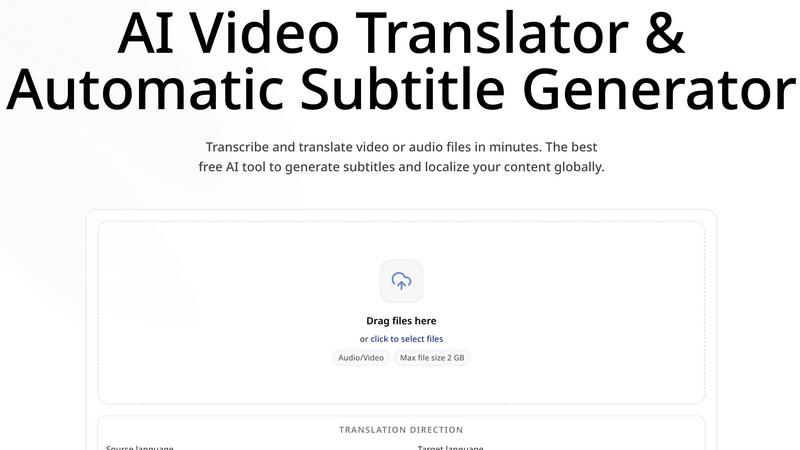
CoffeeTrans: Generate Netflix-Level Precise Subtitles for Audio & Video in One Click
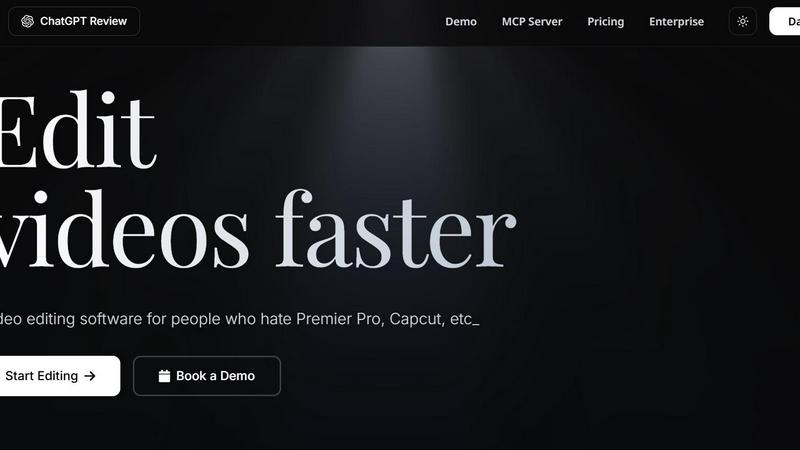
Editly AI
Editly AI replaces human editors by turning raw footage into polished videos from a single text prompt in minutes.
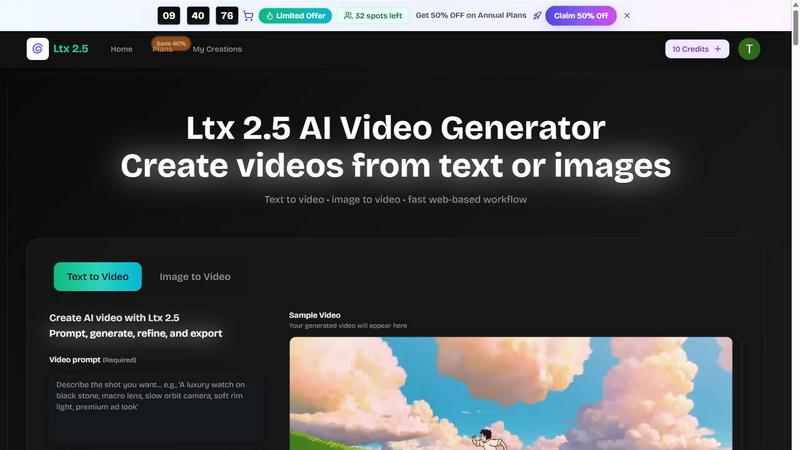
Ltx 2.5
Ltx 2.5 is an AI video generator that transforms text and images into stunning videos quickly and effortlessly for all your creative needs.
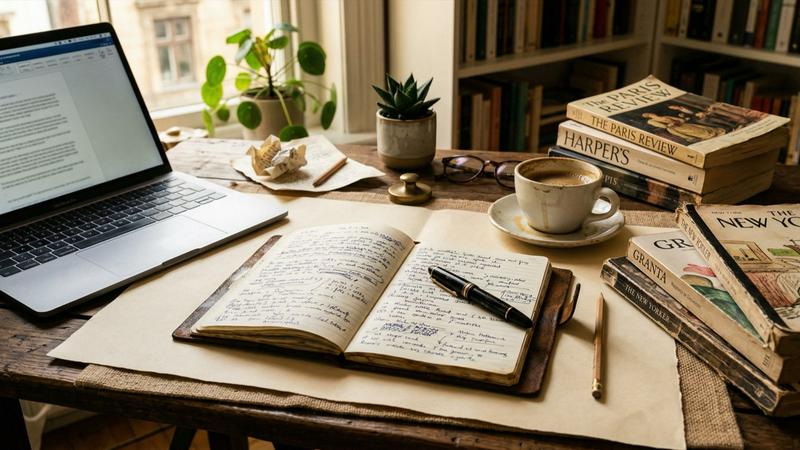
EsyBlog
EsyBlog transforms your data into editorial-grade articles for programmatic SEO, enhancing content quality without the AI clutter.
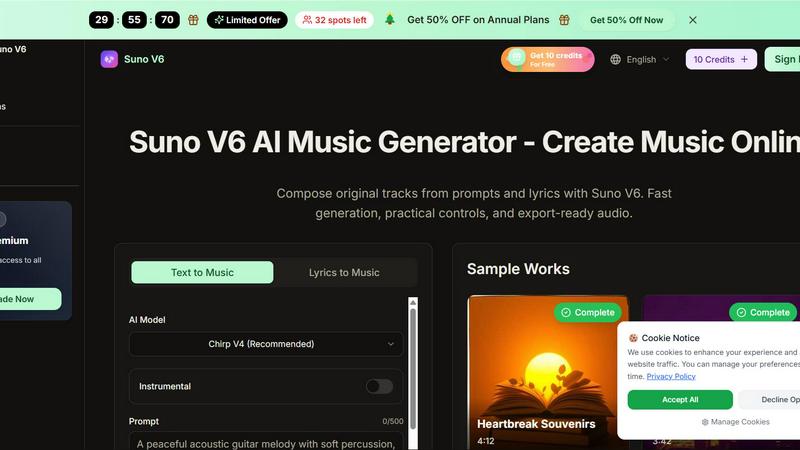
Suno V6
Suno V6 crushes other AI music tools by generating studio-quality songs, vocals, and lyrics from your prompts in seconds.
Kling 3.5
Kling 3.5 transforms your text and images into stunning videos with precise motion and professional framing, perfect for any project.