
Trellis 3 AI 3D Model Generator
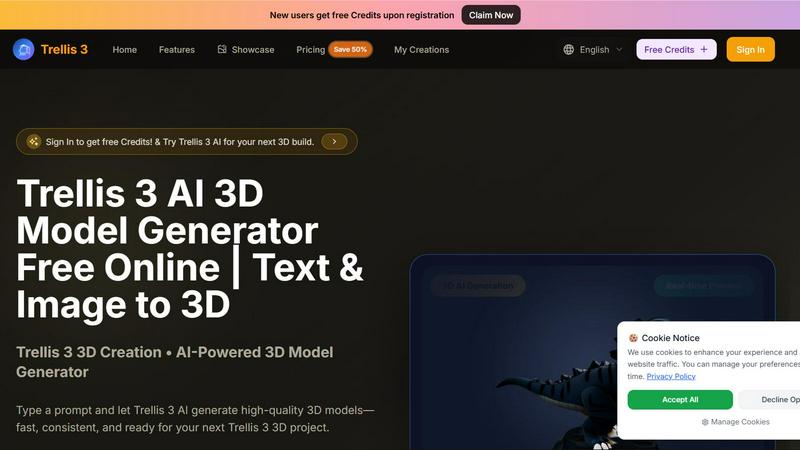
Trellis 3 AI crushes slow workflows, turning text or images into high-quality 3D models instantly for free.
About Trellis 3 AI 3D Model Generator
Trellis 3 AI 3D Model Generator is a powerful online tool that transforms text prompts or 2D images into high-quality, production-ready 3D models in seconds. Designed for creators, game developers, e-commerce professionals, and 3D enthusiasts, this AI-powered platform eliminates the steep learning curve traditionally associated with 3D modeling. Users simply type a descriptive prompt or upload an image, and Trellis 3 AI generates consistent, detailed 3D outputs that maintain original layouts and support over 100 languages. The platform offers interactive real-time previews with drag-to-rotate and auto-rotating functionality, allowing users to inspect every angle before finalizing their creation. New users receive free credits upon registration, making it risk-free to explore the capabilities of Trellis 3.0 technology. Unlike competitors like Microsoft Trellis 3, this tool delivers superior prompt adherence and stable output consistency, producing optimized meshes, PBR materials, and clean topology that integrate seamlessly into Unity, Unreal, Three.js, and other popular game engines. Whether you need 3D models for gaming previews, virtual reality experiences, character animation, or e-commerce product visualization, Trellis 3 AI delivers fast, accurate results without requiring any technical 3D modeling expertise.
Features of Trellis 3 AI 3D Model Generator
Text to 3D Generation with Trellis 3.0 Precision
Type any descriptive prompt in plain language, and Trellis 3 AI converts your words into polished 3D models with remarkable accuracy. The Trellis 3.0 engine maps your wording into a clear 3D context, ensuring the output aligns perfectly with your creative direction. This feature supports over 100 languages and maintains original layout intent, so you get exactly what you envision without needing technical jargon or complex syntax.
Image to 3D Conversion
Upload a 2D image in JPG, PNG, or WEBP format (up to 5MB) and watch Trellis 3 AI transform it into a high-quality 3D model. This feature excels at converting product photos, character designs, and architectural references into fully realized 3D assets. The AI analyzes depth, texture, and structure to produce consistent results that maintain the essence of your original image while adding three-dimensional depth and detail.
Interactive Real-Time 3D Preview
Before committing to a final export, explore your generated 3D model from every angle with the built-in interactive viewer. Drag to rotate, zoom in for detail inspection, or enable auto-rotating mode for a full 360-degree view. This real-time preview capability lets you refine prompts and settings on the fly, ensuring the final output meets your exact specifications before downloading.
Multiple Quality Tiers and Export Options
Trellis 3 AI offers Texture, Standard, Pro, and Ultra quality settings to match your project requirements and performance needs. Each tier balances detail level with file size and processing time. The tool exports optimized meshes with PBR materials and clean topology, ready for direct use in Unity, Unreal Engine, Three.js, and other game development environments without any post-processing.
Use Cases of Trellis 3 AI 3D Model Generator
Game Development Asset Creation
Game developers can rapidly prototype and generate 3D models for characters, props, environments, and weapons using simple text prompts or reference images. Trellis 3 AI produces consistent styles across multiple assets, ensuring visual coherence in game worlds. The engine-ready exports with clean topology and PBR materials drop directly into Unity or Unreal, dramatically accelerating the asset pipeline and reducing manual modeling time from days to seconds.
E-Commerce Product Visualization
Online retailers and product designers can convert 2D product photos into interactive 3D models that customers can rotate and inspect from every angle. This immersive experience increases buyer confidence and reduces return rates. The high-resolution exports maintain product detail accurately, making them perfect for virtual showrooms, augmented reality previews, and product configurators that require realistic 3D representations.
Character Animation and Digital Storytelling
Animators and storytellers can generate animated 3D characters with natural motion and expressive detail using Trellis 3 AI. The platform creates characters ready for rigging and animation pipelines, supporting digital storytelling, game content creation, and virtual influencer development. The consistent output style ensures characters maintain their visual identity across different poses and scenes.
Virtual Reality and Metaverse Content
VR developers and metaverse creators can rapidly populate virtual environments with high-quality 3D objects and characters. Trellis 3 AI generates fully rotatable models that look good from every angle, essential for immersive experiences where users interact with objects from multiple perspectives. The optimized exports ensure smooth performance in VR applications without sacrificing visual quality.
Frequently Asked Questions
How does Trellis 3 AI compare to Microsoft Trellis 3?
Trellis 3 AI delivers superior prompt adherence and more stable output consistency compared to Microsoft Trellis 3. Our Trellis 3.0 engine provides better detail capture, cleaner topology, and more reliable results across different prompts and image inputs. Users consistently report higher satisfaction with the accuracy and production-readiness of Trellis 3 AI outputs.
What file formats and sizes are supported for image uploads?
Trellis 3 AI supports JPG, PNG, and WEBP image formats with a maximum file size of 5MB per upload. For best results, use clear, well-lit images with distinct subject matter. The platform processes these images to extract depth, texture, and structural information for accurate 3D conversion.
Do I need 3D modeling experience to use Trellis 3 AI?
No technical 3D skills are required. Trellis 3 AI is designed for users of all experience levels. Simply type a description in plain language or upload an image, and the AI handles all the complex 3D generation. The zero learning curve makes it accessible to beginners while still delivering professional-quality results for experienced creators.
How do free credits work and what happens when they run out?
New users receive free credits upon registration, allowing them to test Trellis 3 AI without any initial investment. These credits can be used to generate 3D models across all quality tiers. When free credits are exhausted, users can choose from paid plans that offer additional generation capacity, higher quality exports, and priority processing. Pricing details are available on the website.
Top Alternatives to Trellis 3 AI 3D Model Generator
Lip Sync AI
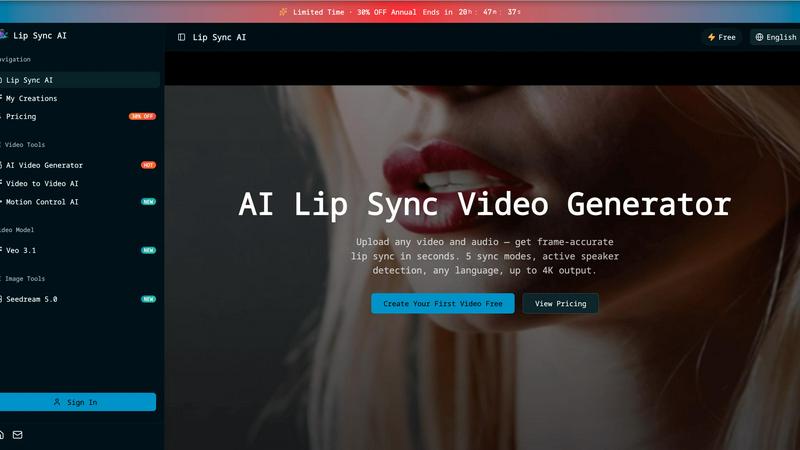
Lip Sync AI delivers frame-accurate, multilingual lip synchronization for any video in seconds, beating expensive tools with 5 sync modes and up to.

MStudio
MStudio revolutionizes filmmaking by transforming scripts into pitch-ready storyboards with AI-driven efficiency and seamless workflows.
Alma by Olivares AI
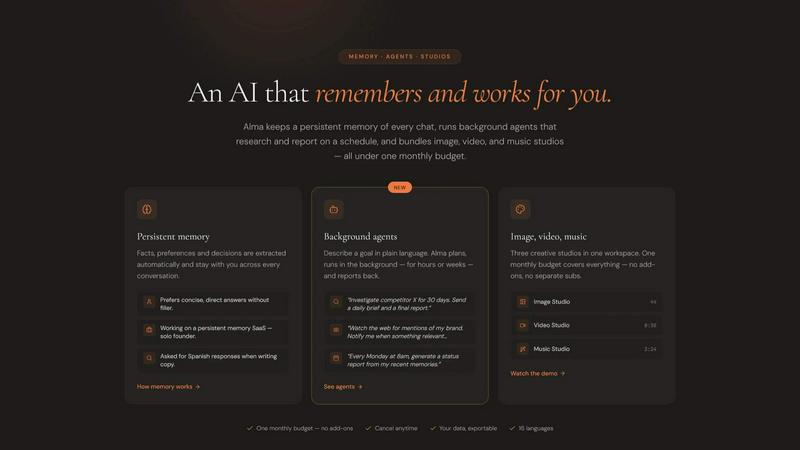
Alma by Olivares AI seamlessly combines persistent memory and creative studios, empowering you to work smarter and more efficiently.
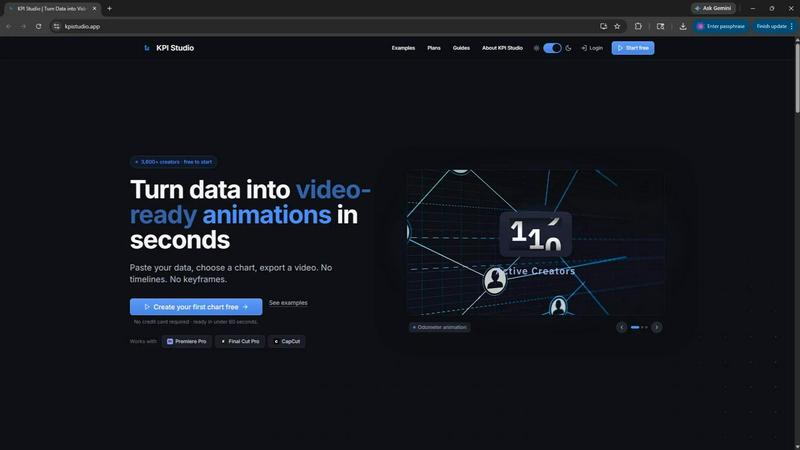
KPI Studio
Transform your data into stunning video animations in under 60 seconds with KPI Studio—no design skills required.
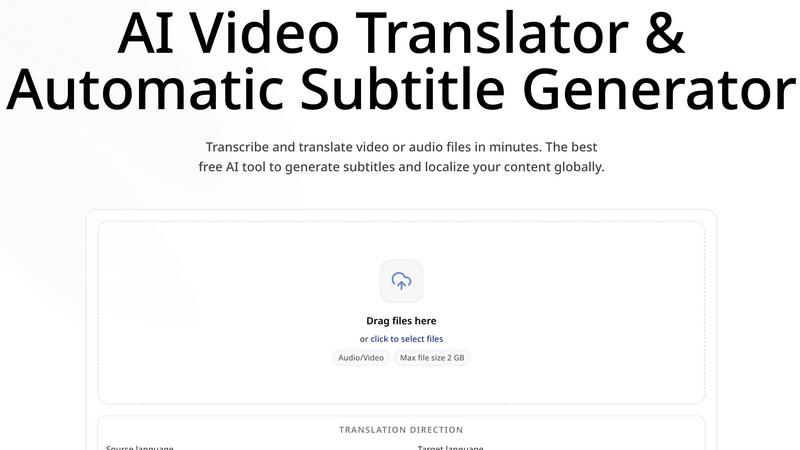
CoffeeTrans
CoffeeTrans beats generic tools by delivering Netflix-level subtitles and multi-language translations from any audio or video file in one click.
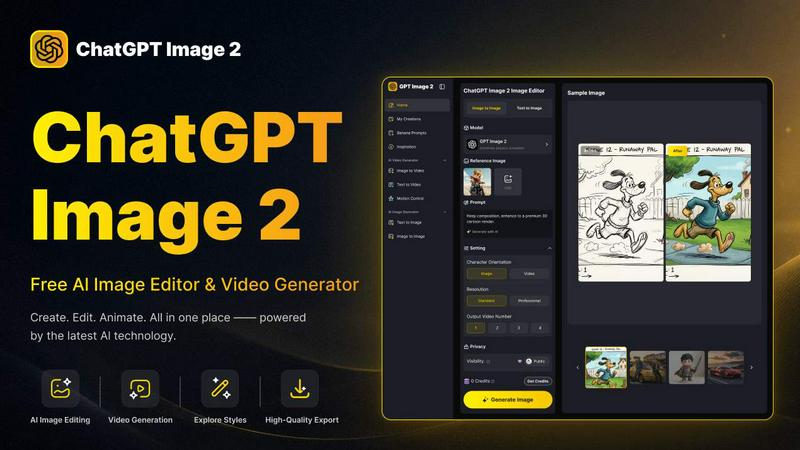
ChatGPT Image 2
ChatGPT Image 2 crushes the competition by delivering free, pro-grade AI image editing, flawless text rendering, and stunning video generation all in.
Editly AI
Editly AI replaces human editors by turning raw footage into polished videos from a single text prompt in minutes.