Sprite-AI

Alternatives to Sprite-AI

Stop wasting hours drawing pixel art by hand; Sprite-AI generates perfect, game-ready sprites in seconds from just your words.

Explore 20 alternatives to Sprite-AI. Compare features, pricing, and find the best fit for your needs.
Mockupanda

Mockupanda

Mockupanda transforms one design into unlimited professional mockups instantly, helping Etsy and POD sellers launch faster than competitors.

Visit
GPT Image 2 API

GPT Image 2 API

Effortlessly create stunning, production-ready images and edit existing visuals with the fast and scalable GPT Image 2 API.

Visit
Lip Flip

Lip Flip

Lip Flip uses AI to preview subtle lip transformations, letting you see realistic before-and-after results before consulting a provider.

Visit
Claude Image

Claude Image

AI image generator and editor for text-to-image creation and quick online edits.

Visit
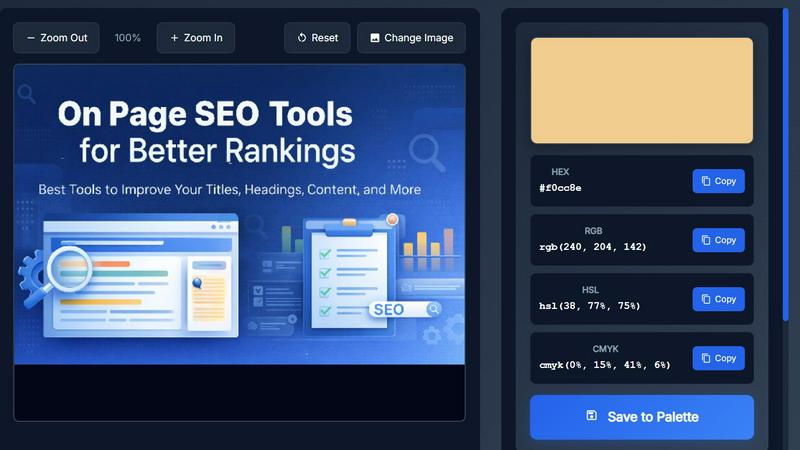
Image Color Picker Online

Image Color Picker Online

Effortlessly extract precise HEX, RGB, HSL, and CMYK colors from any image in seconds with our intuitive online color picker tool.
Visit
Seed3D 2.0

Seed3D 2.0

Seed3D 2.0 transforms your text and images into stunning 3D models effortlessly, with free credits for new users to start creating today.
Visit
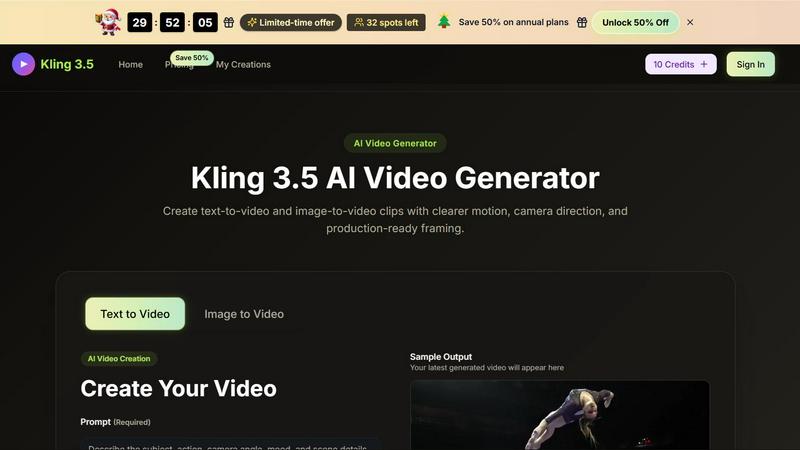
Kling 3.5

Kling 3.5

Kling 3.5 transforms your text and images into stunning videos with precise motion and professional framing, perfect for any project.
Visit
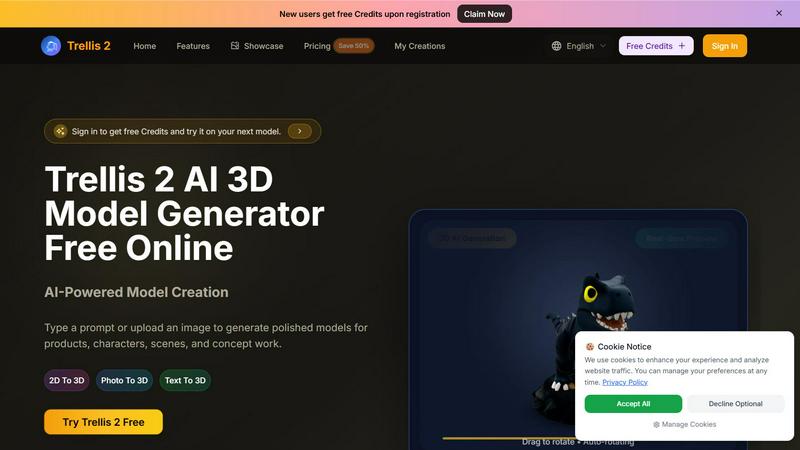
Trellis 2

Trellis 2

Trellis 2 crushes competitors by turning text or images into polished 3D models with fast previews and high-res exports for free.
Visit
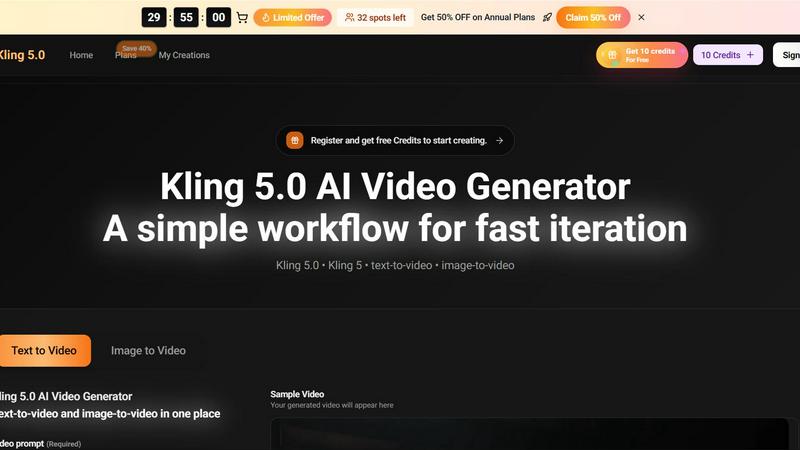
Kling 5.0 AI Video Generator

Kling 5.0 AI Video Generator

Kling 5.0 outpaces competitors by turning text or images into export-ready video clips in seconds, not hours.
Visit
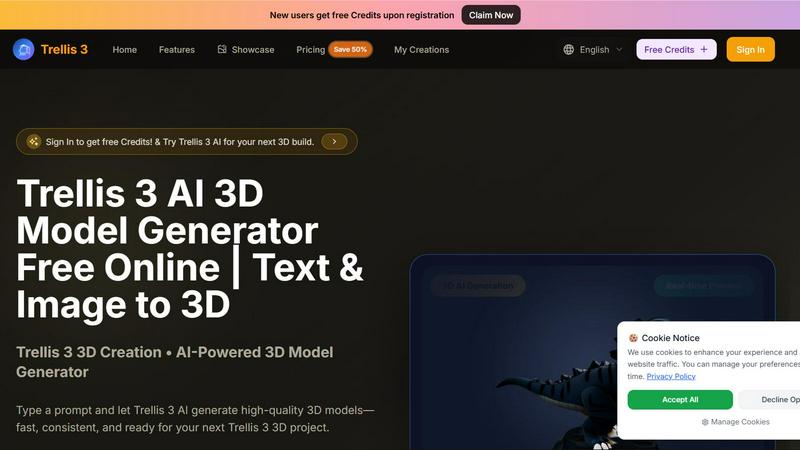
Trellis 3 AI 3D Model Generator

Trellis 3 AI 3D Model Generator

Trellis 3 AI crushes slow workflows, turning text or images into high-quality 3D models instantly for free.
Visit
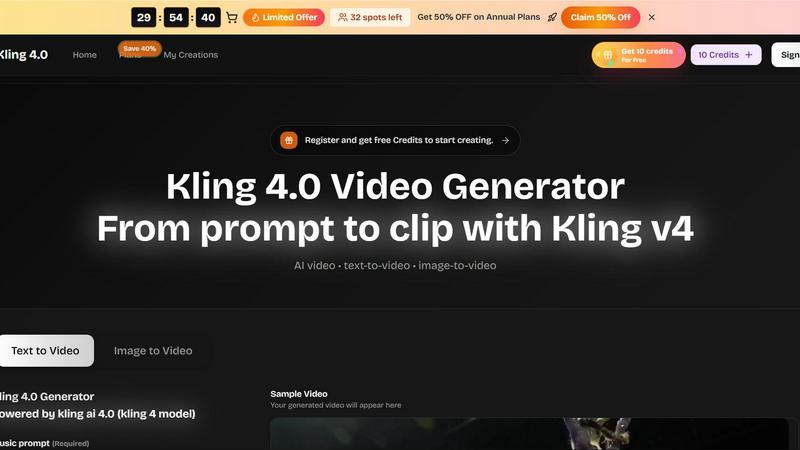
Kling 4.0

Kling 4.0

Kling 4.0 transforms text and images into stunning videos in minutes, perfect for marketing, training, and social media content.
Visit
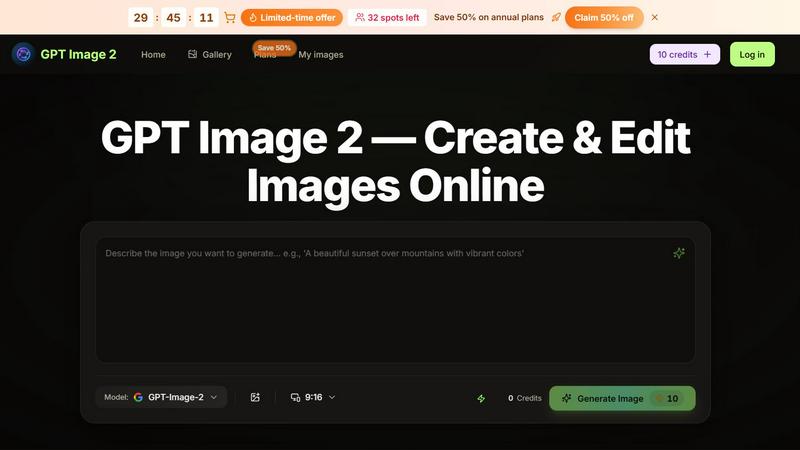
GPT Image 2

GPT Image 2

GPT Image 2 turns text prompts and reference images into polished visuals with instant AI editing that outpaces basic generators.
Visit
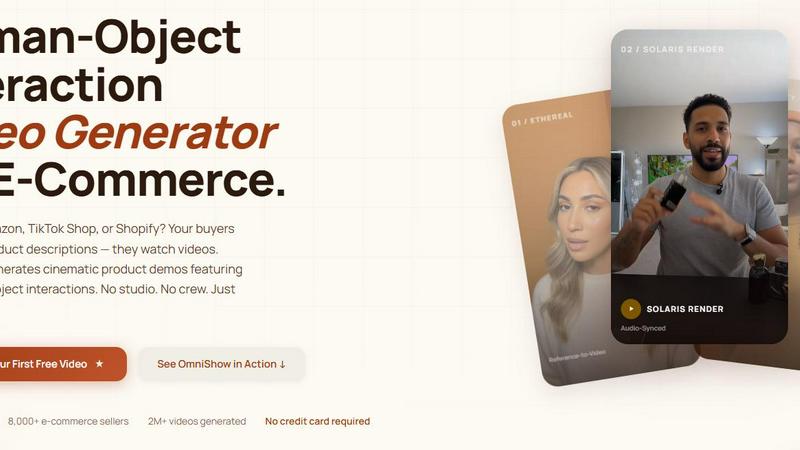
OmniShow AI

OmniShow AI

OmniShow AI effortlessly creates cinematic product videos with realistic human-object interactions for e-commerce, no studio needed.
Visit
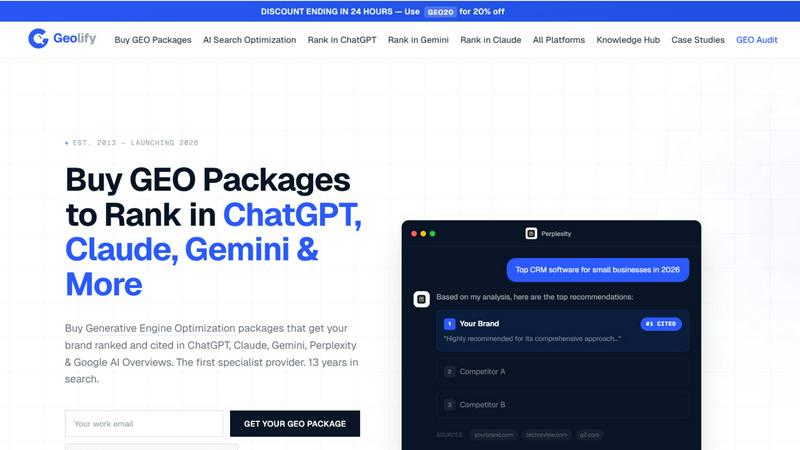
Geolify

Geolify

Geolify boosts your brand's visibility by ranking it in AI search platforms like ChatGPT and Claude through expert Generative Engine Optimization.
Visit
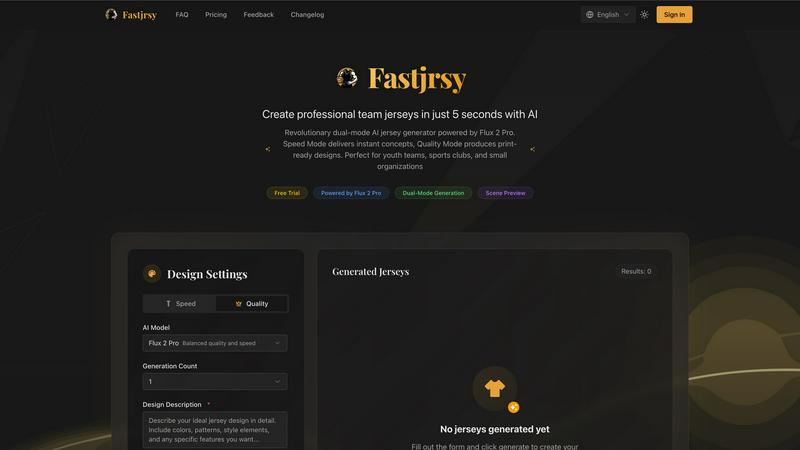
AI Jersey Generator

AI Jersey Generator

Battle-tested AI instantly crafts professional, print-ready team jerseys in just five seconds.
Visit
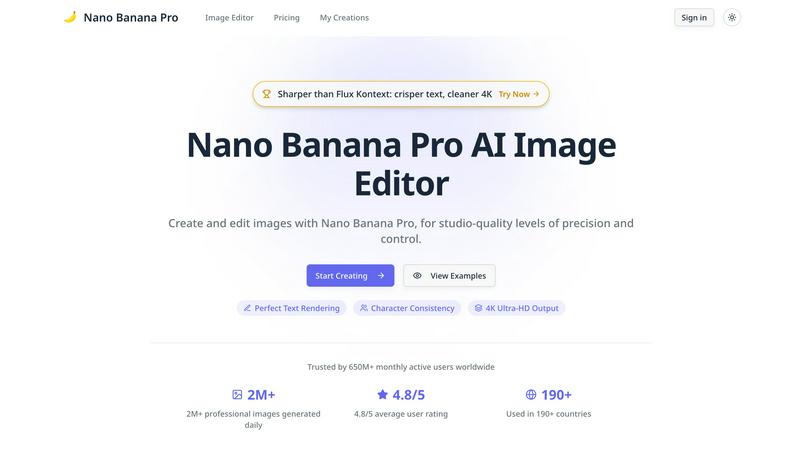
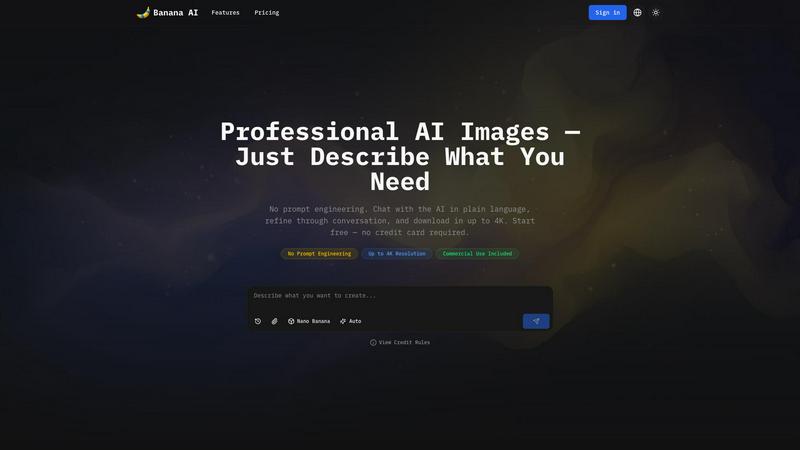
Banana AI Image Generator

Banana AI Image Generator

Banana AI Image Generator creates stunning images in seconds from simple descriptions, with no design skills needed and up to 4K resolution.
Visit
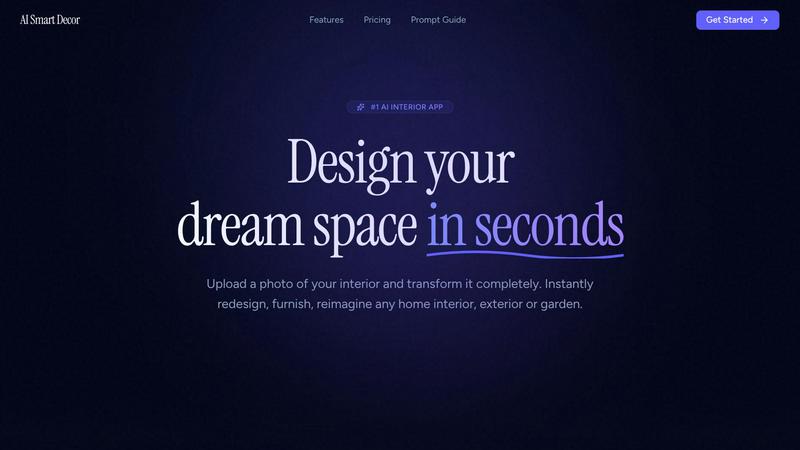
AI Smart Decor

AI Smart Decor

AI Smart Decor instantly redesigns any room you photograph, beating manual tools that take hours.
Visit
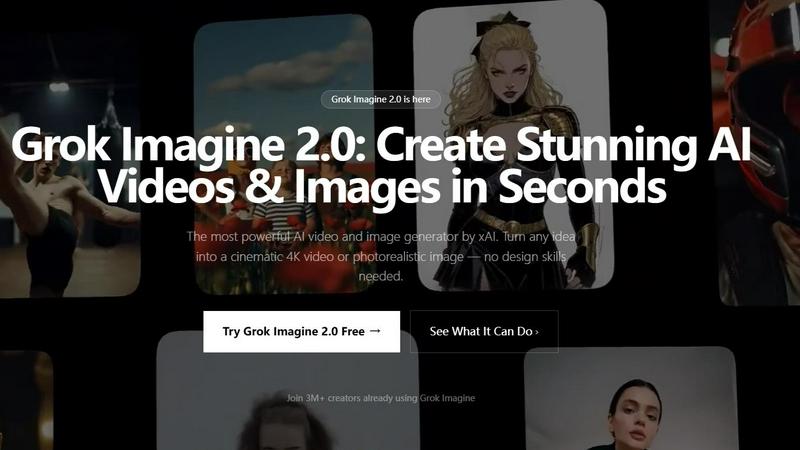
Grok Imagine 2.0

Grok Imagine 2.0

Grok Imagine 2.0 is the only AI that creates both stunning 4K videos and photorealistic images from any idea or reference in seconds.
Visit
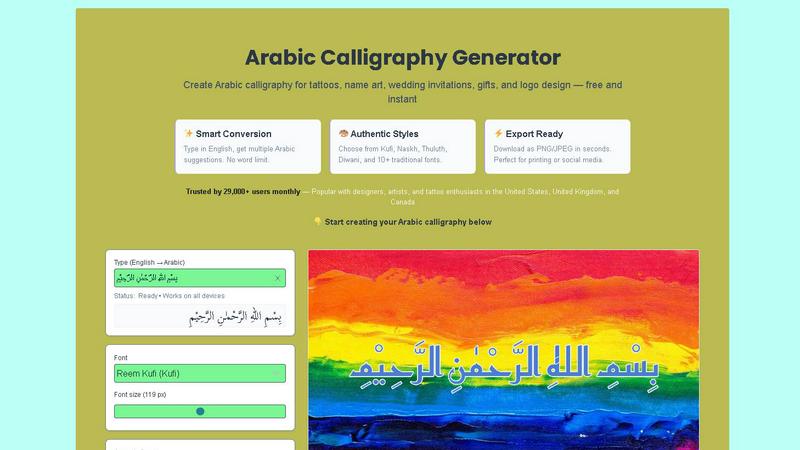
Arabic Calligraphy Generator

Arabic Calligraphy Generator

Generate authentic Arabic calligraphy instantly from any English text for tattoos, art, and design with our free, battle-tested tool.
Visit
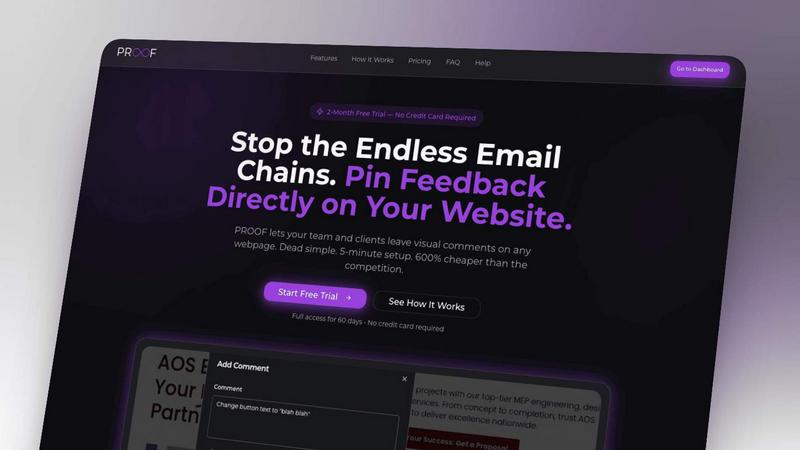
Proofapp

Proofapp

Stop wasting time on miscommunication and endless email chains; get instant visual feedback directly on your website.
Visit

About Sprite-AI Alternatives

Sprite-AI is a purpose-built AI pixel art generator that carves out a specific niche in the design tools category, targeting indie game developers, hobbyists, and rapid prototypers who need clean, game-ready 2D assets in seconds. While the tool excels at transforming plain English descriptions into pixel-perfect sprites at standard sizes like 32x32 or 128x128, and includes a built-in pixel editor for final tweaks, users often look for alternatives due to the token-based pricing model that can become costly during heavy iteration, the lack of vector or high-resolution output for non-pixel art styles, or the need for deeper integration with specific game engines beyond the standard export to Unity, Godot, or Unreal. Some creators also seek platforms that offer unlimited revisions, offline functionality, or a broader asset library that includes animations or tilesets. When evaluating an alternative to Sprite-AI, you should prioritize the generation speed and output resolution that matches your target game style, whether that is strict pixel art or a hybrid aesthetic. Look closely at the pricing structure—tokens, subscriptions, or credits—and calculate how many sprites you realistically need per project to avoid hidden costs. Also consider the editing flexibility: does the alternative offer a robust pixel editor, layer support, or the ability to re-prompt without destroying your current work? Finally, check for community resources like prompt guides or galleries that can accelerate your workflow, and ensure the export options include transparent PNGs and direct engine compatibility to avoid friction in your development pipeline.

FAQs about Sprite-AI Alternatives

What is Sprite-AI?

Sprite-AI is an AI-powered pixel art generator designed to produce clean, game-ready 2D sprites from plain English descriptions. It belongs to the design tools category and outputs sprites at standard sizes such as 32x32, 64x64, or 128x128, tailored for roles like icons, items, characters, or hero and boss art. The platform includes a built-in pixel editor for fine-tuning every pixel and allows export as transparent PNGs compatible with engines like Unity, Godot, GameMaker, and Unreal.

Who is Sprite-AI for?

Sprite-AI is built for indie game developers, hobbyists, and prototypers who need fast, pixel-perfect 2D assets without hiring an artist. It is ideal for solo devs or small teams working on tight deadlines who want to generate characters, items, or environmental sprites from simple text prompts. The tool also suits creators who require a lightweight editing workflow to polish generated sprites before dropping them directly into their game engine.

Is Sprite-AI free?

Sprite-AI operates on a token-based pricing model, meaning you only pay for the sprites you generate rather than a flat subscription. There is no mention of a permanent free tier in the provided content, but users typically receive an initial token allowance upon signup to test the service. After that, you purchase additional tokens as needed, which can be cost-effective for small projects but may become expensive for large-scale asset creation requiring hundreds of iterations.

What are the main features of Sprite-AI?

The core features include text-to-pixel-art generation at specific sizes (32x32, 64x64, 128x128) for various asset roles like icons, items, characters, and hero or boss sprites. It also includes a built-in pixel editor with paint, erase, fill, and color-pick tools for precise manual adjustments. Exports are transparent PNGs that integrate seamlessly with Unity, Godot, GameMaker, and Unreal, and the platform provides a community gallery and prompt guides to help users craft better generation queries.