
Qwen Image Layered
Effortlessly decompose images into editable layers with Qwen Image Layered, the ultimate AI-powered editing tool.
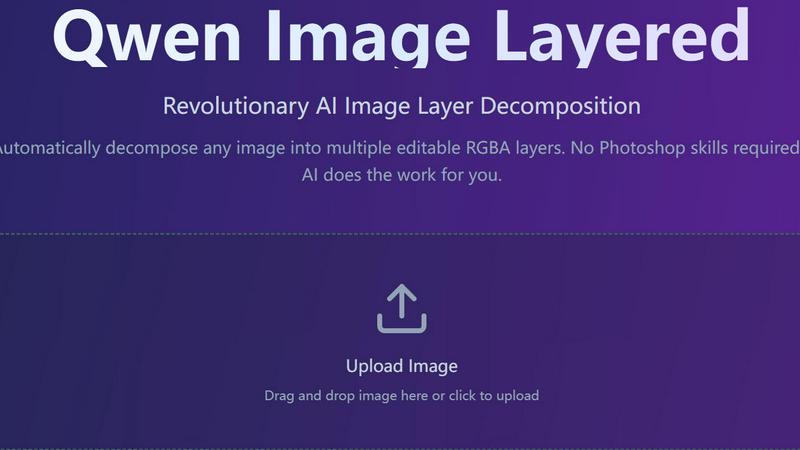
About Qwen Image Layered
Qwen Image Layered is a game-changing AI image layer decomposition tool that empowers users to transform any image into multiple editable RGBA layers effortlessly. This innovative software eliminates the need for advanced Photoshop skills, making professional-grade image editing accessible to everyone. Whether you are a graphic designer, a photographer, or a casual user, Qwen Image Layered simplifies the editing process, allowing you to achieve high-quality results in no time. By employing advanced AI algorithms, this tool not only separates the elements of an image but also reconstructs hidden areas behind objects, providing a complete layer stack that can be further manipulated. With Qwen Image Layered, the power of professional image editing is at your fingertips, enabling you to create stunning graphics quickly and efficiently.
Features of Qwen Image Layered
Automatic Layer Decomposition
Qwen Image Layered uses cutting-edge AI technology to automatically segment any image into multiple editable RGBA layers with full transparency. This feature eliminates the tedious manual selection and masking process, allowing users to focus on creativity rather than technicalities.
Smart Background Reconstruction
This intelligent feature fills in hidden areas behind objects, ensuring that layers are complete and ready for editing. Perfect for object removal and replacement, it enhances the editing experience by providing users with a seamless way to manipulate images without worrying about missing background elements.
Flexible Layer Control
With support for 3 to 8+ layers depending on the complexity of the image, Qwen Image Layered allows for recursive decomposition. This flexibility enables endless refinement and precision, giving users the ability to fine-tune their projects to meet specific needs without compromising quality.
Easy Editing Operations
The intuitive interface of Qwen Image Layered makes it easy to perform various editing operations like resizing, recoloring, moving, or replacing objects independently. Each layer can be manipulated without affecting the others, allowing for high-fidelity editing that is both simple and effective.
Use Cases of Qwen Image Layered
Graphic Design Projects
Whether you are designing marketing materials, social media graphics, or website visuals, Qwen Image Layered elevates your design workflow by providing editable layers that can be customized to fit your brand's aesthetic with ease.
Photo Retouching
For photographers looking to enhance their images, Qwen Image Layered makes it simple to touch up photos. You can isolate specific elements for retouching while leaving other parts untouched, resulting in professional-quality edits without the hassle.
E-commerce Image Editing
In the world of online retail, visuals are key. Qwen Image Layered allows sellers to create striking product images by separating items from backgrounds and adjusting their appearance, ensuring that products stand out and attract buyers' attention.
Educational and Training Materials
Educators and trainers can utilize Qwen Image Layered to create engaging visuals for presentations, tutorials, or online courses. By breaking down complex images into manageable layers, the tool aids in creating informative content that is easy to understand.
Frequently Asked Questions
What is Qwen Image Layered?
Qwen Image Layered is an AI-powered tool that automatically decomposes images into multiple editable RGBA layers with transparency. Unlike conventional background removal tools, it creates complete layer stacks, making professional editing accessible to everyone.
How does this compare to remove.bg for background removal?
Unlike remove.bg, which only removes backgrounds, Qwen Image Layered separates all elements of an image into layers. It reconstructs hidden areas behind objects and provides editable layer stacks for further manipulation, similar to a Photoshop project but generated automatically.
Is this better than Photoshop's AI selection tools?
Yes, for automatic layer separation. Qwen Image Layered can decompose images into multiple layers in just 2-5 minutes, while Photoshop requires 30-60 minutes of manual work. It is ideal for initial decompositions, with Photoshop being more suitable for fine-tuned manual control.
Can I use this commercially?
Absolutely! Qwen Image Layered is licensed under the Apache 2.0 license, which allows for commercial use without any restrictions. You can freely use it for your business, products, or services without any concerns.
Explore more in this category:
Top Alternatives to Qwen Image Layered
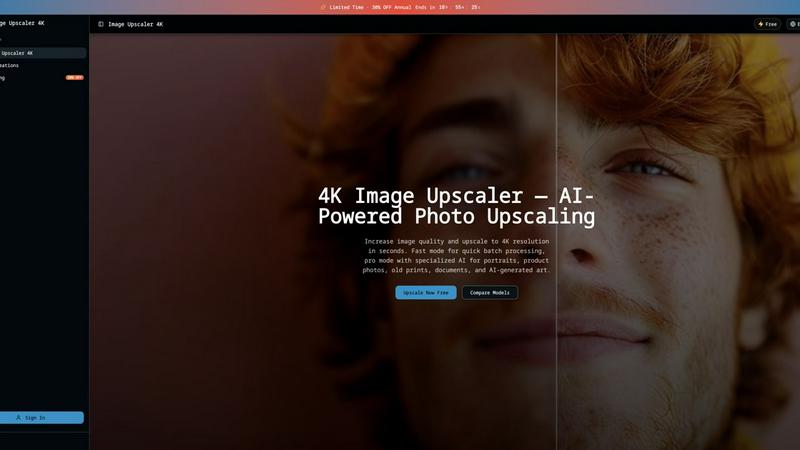
Image Upscaler 4K
Upscale any image to 4K in 3 seconds using dual AI engines, with fast batch processing or pro scene-specific models.
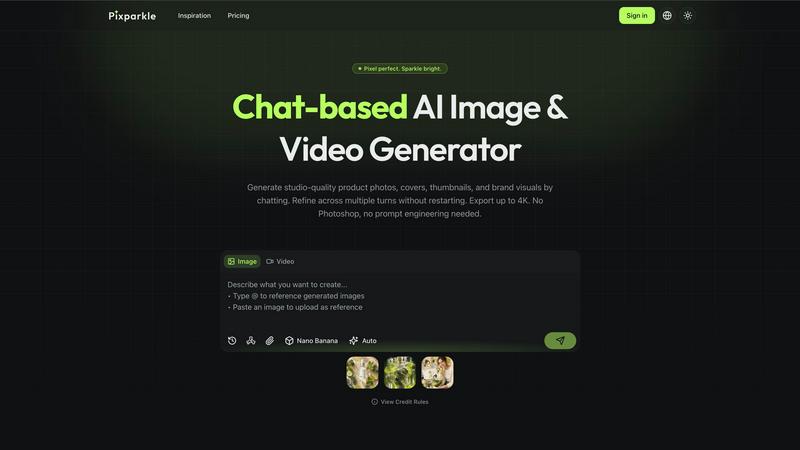
Pixparkle
Pixparkle is a chat-based AI image and video generator that creates stunning visuals effortlessly with no design skills required.
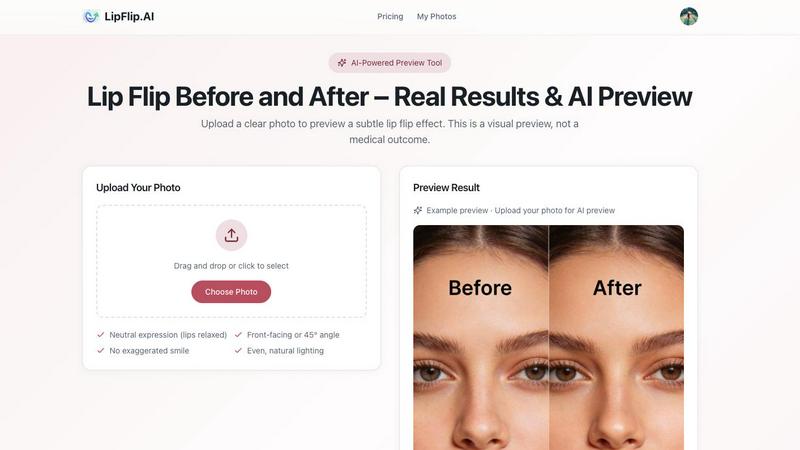
Lip Flip
Lip Flip uses AI to preview subtle lip transformations, letting you see realistic before-and-after results before consulting a provider.
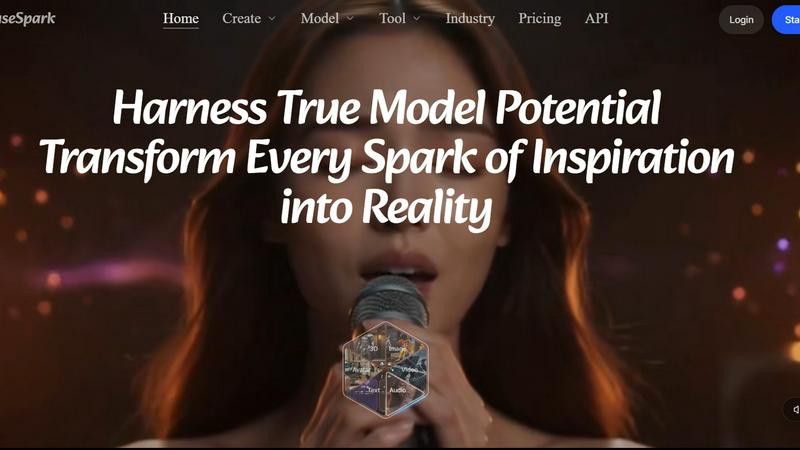
MuseSpark AI
MuseSpark AI is the battle-tested all-in-one design toolkit that crushes every other platform by transforming any spark of inspiration into stunning.
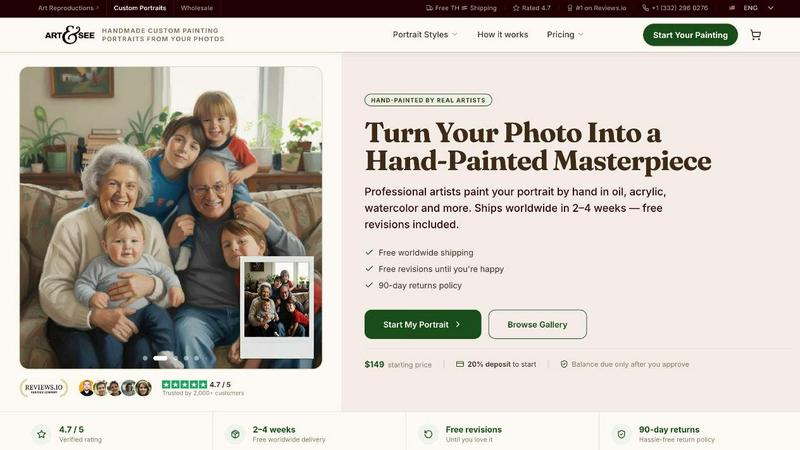
Art & See Custom Oil Painting Portraits
Transform your cherished moments into stunning custom oil painting portraits crafted by master artists with free shipping included.
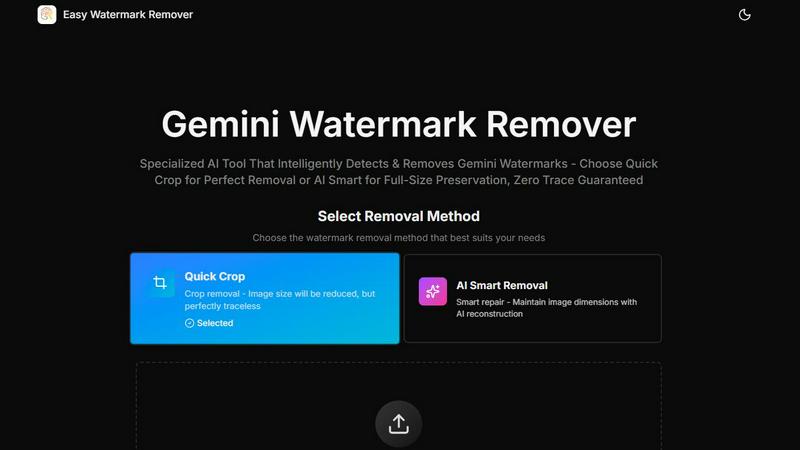
Easy Watermark Remover
Instantly remove Gemini AI watermarks for free with our smart and efficient online tool, no signup required, and choose your preferred method.
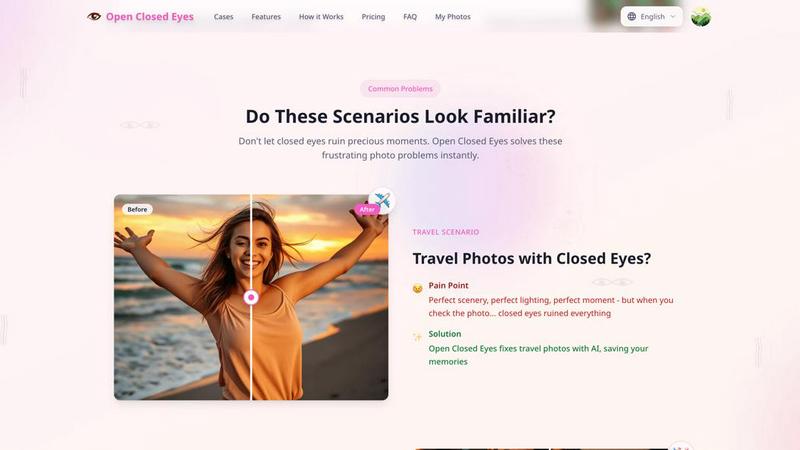
Open Closed Eyes
Fix closed eyes in any photo instantly with AI - no login required, free to try.
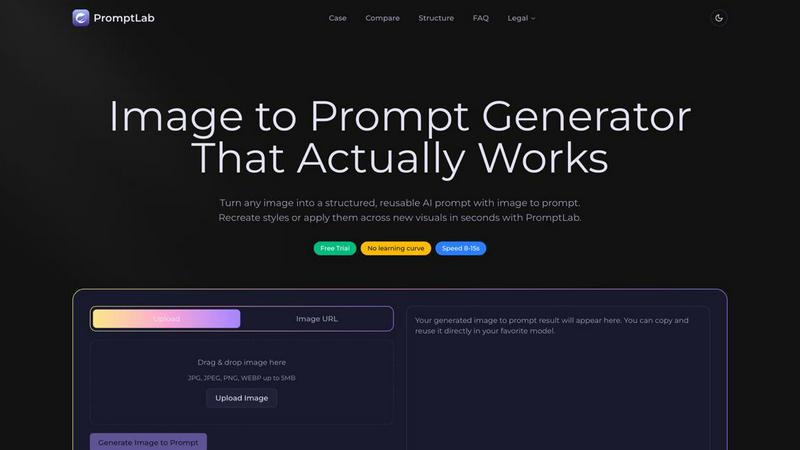
PromptLab Image to Prompt
Transform any image into powerful, reusable AI prompts in seconds with PromptLab's intuitive Image to Prompt generator.