
MuseSpark AI
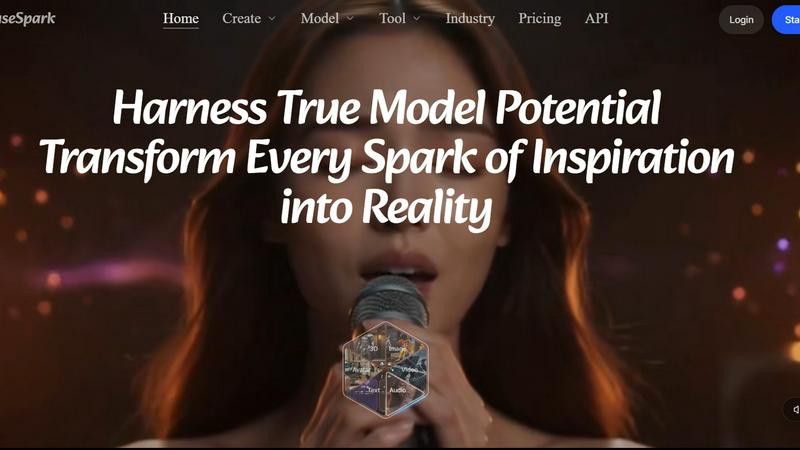
MuseSpark AI is the battle-tested all-in-one design toolkit that crushes every other platform by transforming any spark of inspiration into stunning.
About MuseSpark AI
MuseSpark AI is not just another AI tool. It is the ultimate battlefield command center for digital creation, designed to obliterate the fragmented, multi-tool workflow that plagues creators, designers, marketers, and businesses. While competitors force you to juggle separate subscriptions for image generation, video editing, voice cloning, and 3D modeling, MuseSpark delivers a unified, all-in-one arsenal that transforms raw inspiration into high-quality digital assets at lightning speed. The core value proposition is ruthless efficiency: stop switching apps and start creating. MuseSpark provides access to hundreds of the most powerful AI models from industry leaders like Kling, Wan, GPT, Seedream, Flux, and Veo, all under one roof. Whether you are a solo creator needing a quick avatar, a marketing team producing a campaign video, or a developer integrating AI via API, MuseSpark is built for you. It eliminates the technical barriers and prompt fatigue that plague other platforms. The interface is relentlessly beginner-friendly, yet the underlying power is battle-tested for professionals. From text-to-image and video creation to voice cloning, background removal, AI avatar generation, and even 3D content, MuseSpark puts the entire creative stack at your fingertips. It is designed to be the single, dominant platform where every spark of inspiration is forged into reality, without the friction of switching tools. This is not just content creation; it is creative dominance.
Features of MuseSpark AI
The Model Space: Your Curated Arsenal
Forget endless scrolling through generic model lists. The MuseSpark Model Space is a strategic, curated battlefield where you can immediately deploy the best-fit AI model for any mission. It organizes over 400 models into actionable categories like "Best Image Edit Models," "Best Avatar Models," "Motion Control Models," and "3D Generate Models." This feature directly attacks the problem of choice paralysis. Instead of guessing which model works best for a character animation or a video edit, you see the top contenders (e.g., Wan 2.2 Character Animate, Kling V3.0 Motion Control) pre-sorted and ready to go. It is a tactical advantage that saves you time and ensures you are always using the most powerful tool for the job.
All-in-One AI Toolkit
This is the core weapon of MuseSpark. It is a unified design toolkit that consolidates every essential generative AI function into a single, seamless workflow. Instead of jumping between a dozen different applications, you get a suite of tools including text-to-image, video generation, voice cloning, background removal, image upscaling, and AI avatar creation. The "Kling Elements" tool, for example, lets you create custom AI elements from reference images for video generation. The "Akool Video Face Swap" tool allows for seamless, multi-face swaps in videos from a single image. This integration is the decisive blow against the inefficient, multi-tool status quo, allowing you to maintain creative momentum without interruption.
Advanced Video and Animation Control
MuseSpark doesn't just generate video; it gives you direct command over motion and sequence. Features like "Motion Control Models" (e.g., Kling V3.0 Motion Control) and "First And Last Frame Models" (e.g., Wan 2.2 Fun Control) allow for precise, intentional content creation. You are not a passive user; you are a director. You can animate characters, replace faces, extend video sequences, and control camera movement with tools like "Vidu One-Click V2 MV," which transforms images and audio into videos. This level of granular control, usually reserved for expensive professional software, is now available in a single, accessible platform, putting you in the director's chair.
Custom Model Training with LoRA
For those who need a unique, branded style, MuseSpark provides the power to train your own models. The platform includes dedicated "Best Lora Trainers" like the "Ltx 2 19B Ic Lora Trainer" and "Wan 2.2 Video LoRA Trainer." This feature allows you to teach the AI your specific visual language, whether it is a consistent character design, a particular texture, or a unique art style. Instead of being limited to pre-existing models, you can forge your own. This is a game-changer for businesses and creators who need to maintain a consistent brand identity or develop proprietary visual assets, giving them a significant competitive edge in the content landscape.
Use Cases of MuseSpark AI
Rapid Social Media Content Production
A social media manager needs to produce a daily flood of varied content: a product image, a short promotional video, an animated avatar for a story, and a background-removed photo for a banner. With MuseSpark, this becomes a single-session task. They can use "GPT Image" for a high-fidelity product shot, "Wan 2.2" for a short video clip, "Kling Elements" to integrate the product into a new scene, and the "Akool Video Face Swap" to create a quick testimonial video. The unified workspace eliminates the need to export files and switch between tools, slashing production time from hours to minutes and allowing for a higher volume of engaging, platform-specific content.
Indie Game Asset Creation
An indie game developer with a limited budget needs to prototype characters, environments, and animations. MuseSpark acts as their entire art department. They can use "Seedream 5.0" to generate concept art for characters, "3D Generate Models" to create basic 3D assets, and "Wan 2.2 Character Animate & Replace" to prototype walk cycles or idle animations. The "Best Lora Trainers" feature allows them to train a model on their specific character design, ensuring visual consistency across all generated assets. This allows a small team to rapidly iterate on visual ideas and build a compelling game prototype without the high cost of hiring multiple specialized artists.
Professional Video Marketing Campaigns
A marketing team is launching a new product and needs a polished video ad that includes a voiceover, a custom animated logo, and a scene with a digital avatar. Using MuseSpark, they can clone a voice with the "Speech Generate Models," create a 3D animated logo with a "3D Generate Model," and generate a realistic avatar using the "Best Avatar Models." They can then composite these elements using "Vidu One-Click V2 MV" to create a cohesive video. The ability to use "Motion Control Models" ensures the camera movements in the video are cinematic and professional, all managed from a single platform, streamlining the entire campaign production pipeline.
Personalized E-commerce Visuals
An e-commerce store owner wants to create personalized marketing visuals for different customer segments. They can use "Kling Image V3" to generate high-quality product images. Then, using "Kling Elements," they can insert the product into a custom lifestyle scene tailored for a specific demographic, like a beach for summer or a cozy living room for winter. For a more personal touch, they can use the "Akool Video Face Swap" to create a video testimonial featuring a customer's face on a model. This level of personalization, once a complex and expensive task, is now a simple, repeatable workflow in MuseSpark, directly driving higher engagement and conversion rates.
Frequently Asked Questions
What types of content can I create with MuseSpark AI?
MuseSpark is a comprehensive creative arsenal. You can generate a vast range of digital assets including high-resolution images, professional-grade videos, realistic 3D models, custom audio and speech, digital avatars, and text. The platform's Model Space is organized into categories like Image, Video, 3D, Audio, Avatar, and Text, giving you access to over 400 specialized models to create anything from a simple social media post to a complex animated sequence.
Do I need technical or prompting skills to use MuseSpark?
No. MuseSpark is specifically designed to be beginner-friendly. While it offers immense power for advanced users, the interface and tools are built to be intuitive. The curated "Model Space" helps you find the best tool for your goal without needing to understand the underlying AI architecture. Many tools are one-click or simple-input operations, allowing anyone to create professional-quality content without needing to master complex prompt engineering.
How does MuseSpark compare to using separate tools like Midjourney and Runway?
MuseSpark's key advantage is unification. Instead of managing multiple subscriptions, accounts, and file exports between different platforms, MuseSpark consolidates the best models from across the industry into one workspace. This eliminates workflow friction, saves time, and reduces costs. While a tool like Midjourney excels at images and Runway at video, MuseSpark gives you access to both, plus 3D, audio, avatars, and LoRA training, all in a single, integrated environment.
Can I train my own custom AI models on MuseSpark?
Yes. MuseSpark includes dedicated "Best Lora Trainers" in its Model Space. You can use tools like the "LTX 2 19B Video LoRA Trainer" or "Wan 2.2 Video LoRA Trainer" to train the AI on your specific visual data. This allows you to create a consistent style, character, or brand aesthetic that can be applied across all your future generations, giving you unique creative control and a distinct visual identity.
Pricing of MuseSpark AI
(No pricing information was provided in the context. This section is omitted.)
Explore more in this category:
Top Alternatives to MuseSpark AI
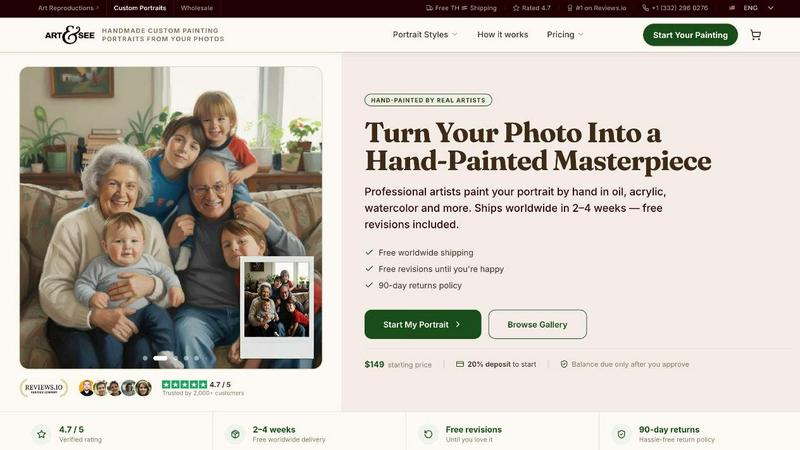
Art & See Custom Oil Painting Portraits
Transform your cherished moments into stunning custom oil painting portraits crafted by master artists with free shipping included.
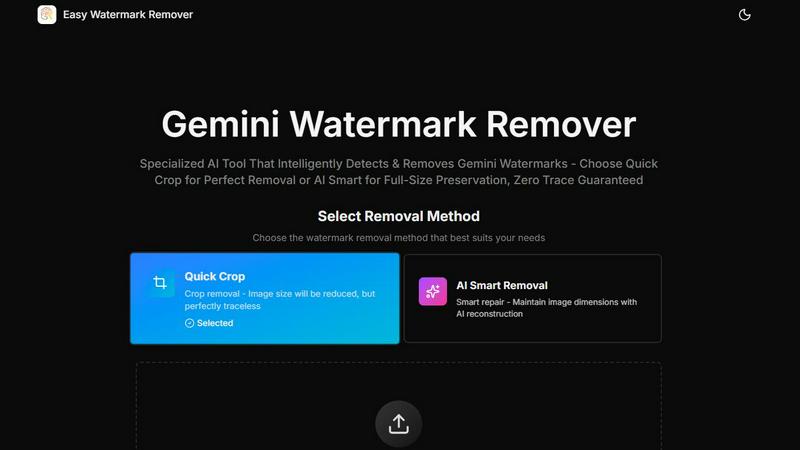
Easy Watermark Remover
Instantly remove Gemini AI watermarks for free with our smart and efficient online tool, no signup required, and choose your preferred method.
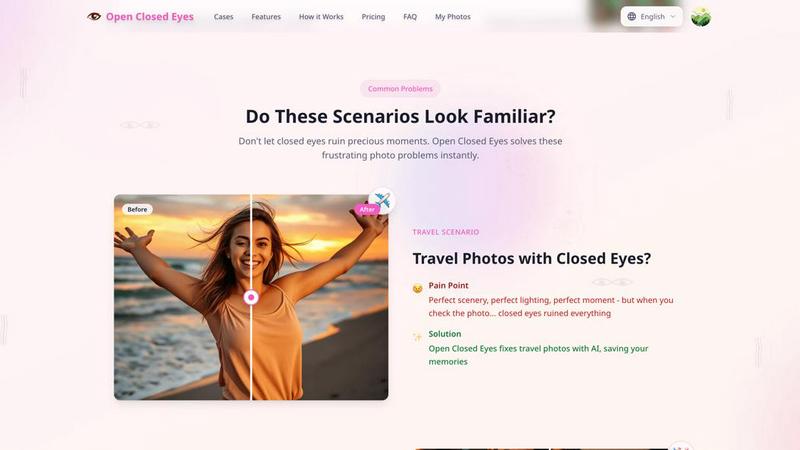
Open Closed Eyes
Fix closed eyes in any photo instantly with AI - no login required, free to try.
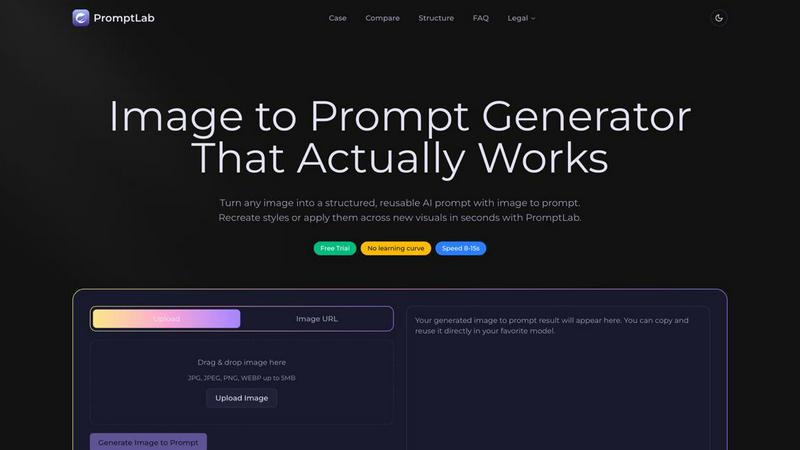
PromptLab Image to Prompt
Turn images into reusable AI prompts that actually work.
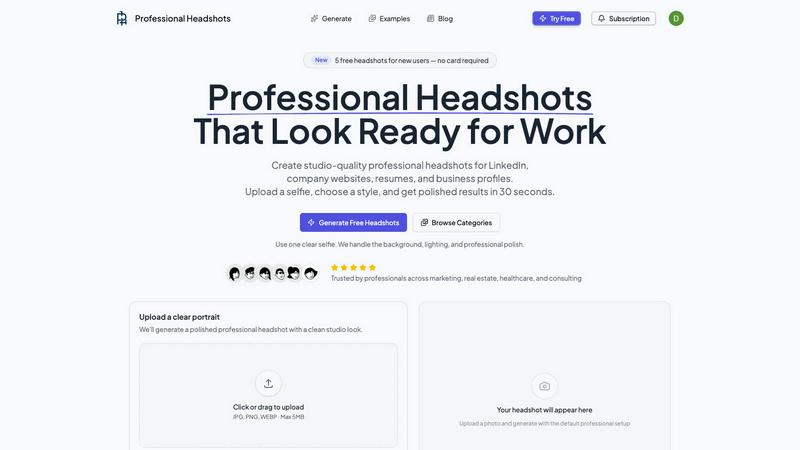
Professional Headshots
Battle-tested AI instantly creates studio-grade professional headshots from your selfie.
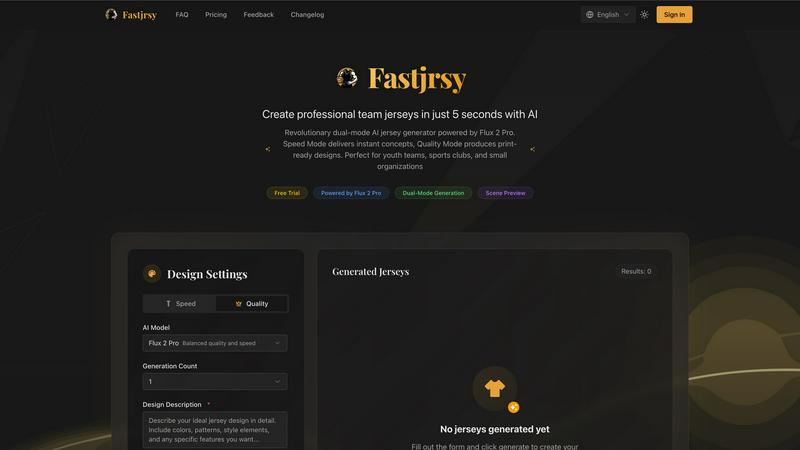
AI Jersey Generator
Battle-tested AI instantly crafts professional, print-ready team jerseys in just five seconds.
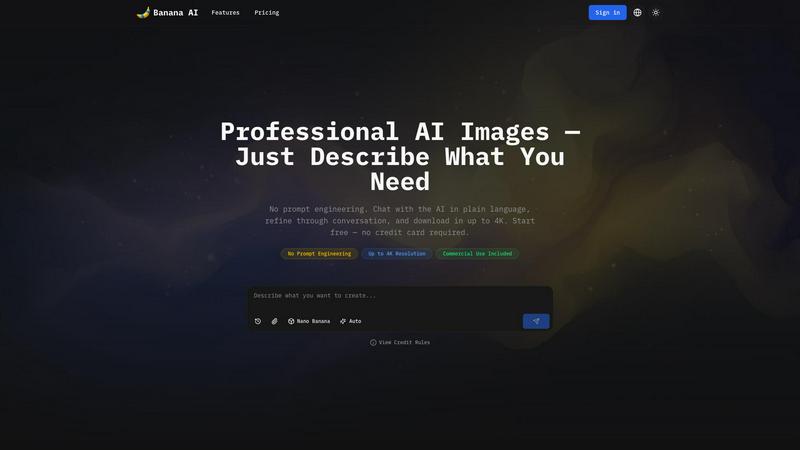
Banana AI Image Generator
Banana AI Image Generator creates stunning images in seconds from simple descriptions, with no design skills needed and up to 4K resolution.
FaceShot
Create stunning, professional headshots from a selfie in just 60 seconds with FaceShot's AI-powered technology.