Image Upscaler 4K
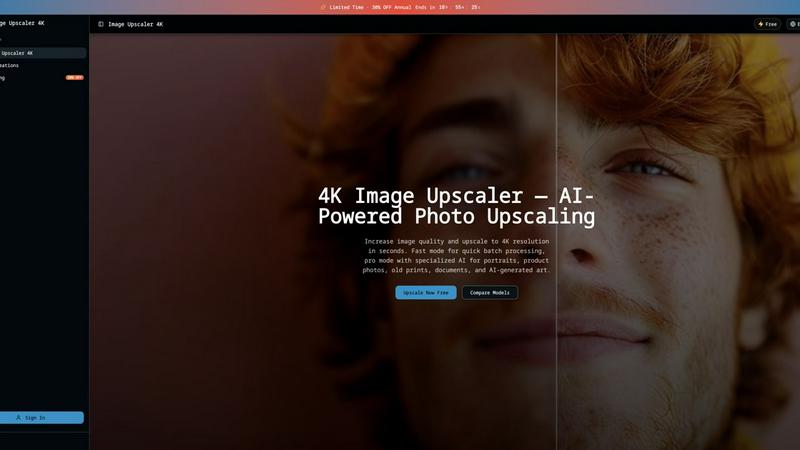
Upscale any image to 4K in 3 seconds using dual AI engines, with fast batch processing or pro scene-specific models.

About Image Upscaler 4K
Image Upscaler 4K is a powerful, dual-engine AI image upscaling platform that delivers professional-grade results directly in your browser. It solves the fundamental problem of low-resolution images by offering two distinct paths to 4K quality. For users who need speed, the Fast Mode powered by Recraft Crisp AI delivers a 4x enlargement in just 3 seconds, making it ideal for batch processing e-commerce photos and social media content. For those who demand precision, the Pro Mode unlocks five specialized Topaz AI models, each tuned for a specific image type: portraits, product photography, old prints, documents, and AI-generated artwork. This product is built for photographers, e-commerce managers, graphic designers, and anyone who needs to restore or enlarge images without installing heavy software. The entire workflow happens online, meaning you can upscale from any device with a browser. With a free tier offering 30 credits and a limited-time 30% annual discount, Image Upscaler 4K positions itself as the most accessible and versatile upscaling tool on the market, capable of handling everything from faded family photos to high-resolution print-ready AI art.
Features of Image Upscaler 4K
Fast Mode: 4x Upscale in 3 Seconds
The Fast Mode is your weapon for speed. Using the Recraft Crisp AI engine, this feature delivers a fixed 4x magnification in approximately 3 seconds. It is the fastest image upscaler 4K option available, requiring no parameter tuning. You simply upload your image, select Fast Mode, and download your enlarged result. This mode is optimized for batch processing e-commerce product photos, social media thumbnails, and web graphics where turnaround time is critical. At only 6 credits per upscale, it is also the most cost-effective choice for high-volume work.
Pro Mode: Five Specialized Topaz AI Models
The Pro Mode is where Image Upscaler 4K separates itself from the competition. It provides access to five distinct Topaz AI models: Standard v2, High Fidelity v2, Graphics, Low Resolution, and Text Refinement. Each model is a specialized weapon for a specific type of image. You get full control over adjustable sharpness (0-100), noise reduction (0-100), and face enhancement. This mode is designed for professional-grade photo restoration, AI art upscaling, and any scenario where image quality cannot be compromised. It costs 12+ credits per upscale but delivers battle-tested results.
Face Enhancement for Portraits and Old Photos
This feature automatically detects and reconstructs facial features in low-resolution headshots and old portraits. When you use Pro Mode, the AI identifies faces and applies targeted enhancement to restore skin texture, eyes, and facial contours. This is a game-changer for restoring faded family prints from the 1990s and 2000s, where faces are often the most degraded part of the image. The face enhancement works seamlessly with the noise reduction and sharpness controls, allowing you to recover memories without introducing artifacts.
Browser-Based Operation with No Installation
Image Upscaler 4K operates entirely in your browser. There is no software to download, no plugins to install, and no hardware requirements beyond a modern web browser. This makes it accessible from any device, whether you are on a Mac, PC, or tablet. The platform supports JPEG, PNG, and WebP formats with a maximum file size of 10MB. For the best results, the system recommends using the highest resolution source available, as the AI reconstructs detail from existing pixels. This feature eliminates the barrier of entry for users who need professional upscaling but lack technical expertise.
Use Cases of Image Upscaler 4K
E-Commerce Product Photo Enhancement
E-commerce managers can use Fast Mode to batch upscale product photos for online stores. A 1000x750 pixel product image becomes 4000x3000 pixels in just 3 seconds, meeting the resolution requirements for zoom-in features on platforms like Amazon and Shopify. The fixed 4x magnification ensures consistency across your entire catalog, while the low cost per upscale (6 credits) makes it feasible for high-volume processing. This use case directly impacts conversion rates by providing customers with sharp, detailed product images.
Old Photo Restoration and Family Memory Recovery
Restore and enlarge faded family prints, damaged negatives, and low-resolution scans from the 1990s and 2000s using Pro Mode. The specialized Low Resolution and High Fidelity v2 models work together with the face enhancement feature to reconstruct facial features, recover texture detail, and reduce noise. This use case is deeply personal, allowing users to breathe new life into cherished memories. The browser-based operation means you can scan old photos at home and immediately upscale them without leaving your desk.
AI Art Upscaling for Print-Ready Output
Digital artists and AI art creators can use Pro Mode to enlarge AI-generated images to print resolution. The Graphics model is specifically optimized for preserving the sharp edges, vibrant colors, and intricate details common in AI artwork. With Pro Mode supporting output up to 16384x16384 pixels (268 megapixels), you can create large-format prints, canvas art, and posters without losing quality. This use case bridges the gap between digital creation and physical display.
Document and Text Refinement for Archiving
The Text Refinement model in Pro Mode is designed for scanning and archiving documents, contracts, and printed materials. It enhances text clarity, sharpens letterforms, and reduces background noise. This is invaluable for digitizing historical documents, creating searchable PDFs from low-resolution scans, or restoring faded text in old manuscripts. The adjustable sharpness control allows you to fine-tune the output for maximum readability.
Frequently Asked Questions
What is the difference between Fast Mode and Pro Mode?
Fast Mode uses Recraft Crisp AI for a fixed 4x upscale in 3 seconds at 6 credits per image. It is ideal for batch processing and social media content. Pro Mode offers five specialized Topaz AI models (Standard v2, High Fidelity v2, Graphics, Low Resolution, Text Refinement) with adjustable sharpness, noise reduction, and face enhancement. Pro Mode costs 12+ credits per upscale and is designed for professional-grade restoration and enhancement.
What input resolution do I need to achieve true 4K output?
To achieve a true 4K output of 3840x2160 pixels, your input image must be at least 960x540 pixels. Image Upscaler 4K applies a 4x magnification to your input dimensions, not a fixed output size. For example, a 1000x750 input becomes 4000x3000, which exceeds 4K. For maximum output, Pro Mode supports up to 16384x16384 pixels (268 megapixels).
Is Image Upscaler 4K free to use?
Yes, Image Upscaler 4K offers a free tier that includes 30 credits. Each Fast Mode upscale costs 6 credits, and each Pro Mode upscale costs 12+ credits. You can sign in and use your free credits immediately. For higher volume needs, there is a limited-time 30% discount on annual subscriptions.
What file formats and sizes are supported?
The platform supports JPEG, PNG, and WebP file formats. The maximum file size for a single upload is 10MB. For best results, use the highest resolution source image available. The AI reconstructs detail from existing pixels, so a higher quality input will produce a better output.
Explore more in this category:
Top Alternatives to Image Upscaler 4K
BulkPicTools
BulkPicTools lets you compress, convert, and crop 200+ images locally in one session without ever uploading a file.
Receiptum
Create professional, customizable receipts in seconds with Receiptum's easy-to-use templates for any business or personal need.
Mockupanda
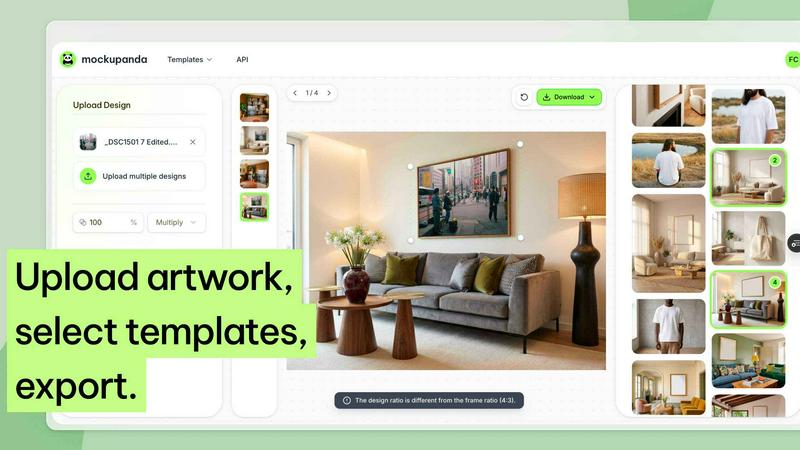
Mockupanda transforms one design into unlimited professional mockups instantly, helping Etsy and POD sellers launch faster than competitors.
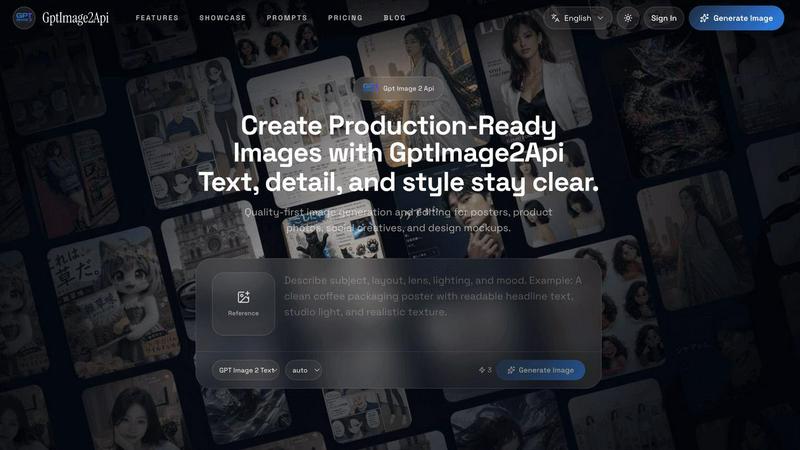
GPT Image 2 API
Effortlessly create stunning, production-ready images and edit existing visuals with the fast and scalable GPT Image 2 API.
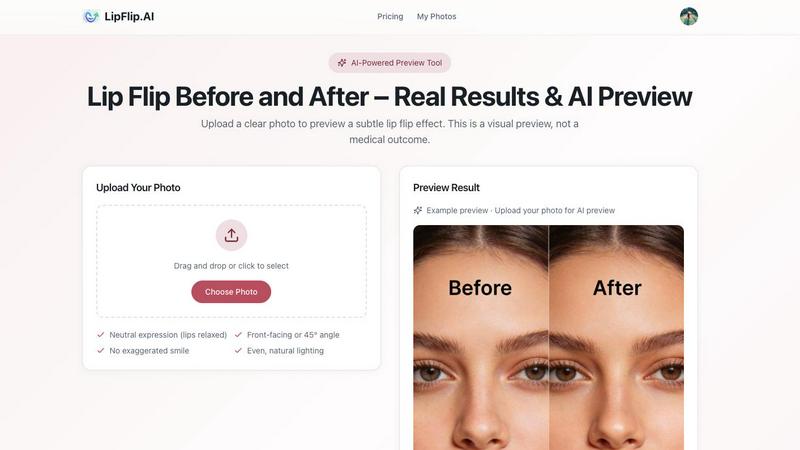
Lip Flip
Lip Flip uses AI to preview subtle lip transformations, letting you see realistic before-and-after results before consulting a provider.
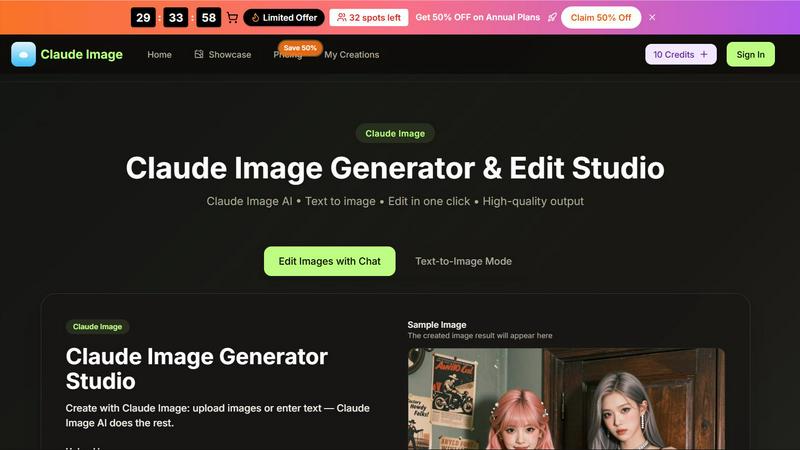
Claude Image
Transform your ideas into stunning visuals effortlessly with Claude Image, the ultimate AI-powered text-to-image generator and editor.
Sprite-AI
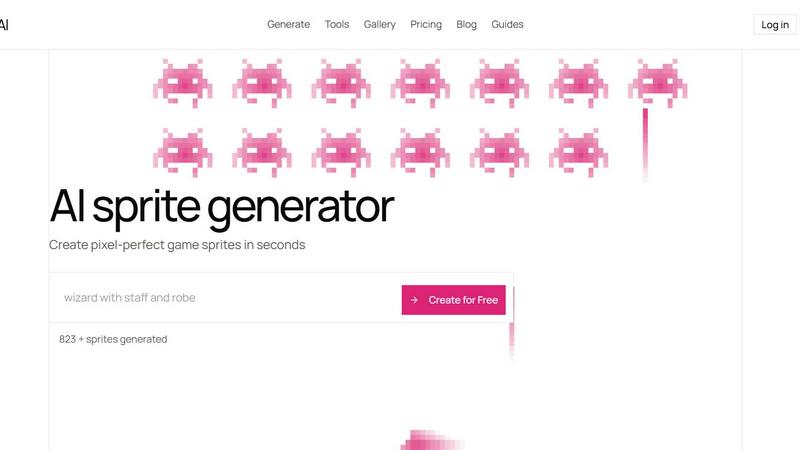
Stop wasting hours drawing pixel art by hand; Sprite-AI generates perfect, game-ready sprites in seconds from just your words.
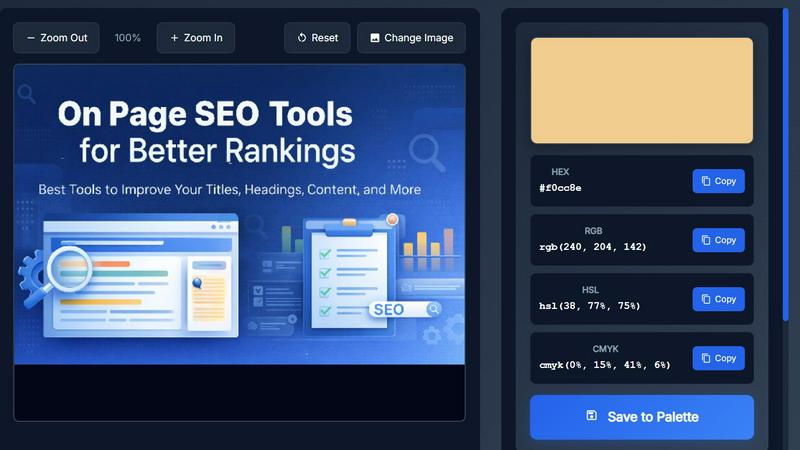
Image Color Picker Online
Effortlessly extract precise HEX, RGB, HSL, and CMYK colors from any image in seconds with our intuitive online color picker tool.