
Image Color Picker Online
Effortlessly extract precise HEX, RGB, HSL, and CMYK colors from any image in seconds with our intuitive online color picker tool.
About Image Color Picker Online
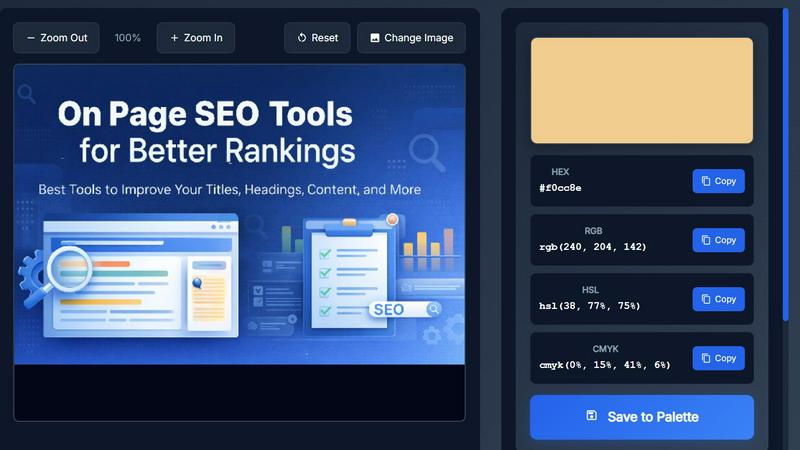
Image Color Picker Online is a powerful yet straightforward tool designed to help users extract precise color values from any image effortlessly. With this no-login-required solution, designers, developers, and content creators can quickly upload images or paste them directly into the interface. By simply clicking on any part of the image, users can instantly receive accurate color codes in HEX, RGB, HSL, and CMYK formats. This functionality eliminates the frustration often associated with color matching, allowing for seamless integration of brand colors into UI designs, website styling, and marketing materials. Built to run entirely in the browser, this utility offers a hassle-free experience with no installation or signup needed. Whether you are a professional designer looking for color consistency or a beginner exploring color theory, Image Color Picker Online is your go-to tool for precise color extraction.
Features of Image Color Picker Online
Multi-format Color Output
This feature allows users to receive color codes in multiple formats, including HEX for web design, RGB for digital applications, HSL for styling and gradients, and CMYK for print design. This versatility ensures that you have the right format for any project, enhancing workflow efficiency.
Zoom & Precision Controls
The zoom functionality is invaluable for pixel-level accuracy. It enables users to select colors from intricate details or small areas of an image, reducing the risk of selecting the wrong shade. This feature is particularly useful when working with gradients or textures that require careful color selection.
One-click Copy Buttons
Forget the hassle of manual entry. Image Color Picker Online provides convenient one-click copy buttons for each color format. This means users can quickly grab the exact color code they need without the risk of typos or errors, streamlining the design process significantly.
Save to Palette
Users can collect multiple colors from a single image and build their own custom color palettes. This feature not only simplifies the design process but also encourages creativity by allowing users to experiment with different color combinations and themes.
Use Cases of Image Color Picker Online
Web Design Projects
Web designers can utilize the tool to ensure consistent color usage across websites. By extracting accurate color codes from inspiration images or existing designs, they can maintain brand integrity and visual harmony throughout their projects.
Branding and Marketing
For brand strategists, this tool is perfect for capturing exact colors from logos, advertisements, or marketing materials. It enables consistent branding across various platforms, ensuring that every piece of content reflects the brand’s identity accurately.
Graphic Design Tasks
Graphic designers can leverage Image Color Picker Online to create cohesive color palettes for their designs. By picking colors from photographs or artworks, they can develop unique palettes that enhance their projects, making them more appealing.
Educational Purposes
Students and beginners in the design field can use this tool to understand color theory visually. By experimenting with different images and extracting colors, they can learn about color relationships and the impact of color choices in design and art.
Frequently Asked Questions
How do I use Image Color Picker Online?
Using the tool is simple. Upload or paste your image, zoom in as needed for precision, click on the area you want to extract color from, choose your desired format (HEX, RGB, HSL, or CMYK), and copy the color code for use.
What image formats does the tool support?
Image Color Picker Online supports various image formats, including JPG, PNG, GIF, and WEBP. You can upload images up to 10MB in size, making it flexible for different types of projects.
Is there any software installation required?
No, Image Color Picker Online runs entirely in your web browser. There are no downloads or installations required, making it incredibly convenient for users who want to get to work without delays.
Can I save color palettes for future use?
Absolutely! The tool allows you to build and save custom color palettes by extracting multiple colors from a single image, which you can later export for your design or development needs.
Explore more in this category:
Top Alternatives to Image Color Picker Online

Seed3D 2.0
Seed3D 2.0 transforms your text and images into stunning 3D models effortlessly, with free credits for new users to start creating today.

Kling 3.5
Kling 3.5 transforms your text and images into stunning videos with precise motion and professional framing, perfect for any project.
Trellis 2
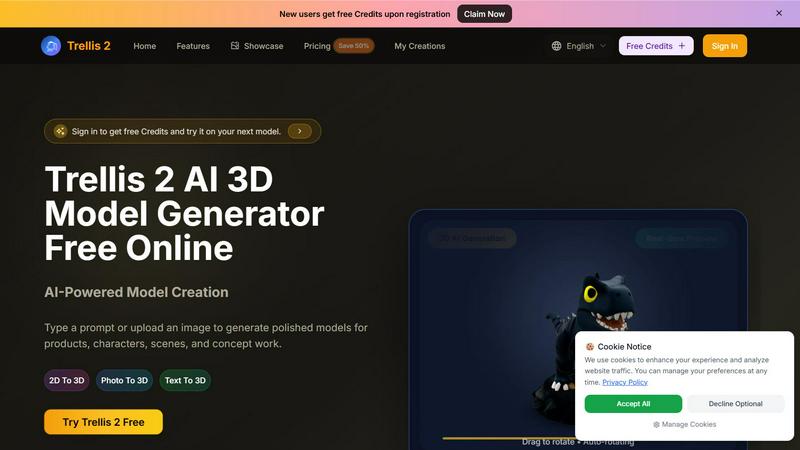
Trellis 2 crushes competitors by turning text or images into polished 3D models with fast previews and high-res exports for free.

Kling 5.0 AI Video Generator
Kling 5.0 outpaces competitors by turning text or images into export-ready video clips in seconds, not hours.

Trellis 3 AI 3D Model Generator
Trellis 3 AI crushes slow workflows, turning text or images into high-quality 3D models instantly for free.

Kling 4.0
Kling 4.0 transforms text and images into stunning videos in minutes, perfect for marketing, training, and social media content.
GPT Image 2
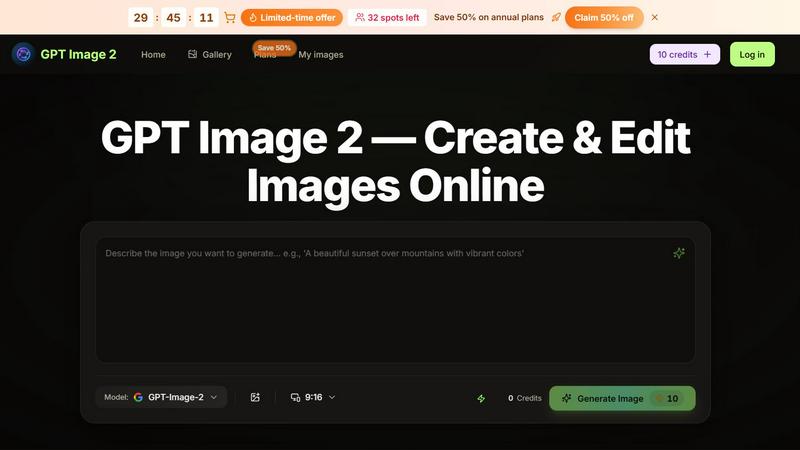
GPT Image 2 turns text prompts and reference images into polished visuals with instant AI editing that outpaces basic generators.
OmniShow AI
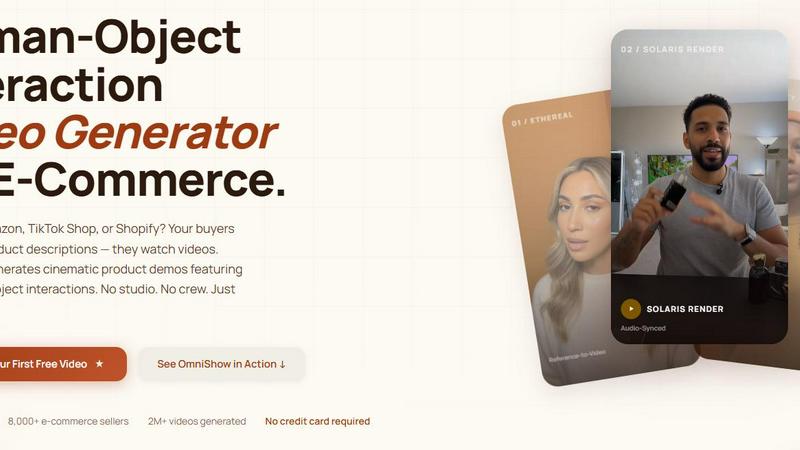
OmniShow AI effortlessly creates cinematic product videos with realistic human-object interactions for e-commerce, no studio needed.