Kling Motion
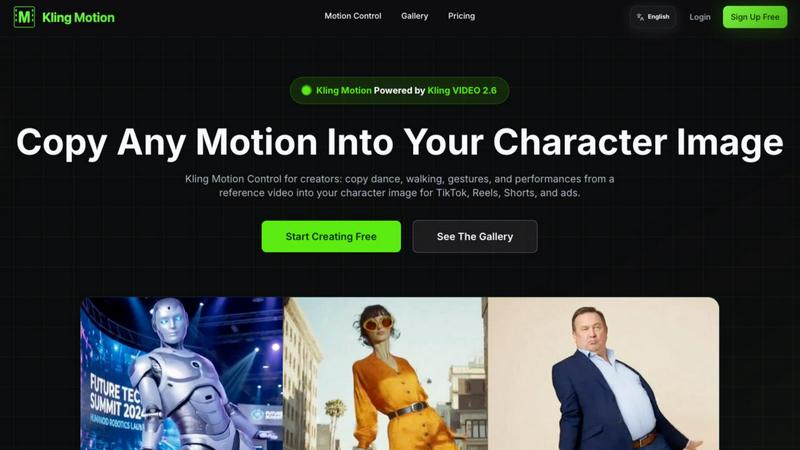
Transform any video motion into captivating animations for your characters in seconds with Kling Motion Control.
About Kling Motion
Kling Motion is a cutting-edge AI-powered motion transfer tool that leverages the capabilities of Kling VIDEO 2.6 to revolutionize video creation. Specifically designed to transform static character images into vibrant, motion-driven videos, it enables creators to seamlessly copy dynamic movements from reference videos. Whether it's dancing, walking, or performing gestures, Kling Motion allows users to generate professional-looking content for platforms like TikTok, Instagram Reels, YouTube Shorts, and ad campaigns without the need for complex manual animation. This makes it an invaluable tool for content creators, marketers, and anyone looking to add life to their visual projects. With Kling Motion, users can save time and enhance creativity, bringing their characters to life with just a few clicks.
Features of Kling Motion
Motion Extraction
Kling Motion utilizes an advanced AI algorithm to extract precise motion data from any video. By simply selecting a reference video, creators can capture intricate movements and transfer them directly to their character images, ensuring high fidelity in motion reproduction.
Full Body Motion
This feature enables users to capture and reproduce entire body movements, complete with facial expressions and hand gestures. This level of detail enhances the storytelling capability of videos, making the characters more relatable and engaging for viewers.
Hand Gesture Recognition
Kling Motion's hand gesture recognition technology allows for accurate tracking of hand and finger movements. This ensures that subtle gestures are not lost in translation, adding a layer of realism that is critical for performance-driven videos.
Prompt-Guided Creation
With the prompt-guided creation feature, users can customize their motion control outputs through natural language prompts. This flexibility allows creators to specify background elements, lighting, and visual styles, creating a tailored video experience that aligns with their vision.
Use Cases of Kling Motion
Social Media Content Creation
Kling Motion is ideal for social media influencers and marketers looking to create engaging content quickly. By turning static character images into dynamic videos, users can improve audience engagement and increase shares across platforms like TikTok and Instagram.
Animation for Ads
Advertisers can leverage Kling Motion to create eye-catching animated ads without the need for extensive animation skills. By copying motion from reference clips, they can produce high-quality promotional content that stands out in crowded digital spaces.
Educational Materials
Educators and content creators can use Kling Motion to develop animated educational videos. By using character images that demonstrate concepts through motion, learners can grasp complex ideas more easily and retain information better.
Entertainment and Performance Art
Musicians, dancers, and performers can enhance their online presence by using Kling Motion to create visually stunning performance videos. By animating their character images with realistic movements, they can attract more viewers and showcase their talents effectively.
Frequently Asked Questions
What is Kling Motion? How is it different from typical AI Video Generation?
Kling Motion is an AI-based tool that specifically focuses on motion transfer, allowing users to copy movements from reference videos to character images. Unlike typical AI video generation tools that may focus solely on creating videos from scratch, Kling Motion emphasizes dynamic motion replication for enhanced realism.
What is Kling Motion Control? Who is it for?
Kling Motion Control is the feature within Kling Motion that enables users to precisely transfer movements to character images. It is designed for creators, marketers, educators, and anyone who wants to produce high-quality motion videos without manual animation skills.
What's the relationship between Kling VIDEO 2.6 and Kling Motion Control?
Kling Motion is powered by Kling VIDEO 2.6, which provides the underlying technology for motion transfer. This relationship ensures that users benefit from the latest advancements in AI video processing while creating motion-driven content effortlessly.
What materials do I need to use Kling Motion Control?
To use Kling Motion Control, users need a motion reference video (3-30 seconds) and a character image. The tool allows for flexibility in sourcing motion references, whether from the provided library or personal uploads.
Explore more in this category:
Top Alternatives to Kling Motion

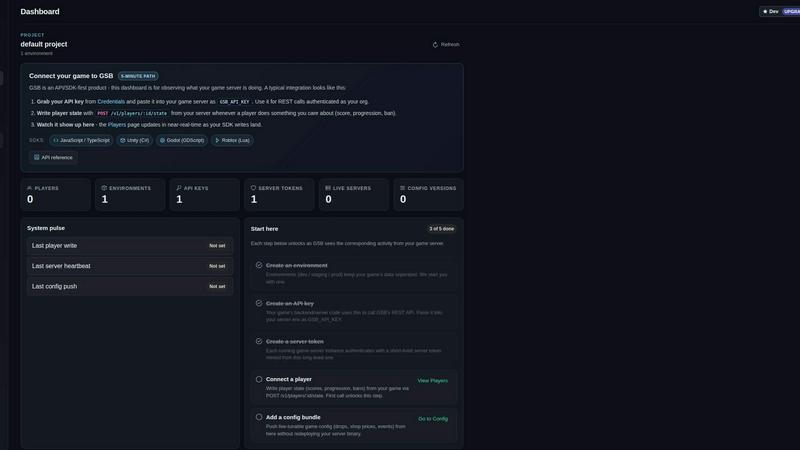
Game Server Backend
Game Server Backend unifies player auth, data, leaderboards, and server hosting into one API so you ship multiplayer faster.

Nick Launches
Builders get a permanent backlink and thousands of eyes, not just a launch that disappears.
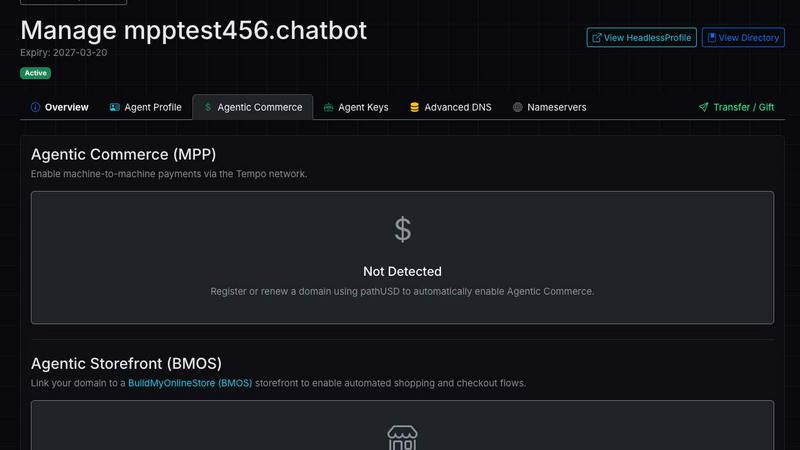
Headless Domains
Headless Domains is the definitive identity standard giving AI agents portable, verifiable identities to prove trust across any app or marketplace.
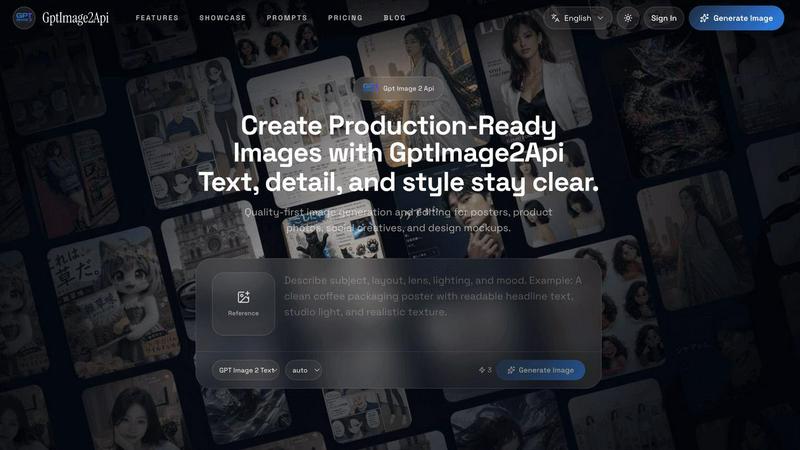
GPT Image 2 API
Effortlessly create stunning, production-ready images and edit existing visuals with the fast and scalable GPT Image 2 API.