ProspectBuddy
ProspectBuddy simplifies LinkedIn prospecting by allowing you to save leads to Airtable or Trello with one click—compliant and manual.

About ProspectBuddy
ProspectBuddy is a cutting-edge LinkedIn prospecting tool designed specifically for users who want to streamline their workflows using Airtable and Trello. This tool is perfect for sales teams, recruiters, founders, and business operators who frequently engage with LinkedIn to identify and save valuable leads. With ProspectBuddy, you can effortlessly save LinkedIn profiles in just one click, converting them into structured records without the hassle of messy copy-pasting. Unlike many automation tools that risk compliance issues, ProspectBuddy is built for manual prospecting, ensuring that you maintain full control over your actions. By utilizing this tool, you can find verified business emails and phone numbers, generate personalized outreach messages using AI, and maintain a clean and consistent prospecting workflow. If you rely on LinkedIn for sales, recruiting, or business development, ProspectBuddy accelerates your processes while keeping your operations compliant and secure.
Features of ProspectBuddy
One-Click Lead Saving
With ProspectBuddy, you can save LinkedIn leads to Airtable or Trello with just one click. This simplicity eliminates the tedious task of manual data entry, allowing you to focus on what truly matters: building relationships and closing deals.
Field-Specific Data Capture
ProspectBuddy allows you to capture only the LinkedIn profile fields you need. This feature enables you to streamline your data collection, ensuring that you collect relevant information without the clutter of unnecessary details.
Verified Contact Information
Find verified business emails and phone numbers directly from LinkedIn profiles. This feature ensures that you can reach out to your leads with confidence, knowing that the contact information you have is accurate and up-to-date.
AI-Powered Outreach Messaging
Generate personalized outreach messages quickly using AI. This feature harnesses the power of artificial intelligence to help you craft tailored messages that resonate with your prospects, increasing the chances of positive engagement.
Use Cases of ProspectBuddy
Efficient Sales Prospecting
Sales teams can use ProspectBuddy to quickly identify and save potential leads from LinkedIn. By integrating with Airtable or Trello, they can track their outreach efforts and manage their pipeline more effectively.
Streamlined Recruitment Process
Recruiters can leverage ProspectBuddy to save candidate profiles directly into their Trello boards. This feature helps them maintain a structured hiring pipeline, ensuring that all candidate information is readily available and organized.
Enhanced Business Development
Founders and business operators can use ProspectBuddy to uncover potential partnerships and collaborations. The ability to find verified contact information simplifies outreach and accelerates business development efforts.
Controlled Manual Prospecting
For professionals concerned about compliance, ProspectBuddy offers a safe manual prospecting solution. Users can engage with LinkedIn profiles directly and save leads without the risk associated with automation tools, ensuring that their prospecting remains compliant.
Frequently Asked Questions
How do I connect Airtable?
To connect Airtable, click “Airtable” on the Connect screen or in your Profile. Select the bases and workspaces you want to access, and then click “Grant access.” The status will appear on your Profile page, and you can disconnect anytime.
Is ProspectBuddy safe to use with LinkedIn?
Yes, ProspectBuddy is specifically designed for safe, manual LinkedIn prospecting. It does not perform automated actions, allowing you to work directly from LinkedIn profiles while maintaining compliance and control.
What can I spend credits on?
Credits can be used for various actions within ProspectBuddy, including email searches and saving leads. For example, an email search costs 10 credits, and if no email is found, your credits are not charged.
Why don’t I see some Airtable fields?
Only compatible field types are supported in Airtable. If a field type is not supported, it will not appear in the dropdown menu. Ensure that you are using compatible field types for successful data mapping.
Top Alternatives to ProspectBuddy


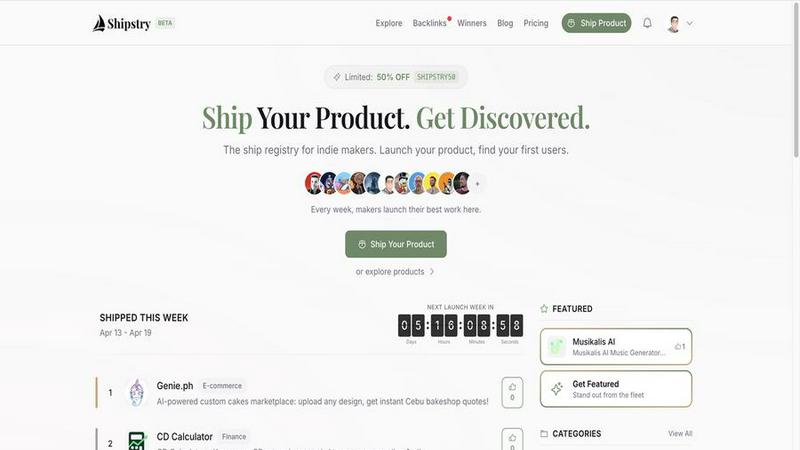
Shipstry
Launch products to an engaged community and access Trade Ports, a curated directory of 800+ places to promote your work.