
FragCut
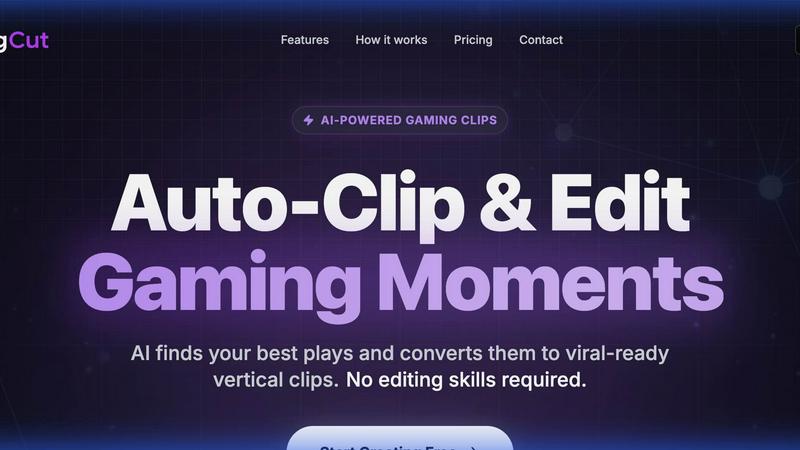
Transform your gameplay into viral clips effortlessly with FragCut's AI-powered editing and highlight detection.
About FragCut
FragCut is a revolutionary AI-powered clipping tool designed specifically for content creators in the gaming community. It allows users to effortlessly transform their long gameplay streams into viral-ready clips, perfect for platforms like TikTok, YouTube Shorts, and Instagram Reels. With the ability to upload Twitch VODs or other video formats and receive 5-8 highlights in just 10-20 minutes, FragCut provides an unparalleled speed advantage over manual editing. The AI detects exciting moments in gameplay, such as kills, clutches, and hilarious interactions, ensuring that users can focus on what they do best—gaming and engaging their audience. FragCut is perfect for streamers and gamers looking to enhance their social media presence without the hassle of traditional editing.
Features of FragCut
AI Highlight Detection
FragCut's cutting-edge AI technology meticulously analyzes your gaming videos, identifying and extracting the most thrilling moments—be it epic kills, clutch plays, or funny interactions. This feature saves creators countless hours of manual editing while ensuring that only the most engaging content is highlighted.
Vertical Format Conversion
In today's fast-paced social media landscape, vertical videos dominate. FragCut automatically converts your landscape footage into the 9:16 vertical format, making your clips ready for TikTok, Instagram Reels, and YouTube Shorts. This feature ensures that your content is optimized for maximum visibility and engagement.
Auto Subtitles
Communication is key, especially in gaming. FragCut generates speech-to-text subtitles for your clips, which are burned into the video. This is particularly useful for viewers who watch on mute, ensuring your hilarious commentary and epic moments are never missed, regardless of how your audience chooses to consume your content.
Montage Maker
The Montage Maker feature allows creators to stitch multiple clips together seamlessly. With a simple drag-and-drop interface, users can reorder clips, hit Auto Stitch, and create highlight compilations in seconds. This feature empowers creators to craft compelling narratives from their gameplay moments without the additional time investment.
Use Cases of FragCut
Stream Highlights for Social Media
Gamers can upload their lengthy Twitch streams and quickly receive engaging highlights tailored for social media. This allows them to maintain a consistent posting schedule on platforms like TikTok and Instagram, keeping their audience entertained and engaged without the backbreaking effort of manual editing.
Showcase Epic Plays
With FragCut's AI-powered highlight detection, users can capture and showcase their best in-game performances, such as headshot sequences or clutch situations. This not only boosts their online presence but also helps in building a portfolio of impressive gameplay that can attract sponsorships or collaborations.
Create Funny Compilation Videos
Streamers can leverage FragCut to compile funny moments from their gameplay, such as fails, whiffs, or hilarious interactions with teammates. These compilations are perfect for sharing on social media, where humor and relatability often lead to higher engagement rates and shares.
Enhance Viewer Engagement
By producing quick, viral-ready clips, creators can enhance viewer engagement on their channels. Short, exciting content keeps their audience returning for more, building a loyal follower base and increasing overall viewer interaction across platforms.
Frequently Asked Questions
How does FragCut work?
FragCut operates by allowing users to upload video files or paste URLs from platforms like Twitch or YouTube. The AI then analyzes the footage, identifies highlight moments, and generates vertical clips ready for social media sharing, all within a matter of minutes.
What subscription plans do you offer?
FragCut offers flexible subscription plans tailored for various levels of content creators. Users can choose a plan that suits their needs and cancel anytime, providing an easy entry point for those looking to enhance their content without long-term commitment.
Which games does FragCut support?
FragCut is optimized for a variety of popular games, including Valorant and Counter-Strike 2. The AI is continuously updated to support new titles, ensuring that creators can capture highlights from their favorite games seamlessly.
How long does video processing take?
Video processing with FragCut typically takes between 15 to 30 minutes, depending on the length of the uploaded footage. This quick turnaround allows creators to receive their highlights promptly, enabling timely sharing on social media platforms.
Explore more in this category:
Top Alternatives to FragCut
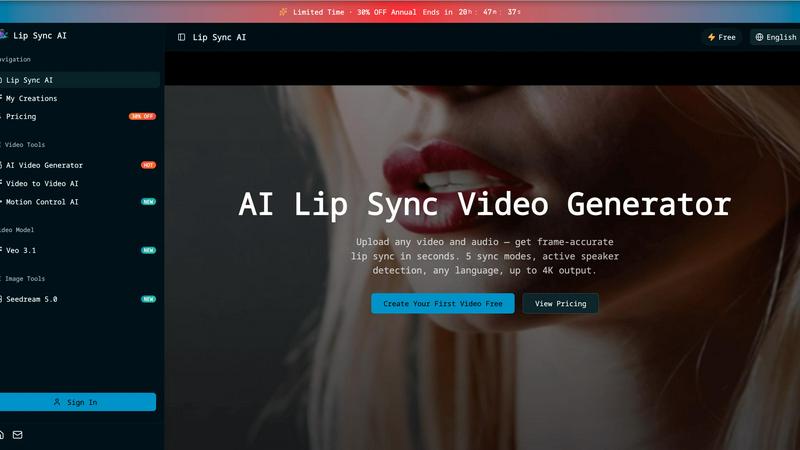
Lip Sync AI
Lip Sync AI delivers frame-accurate, multilingual lip synchronization for any video in seconds, beating expensive tools with 5 sync modes and up to.

MStudio
MStudio revolutionizes filmmaking by transforming scripts into pitch-ready storyboards with AI-driven efficiency and seamless workflows.
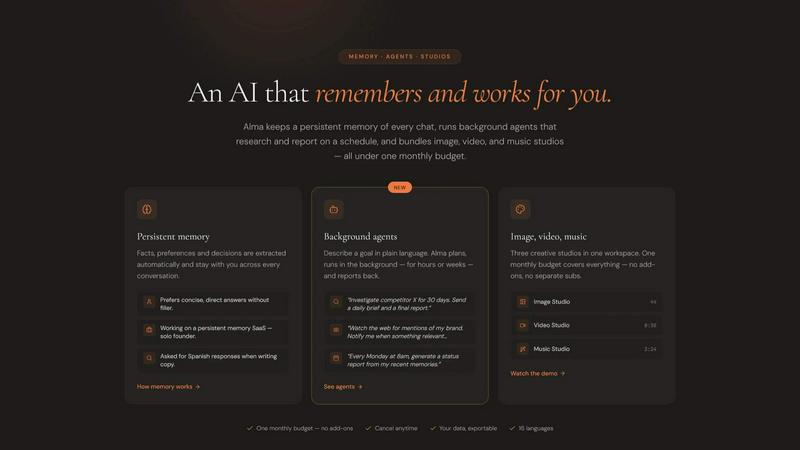
Alma by Olivares AI
Alma by Olivares AI seamlessly combines persistent memory and creative studios, empowering you to work smarter and more efficiently.
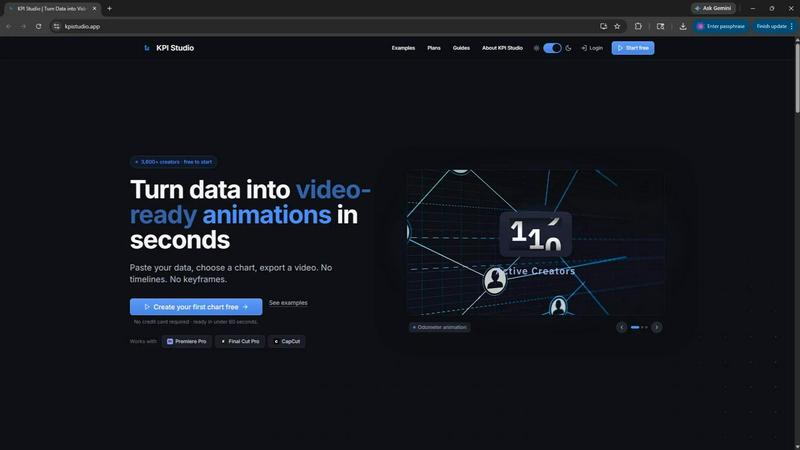
KPI Studio
Transform your data into stunning video animations in under 60 seconds with KPI Studio—no design skills required.
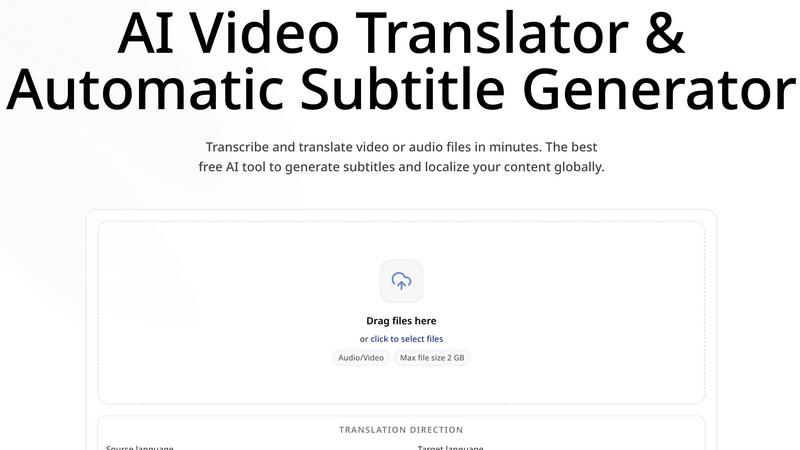
CoffeeTrans
CoffeeTrans beats generic tools by delivering Netflix-level subtitles and multi-language translations from any audio or video file in one click.
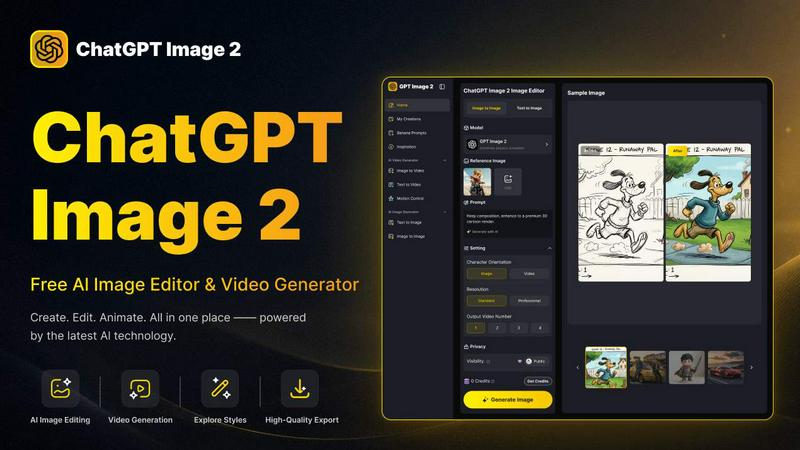
ChatGPT Image 2
ChatGPT Image 2 crushes the competition by delivering free, pro-grade AI image editing, flawless text rendering, and stunning video generation all in.
Editly AI
Editly AI replaces human editors by turning raw footage into polished videos from a single text prompt in minutes.
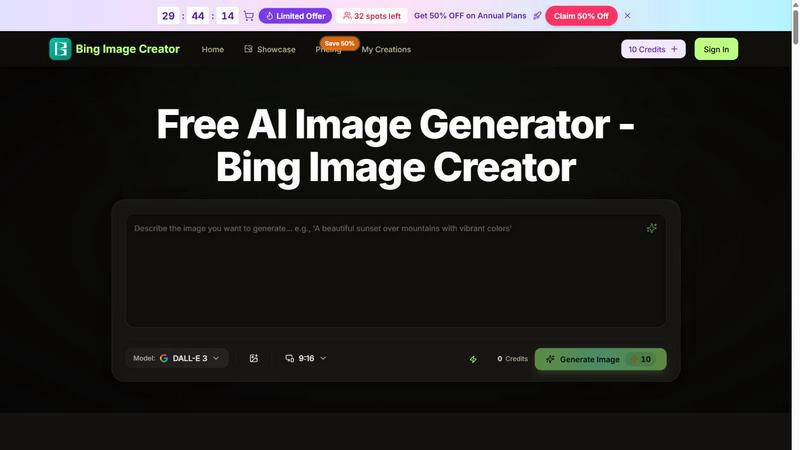
Bing Image Creator
Bing Image Creator crushes Midjourney and DALL-E 3 with free, professional 4K visuals from text or blended images.