
KidCanvas
Turn your child's masterpieces into timeless keepsakes with KidCanvas, preserving their creativity forever.
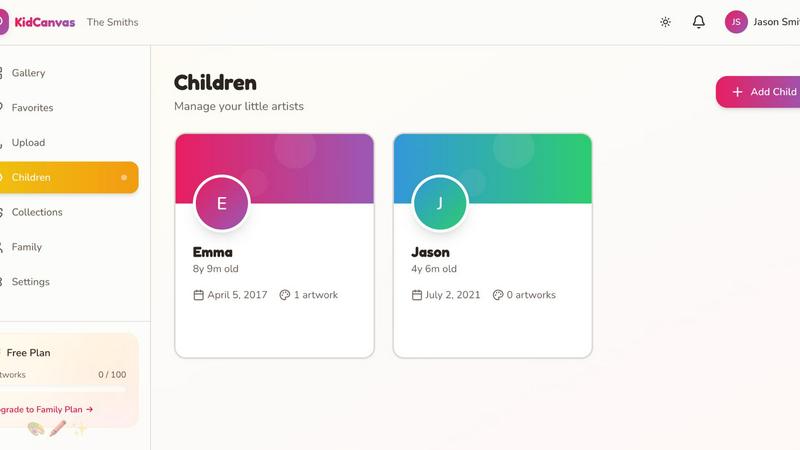
About KidCanvas
KidCanvas is an innovative digital gallery designed specifically for families to showcase and preserve their children's artistic creations. Every parent knows the challenge of managing the influx of drawings, paintings, and crafts that their kids bring home. These treasured artworks often end up cluttering the fridge or stuffed in drawers, leading to guilt when they are inevitably discarded to make room for new pieces. KidCanvas provides a seamless solution to this problem. By allowing parents to take photos of their child's artwork, tag them with the child's name, and add titles, every piece can be effortlessly saved in a secure digital gallery. The platform employs smart scanning technology that enhances the images, ensuring that each artwork looks its absolute best. This centralized gallery is accessible to the entire family, allowing grandparents, aunts, and uncles to appreciate the latest artistic endeavors without the hassle of mailing photos. With powerful search capabilities, finding specific pieces is a breeze, making it easy to relive those precious memories.
Features of KidCanvas
Smart Artwork Scanning
KidCanvas utilizes advanced smart scanning technology that automatically detects and enhances your child's artwork. This feature ensures that each piece is presented in its best light, highlighting colors and details that might otherwise be overlooked. Parents can rest assured that their children's creativity is preserved beautifully.
Family Sharing
With KidCanvas, sharing your children's art with family has never been easier. The platform allows for seamless family sharing, so grandparents, aunts, uncles, and other loved ones can access the gallery instantly. No more waiting for photos to be mailed or trying to remember who created which masterpiece.
Artist Tagging
Organization is key, and KidCanvas makes it simple through artist tagging. Parents can easily categorize artwork by child, ensuring that every piece of art is attributed to the right little artist. This feature not only helps in organizing the gallery but also allows parents to track their child's artistic growth over time.
Searchable Gallery
Finding specific artwork in a sea of creativity is effortless with KidCanvas's searchable gallery feature. Parents can quickly locate pieces by keywords, tags, or themes, saving time and making it easy to reminisce about special moments captured in art, like "that rainbow drawing from last summer."
Use Cases of KidCanvas
Preserving Childhood Memories
KidCanvas is perfect for parents who want to preserve the creative journey of their children. By digitizing artwork, families can create a lasting keepsake that encapsulates their child's artistic milestones, making it easy to look back on their growth and creativity over the years.
Sharing Artwork with Family
Families with extended members will find KidCanvas invaluable. The ability to share new artwork instantly means that loved ones can stay connected and engaged with a child's artistic journey, regardless of distance. It fosters family bonds and keeps everyone in the loop.
Organizing Art by Themes
KidCanvas offers a way to organize artwork into collections based on themes, events, or time periods. This feature is particularly useful for families who want to create themed galleries for holidays, school projects, or simply to celebrate a child's artistic evolution.
Reducing Clutter at Home
By using KidCanvas to store and showcase artwork digitally, parents can significantly reduce physical clutter in their homes. Instead of piles of paper and crafts taking up space, families can enjoy a clean and organized environment while still cherishing their children's creativity.
Frequently Asked Questions
How does KidCanvas ensure the quality of scanned artwork?
KidCanvas employs smart scanning technology that automatically enhances the artwork as it is uploaded. This process optimizes colors, contrast, and clarity, ensuring that each piece is displayed beautifully in the digital gallery.
Can multiple children use the same KidCanvas account?
Absolutely! KidCanvas allows parents to create profiles for multiple children, making it easy to tag and organize artwork by each child's name. This ensures that every young artist has their own space in the gallery.
Is KidCanvas accessible from multiple devices?
Yes, KidCanvas is designed to be accessible from various devices, including smartphones, tablets, and computers. This means that family members can view and enjoy artwork anytime, anywhere, making it easy to stay connected with the children's artistic expressions.
What if I want to delete an artwork from the gallery?
KidCanvas provides an easy-to-use interface for managing your gallery. If you wish to delete an artwork, simply navigate to the piece you want to remove and select the delete option. This ensures that you have complete control over what is displayed in your family's digital gallery.
Top Alternatives to KidCanvas
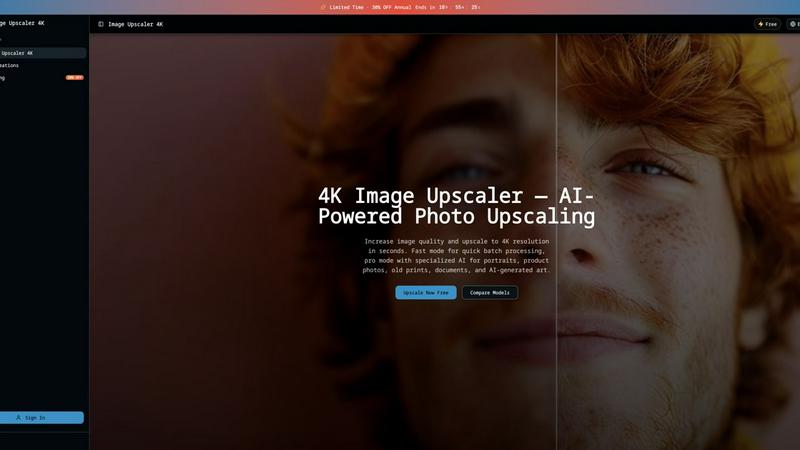
Image Upscaler 4K
Upscale any image to 4K in 3 seconds using dual AI engines, with fast batch processing or pro scene-specific models.

Pixparkle
Pixparkle is a chat-based AI image and video generator that creates stunning visuals effortlessly with no design skills required.

Lip Flip
Lip Flip uses AI to preview subtle lip transformations, letting you see realistic before-and-after results before consulting a provider.

MuseSpark AI
MuseSpark AI is the battle-tested all-in-one design toolkit that crushes every other platform by transforming any spark of inspiration into stunning.
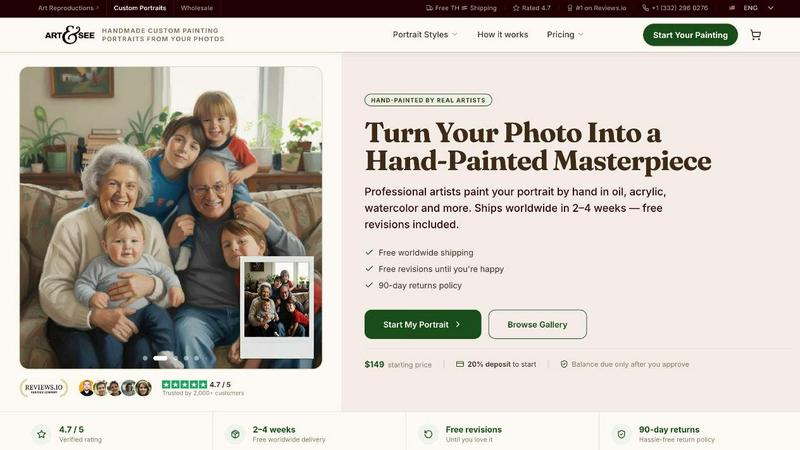
Art & See Custom Oil Painting Portraits
Transform your cherished moments into stunning custom oil painting portraits crafted by master artists with free shipping included.
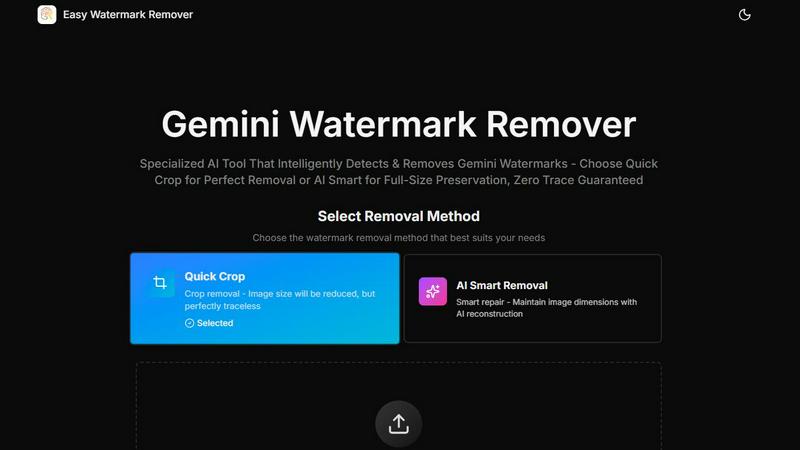
Easy Watermark Remover
Instantly remove Gemini AI watermarks for free with our smart and efficient online tool, no signup required, and choose your preferred method.
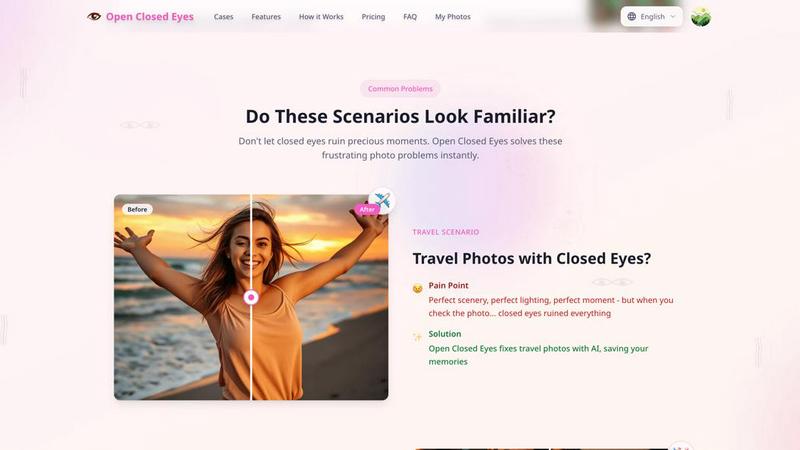
Open Closed Eyes
Fix closed eyes in any photo instantly with AI - no login required, free to try.
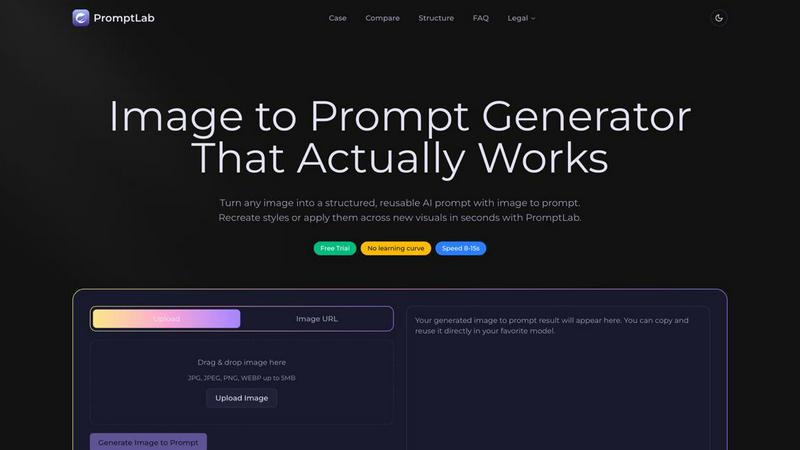
PromptLab Image to Prompt
Transform any image into powerful, reusable AI prompts in seconds with PromptLab's intuitive Image to Prompt generator.