
Pro Batch Resizer
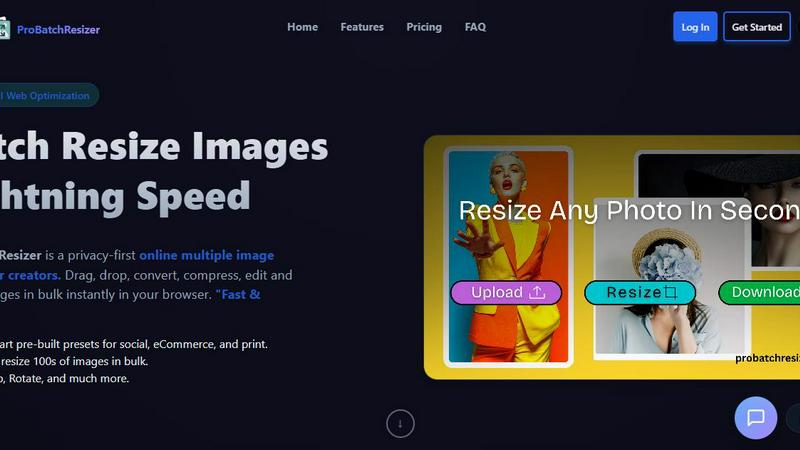
Pro Batch Resizer is a lightning-fast online tool to batch resize, edit, and optimize images securely in your browser.
About Pro Batch Resizer
Pro Batch Resizer is an innovative, privacy-first online tool designed specifically for creators who need to resize images quickly and securely. This powerful application allows users to drag and drop multiple images into the browser, where images are processed locally using WebAssembly technology—ensuring that your images never leave your device. With a focus on speed and efficiency, Pro Batch Resizer supports batch processing, letting you resize hundreds of images at once without compromising quality. The tool is perfect for marketers, graphic designers, photographers, and anyone who needs to prepare images for social media, e-commerce, or print. Its combination of user-friendly features and advanced functionality makes Pro Batch Resizer the go-to solution for professional image resizing.
Features of Pro Batch Resizer
Zero-Upload Privacy
Pro Batch Resizer takes your privacy seriously. Unlike many other online tools, your images are processed locally in your browser, meaning they never leave your device. This zero-upload privacy ensures that your valuable files remain secure and confidential while you work.
130+ One-Click Presets
With over 130 built-in presets tailored for various platforms—including social media, corporate use, and e-commerce—Pro Batch Resizer eliminates the need to remember specific dimensions. Just select your desired preset, and the tool handles the rest, saving you time and effort.
Blazing Speed
Experience lightning-fast image processing with Pro Batch Resizer's multi-threaded capabilities. Whether you are resizing a small batch or hundreds of images, the tool guarantees instant results without lag, allowing you to maintain a smooth workflow even with larger projects.
Total Control
Beyond simple resizing, Pro Batch Resizer offers a suite of editing tools that allow you to crop, flip, rotate, and convert images between formats like JPG, PNG, and WEBP. With professional resampling techniques, you can ensure crisp, high-quality results every time.
Use Cases of Pro Batch Resizer
Social Media Management
Social media managers can benefit immensely from Pro Batch Resizer by quickly preparing images for various platforms. With smart presets for Facebook, Instagram, Twitter, and more, creating perfectly sized content for posts and ads has never been easier.
E-commerce Optimization
Online sellers can use Pro Batch Resizer to efficiently format product images for their listings on platforms like Amazon, Etsy, and Shopify. The tool streamlines the process of resizing images to meet specific requirements, enhancing the visual appeal of product pages.
Print Material Preparation
Graphic designers and marketers can utilize Pro Batch Resizer to prepare high-quality images for print materials such as flyers, business cards, and posters. The precision offered by multi-unit measurements ensures that every image meets print standards.
Digital Content Creation
Bloggers, vloggers, and content creators can take advantage of Pro Batch Resizer to optimize images for their websites, video thumbnails, and other digital content. The extensive preset library simplifies the resizing process, allowing creators to focus on content rather than technical details.
Frequently Asked Questions
How does Pro Batch Resizer ensure my images are secure?
Pro Batch Resizer processes all images locally in your browser using WebAssembly technology, meaning no files are uploaded to external servers. This guarantees total privacy and security for your images.
Can I resize images in bulk with Pro Batch Resizer?
Yes! Pro Batch Resizer allows you to drag and drop multiple images at once, enabling you to resize hundreds of files in bulk quickly and efficiently.
What formats can I convert my images into?
Pro Batch Resizer supports conversions between JPG, PNG, and WEBP formats. This flexibility allows you to choose the best format for your specific needs.
Are there any subscriptions or accounts required to use Pro Batch Resizer?
No, Pro Batch Resizer is designed for ease of use, requiring no accounts or subscriptions. Simply access the tool through your browser, and you can start resizing images right away.
Explore more in this category:
Top Alternatives to Pro Batch Resizer
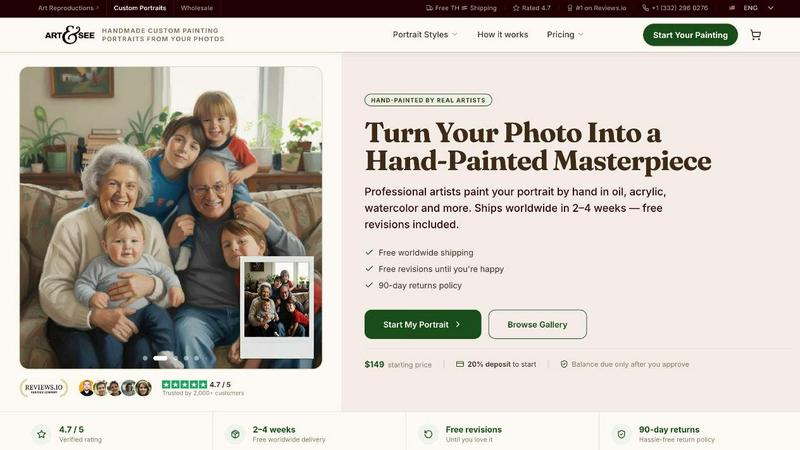
Art & See Custom Oil Painting Portraits
Transform your cherished moments into stunning custom oil painting portraits crafted by master artists with free shipping included.
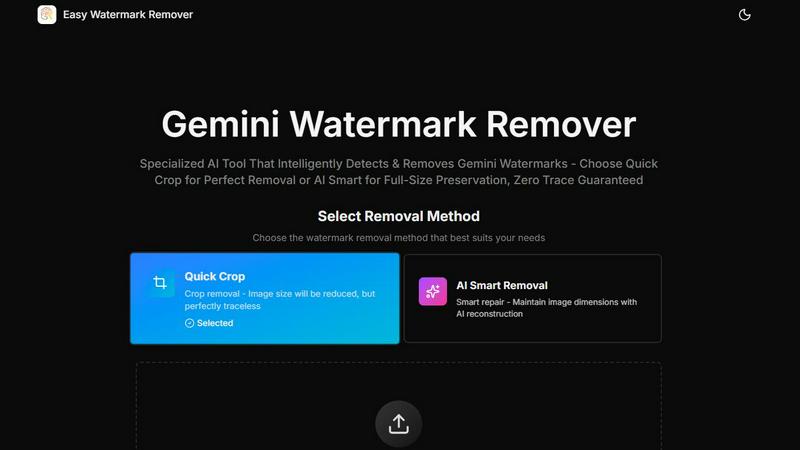
Easy Watermark Remover
Instantly remove Gemini AI watermarks for free with our smart and efficient online tool, no signup required, and choose your preferred method.
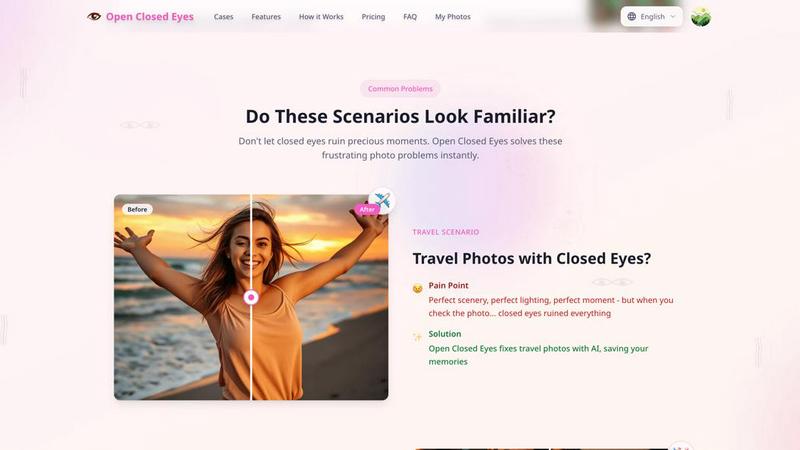
Open Closed Eyes
Fix closed eyes in any photo instantly with AI - no login required, free to try.
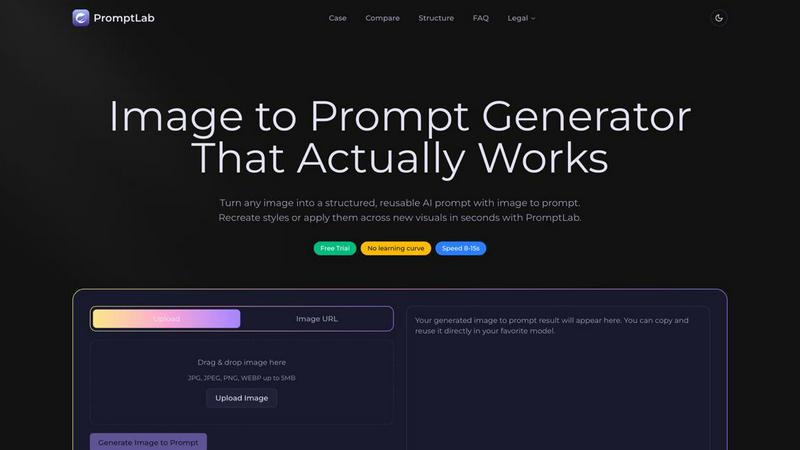
PromptLab Image to Prompt
Turn images into reusable AI prompts that actually work.
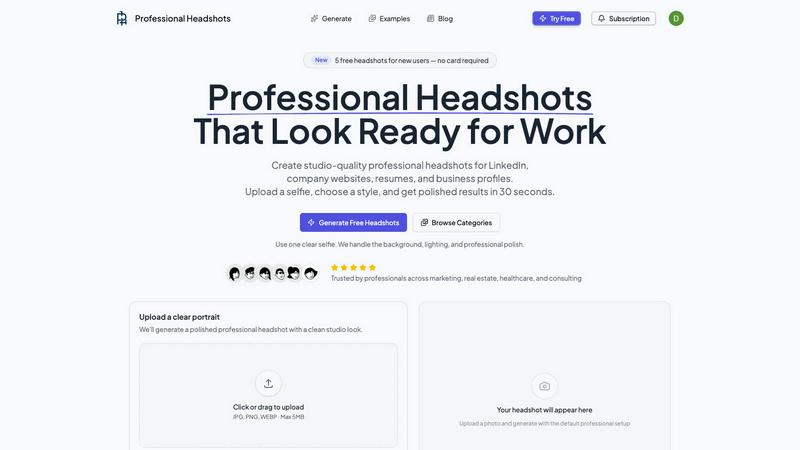
Professional Headshots
Battle-tested AI instantly creates studio-grade professional headshots from your selfie.
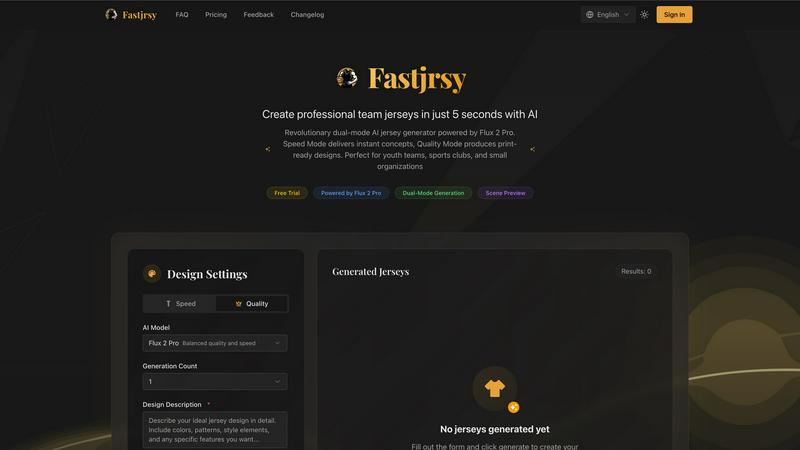
AI Jersey Generator
Battle-tested AI instantly crafts professional, print-ready team jerseys in just five seconds.
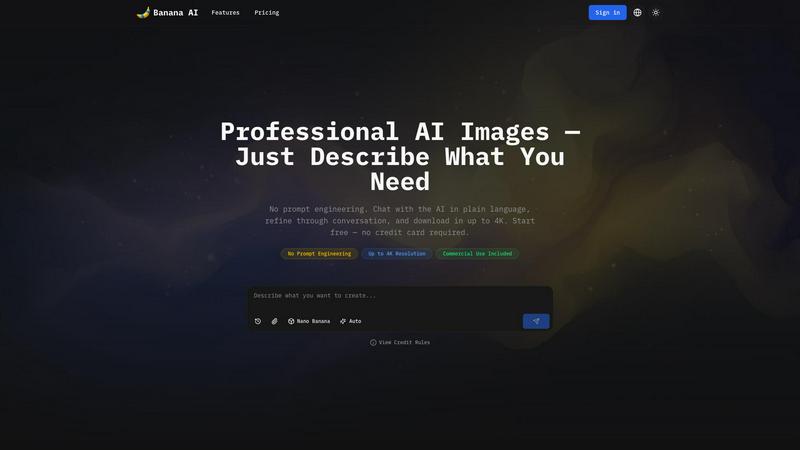
Banana AI Image Generator
Banana AI Image Generator creates stunning images in seconds from simple descriptions, with no design skills needed and up to 4K resolution.
FaceShot
Create stunning, professional headshots from a selfie in just 60 seconds with FaceShot's AI-powered technology.