
Vailo Ai
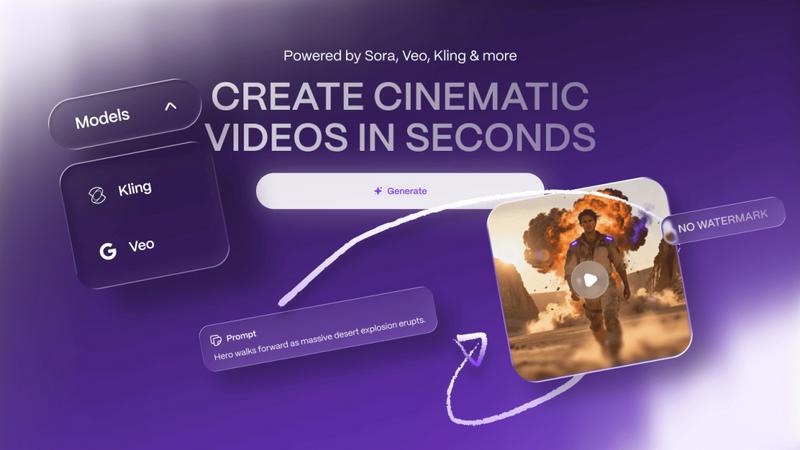
Create stunning videos and images effortlessly with Vailo Ai—no design skills needed, no watermarks, just pure.
About Vailo Ai
Vailo AI emerges as a revolutionary generative-AI studio designed to transform both text and images into stunning cinematic videos in mere seconds. This innovative platform serves as a game-changer for a diverse range of users, including creators, filmmakers, designers, marketers, and brands. With Vailo, you can create high-quality User-Generated Content (UGC), captivating product showcases, storyboards, and compelling short-form social media content—all without the need for expensive cameras, crews, or complex editing skills. Vailo AI's seamless integration of Text-to-Video (T2V) and Image-to-Video (I2V) functionalities allows users to generate shots from prompts or animate key visuals effortlessly. With the ability to render studio-grade videos optimized for popular formats like 9:16 for TikTok and 16:9 for YouTube, Vailo AI is truly setting a new standard in content creation. The upcoming Version 2 enhances the user experience with a professional UI/UX, multi-model engine, and additional features that empower creators to elevate their content to the next level.
Features of Vailo Ai
Text-to-Video (T2V)
Vailo's Text-to-Video feature allows users to input text prompts that are instantly transformed into cinematic video clips. This feature removes barriers for non-technical users, enabling everyone to create visual narratives without prior video editing experience.
Image-to-Video (I2V)
The Image-to-Video functionality animates still images, bringing portraits, products, or key visuals to life. This feature is perfect for marketers and brands looking to create dynamic content that captures attention and enhances storytelling.
Motion Control
With Vailo's Motion Control, users can manipulate video dynamics effortlessly. This feature allows for precise adjustments in camera angles and movements, giving creators the ability to craft visually captivating videos that maintain viewer engagement.
Batch Rendering
Vailo AI facilitates batch rendering, enabling users to generate multiple videos or images simultaneously. This feature is particularly beneficial for high-volume creators who require efficiency without sacrificing quality, making it easy to scale content production.
Use Cases of Vailo Ai
Social Media Marketing
Marketers can leverage Vailo AI to produce engaging social media content quickly. By using the T2V and I2V features, they can create eye-catching videos and animations that resonate with audiences and enhance brand visibility across platforms like Instagram and TikTok.
Product Showcases
E-commerce businesses can utilize Vailo AI to create dynamic product showcases. By animating product images or generating promotional videos, brands can effectively highlight features and benefits, driving higher engagement and conversion rates.
Storyboarding
Filmmakers and content creators can use Vailo AI for efficient storyboarding. By converting text prompts into visual scenes, they can visualize their scripts more effectively, allowing for smoother production processes and clearer communication with teams.
User-Generated Content Creation
Vailo AI empowers brands to generate authentic user-generated content. By enabling users to create videos from text or images, brands can encourage participation and foster community engagement, creating a more relatable brand presence.
Frequently Asked Questions
How does Vailo AI generate videos from text?
Vailo AI utilizes advanced generative algorithms that interpret text prompts and convert them into visually coherent video sequences in seconds, simplifying the video creation process for users.
Is there a free version of Vailo AI?
Yes, Vailo AI offers a free plan that provides users with 40 credits, allowing them to explore premium models and features without any watermarks, making it an ideal choice for beginners.
Can I edit videos created with Vailo AI?
Absolutely! Vailo AI includes an editing feature that allows users to refine and enhance their generated videos, ensuring they meet specific creative standards before sharing or publishing.
What type of content can I create with Vailo AI?
Users can create a wide range of content, including promotional videos, social media clips, storyboards, animations, and more, making Vailo AI a versatile tool for various creative needs.
Explore more in this category:
Top Alternatives to Vailo Ai
Lip Sync AI
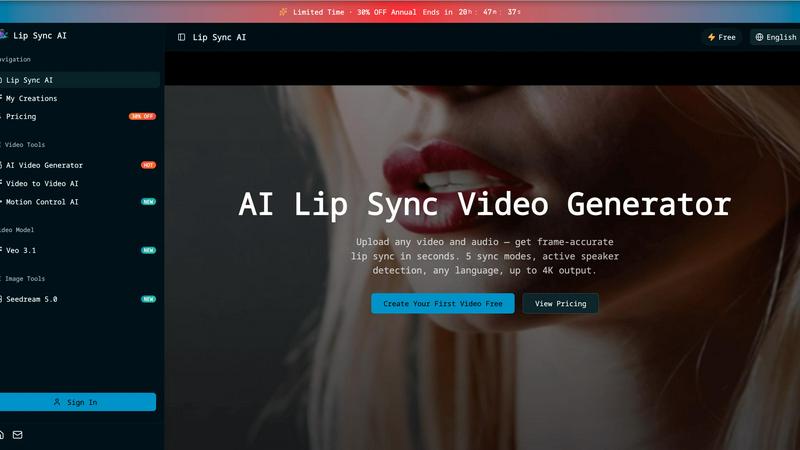
Lip Sync AI delivers frame-accurate, multilingual lip synchronization for any video in seconds, beating expensive tools with 5 sync modes and up to.

MStudio
MStudio revolutionizes filmmaking by transforming scripts into pitch-ready storyboards with AI-driven efficiency and seamless workflows.
Alma by Olivares AI
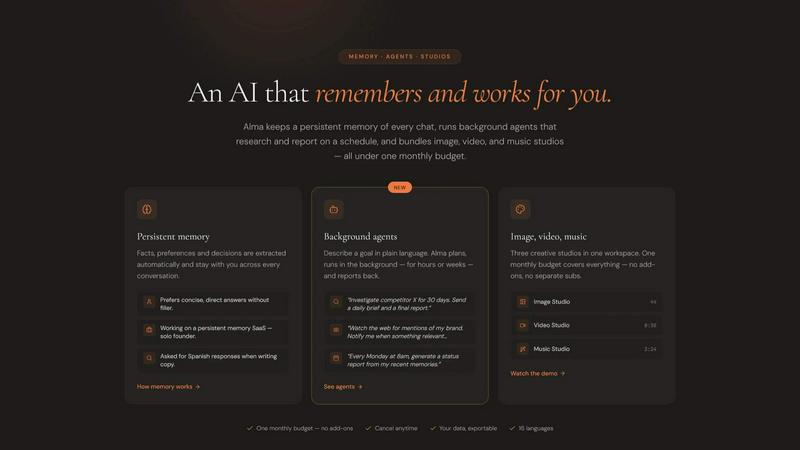
Alma by Olivares AI seamlessly combines persistent memory and creative studios, empowering you to work smarter and more efficiently.
KPI Studio
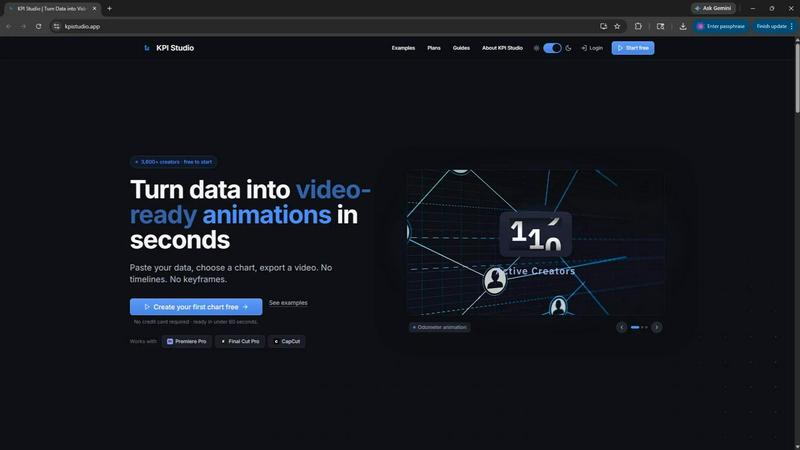
Transform your data into stunning video animations in under 60 seconds with KPI Studio—no design skills required.
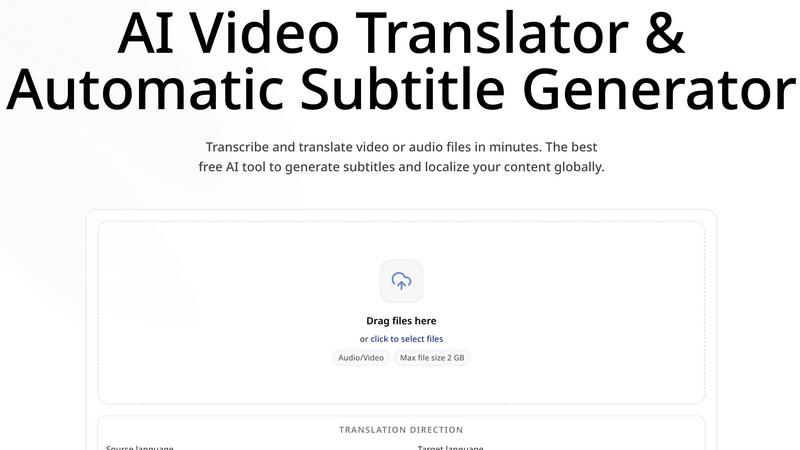
CoffeeTrans
CoffeeTrans beats generic tools by delivering Netflix-level subtitles and multi-language translations from any audio or video file in one click.
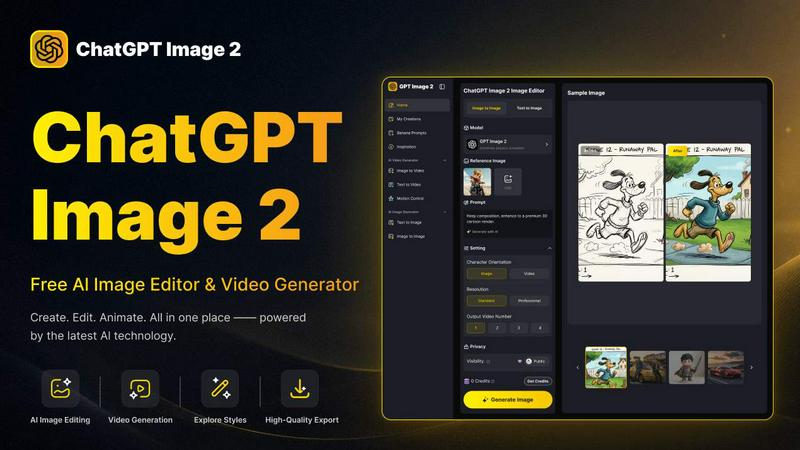
ChatGPT Image 2
ChatGPT Image 2 crushes the competition by delivering free, pro-grade AI image editing, flawless text rendering, and stunning video generation all in.
Editly AI
Editly AI replaces human editors by turning raw footage into polished videos from a single text prompt in minutes.
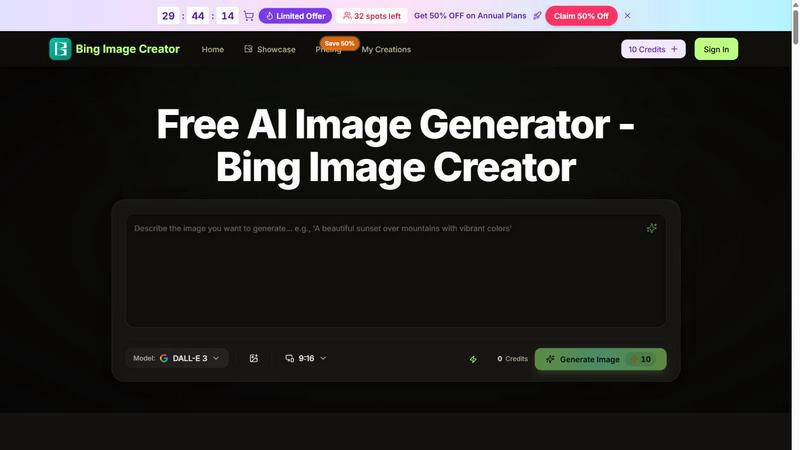
Bing Image Creator
Bing Image Creator crushes Midjourney and DALL-E 3 with free, professional 4K visuals from text or blended images.