
Video Watermark Remover - Smart AI Detection
Effortlessly remove logos and watermarks from videos with AI technology for flawless, professional-quality results.
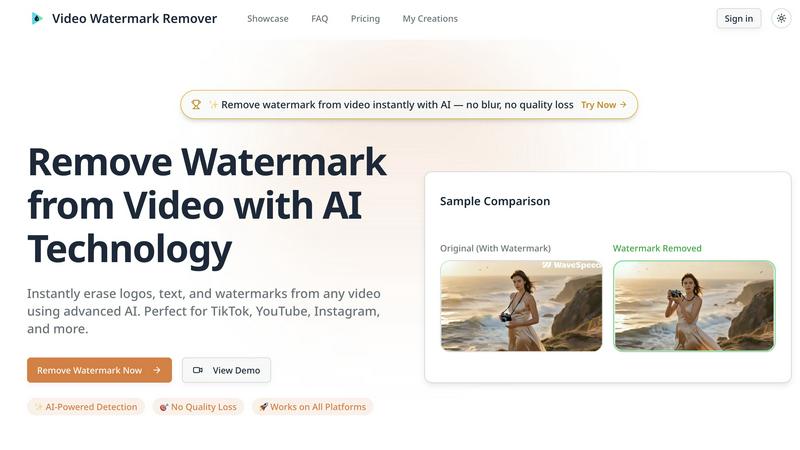
About Video Watermark Remover - Smart AI Detection
Video Watermark Remover - Smart AI Detection is a cutting-edge tool designed to automatically detect and erase unwanted logos, text, and watermarks from videos with pinpoint accuracy. Leveraging advanced AI technology, this software is tailor-made for content creators, video editors, social media managers, and businesses seeking to maintain a professional appearance in their visual materials. The main value proposition lies in its ability to deliver professional-grade results without compromising video quality, enabling users to work seamlessly across platforms like TikTok, YouTube, and Instagram. With features such as batch processing and multi-platform support, it not only saves time but also elevates the quality of your video content, making watermark removal as easy as a click of a button. Whether you are looking to enhance your brand's image or simply clean up personal projects, Video Watermark Remover is your go-to solution for flawless video presentation.
Features of Video Watermark Remover - Smart AI Detection
AI-Powered Technology
The heart of Video Watermark Remover lies in its advanced machine learning algorithms. These algorithms are built to accurately detect and remove watermarks, regardless of their complexity or the background they might be set against. This ensures that even in dynamic scenes with intricate details, the removal process will be smooth and effective.
No Quality Loss
One of the standout features of Video Watermark Remover is its ability to erase watermarks without any loss in video quality. Users can expect pristine video output, as the technology preserves sharpness and color accuracy throughout the removal process. This means you can revamp your videos without worrying about blurriness or degradation.
Multi-Platform Support
This tool is designed for versatility, allowing you to remove watermarks from videos across various platforms including TikTok, Instagram, and YouTube. The AI technology recognizes and eliminates logos and text seamlessly, no matter the source, making it an essential tool for creators working with diverse content.
Batch Processing
Efficiency is key in today’s fast-paced environment, and Video Watermark Remover excels in this area with its batch processing capabilities. Users can process multiple videos simultaneously, saving precious time and streamlining workflows when dealing with large content libraries or numerous projects.
Use Cases of Video Watermark Remover - Smart AI Detection
Content Creators
Content creators can greatly benefit from Video Watermark Remover by eliminating unwanted watermarks from AI-generated renders or social media clips. This ensures that their videos maintain a polished and cohesive look across platforms like YouTube Shorts and Instagram Reels.
Sora 2 Creators
Filmmakers utilizing OpenAI Sora 2 can easily clean preview watermarks from their footage. By removing these overlays before editing or licensing, they can treat the shots as if they were captured natively, enhancing the overall quality of the final product.
Social Media Managers
Marketing professionals can leverage this tool to update brand materials by removing outdated logos from archived content. Additionally, cleaning up user-generated content for official campaigns allows for a streamlined brand storytelling approach, enhancing overall marketing efforts.
Video Editors
Professional video editors can utilize Video Watermark Remover to eliminate text from stock footage or clean up client materials. This tool is essential for post-production workflows that require high-quality, watermark-free footage, ensuring that clients receive the best possible content.
Frequently Asked Questions
How does the AI technology work in Video Watermark Remover?
The AI technology employs advanced machine learning algorithms that are trained to recognize various types of watermarks and logos. It analyzes the video frame by frame to detect and remove these elements while preserving the surrounding quality.
Is there a limit to the number of videos I can process at once?
No, Video Watermark Remover supports batch processing, allowing you to process multiple videos simultaneously. This feature is designed to enhance efficiency, especially for users with large video libraries.
Will removing watermarks affect the original video quality?
Absolutely not! One of the key features of Video Watermark Remover is its commitment to maintaining original video quality. The removal process is designed to be seamless, ensuring no blur or degradation occurs.
Is my video content secure while using this tool?
Yes, your videos are encrypted during processing and automatically deleted after the operation is complete. This guarantees full privacy protection, making it safe for sensitive or confidential content.
Explore more in this category:
Top Alternatives to Video Watermark Remover - Smart AI Detection

Gemini Omni
Gemini Omni crushes the clunky tool-switching grind by merging multimodal prompting, chat editing, and visual remix into one seamless creation flow.
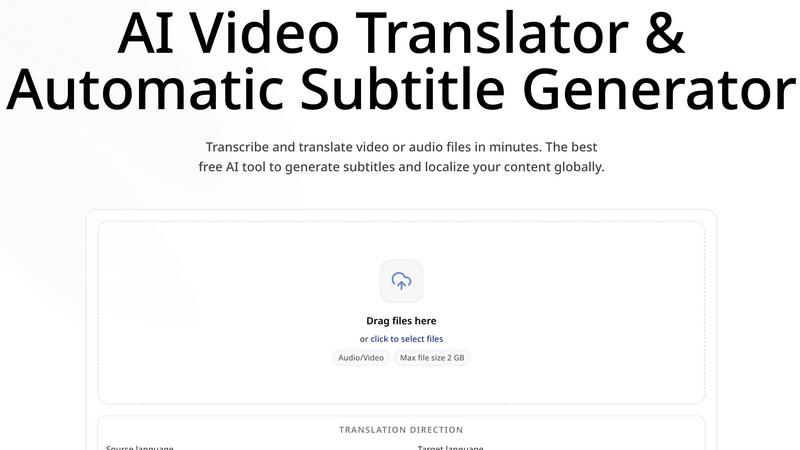
CoffeeTrans
CoffeeTrans beats generic tools by delivering Netflix-level subtitles and multi-language translations from any audio or video file in one click.

Outfit Anyone
Outfit Anyone is an AI-powered virtual try-on tool that lets you see any outfit on any body, delivering ultra-realistic results in seconds.
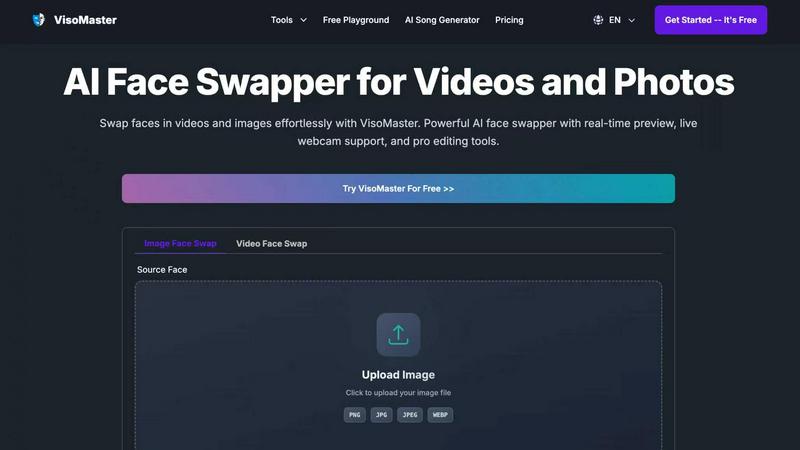
VisoMaster
VisoMaster crushes DeepFaceLab with real-time AI face swapping for videos and photos, delivering pro results instantly.

Happy Horse AI
Transform text and images into stunning cinematic videos with synchronized audio using Happy Horse AI's advanced video generation technology.

MuseSpark AI
MuseSpark AI is the battle-tested all-in-one design toolkit that crushes every other platform by transforming any spark of inspiration into stunning.
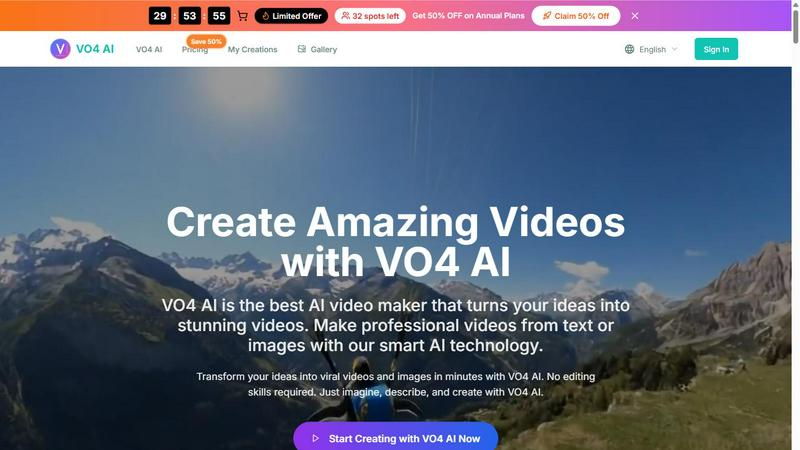
VO4 AI
VO4 AI crushes complex editors to turn text or images into viral 6-second videos that dominate social feeds.
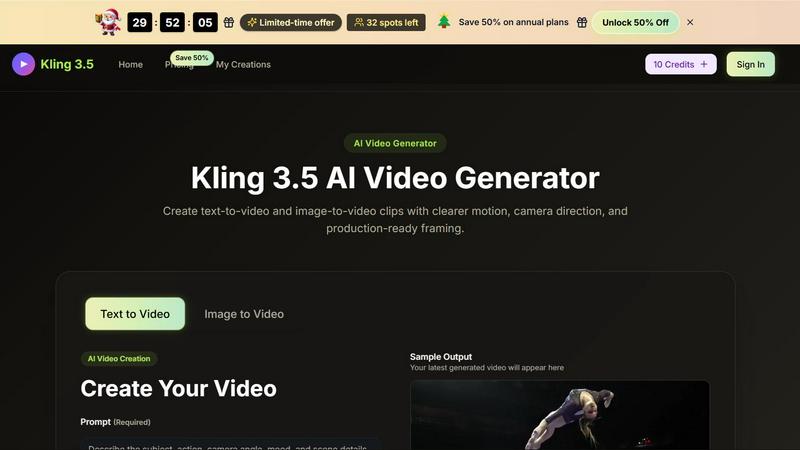
Kling 3.5
Kling 3.5 transforms your text and images into stunning videos with precise motion and professional framing, perfect for any project.