
VidVeo3 AI
Transform text and images into stunning videos effortlessly with Veo 3's AI-powered video creation tool.

About VidVeo3 AI
VidVeo3 AI is a state-of-the-art video creation platform that harnesses the power of artificial intelligence to transform text prompts and images into captivating, high-quality videos. Designed for creators, developers, and marketers alike, VidVeo3 AI enables users to generate dynamic videos that are visually stunning and perfectly synchronized with audio. With its intuitive interface and advanced technology, this platform empowers users to unleash their creativity without the need for extensive video production skills. Whether it's crafting a narrative, creating marketing content, or producing engaging social media posts, VidVeo3 AI stands out by delivering professional-grade videos in a matter of minutes. The core value proposition lies in its ability to streamline video creation, making it accessible and efficient for everyone, from novice creators to seasoned professionals.
Features of VidVeo3 AI
Advanced AI Technology
VidVeo3 AI employs cutting-edge technology to convert text descriptions and images into fluid, engaging videos. This advanced system understands context, ensuring that animations are not only visually appealing but also narratively cohesive, providing users with a seamless video creation experience.
Dual Generation Modes
With VidVeo3 AI, users can choose between two powerful generation modes: text-to-video and image-to-video. This flexibility allows for endless creative possibilities, enabling users to either write compelling narratives or simply upload images to bring their visions to life.
High-Quality Video Output
The platform guarantees professional-grade video output, with options for various quality settings. VidVeo3 AI maintains the integrity of images while delivering smooth motion, ensuring that videos are suitable for commercial use and meet industry standards.
User-Friendly Interface
VidVeo3 AI features an intuitive interface that simplifies the video creation process. Users can easily navigate through the steps of uploading content, configuring settings, and generating videos, making it accessible for both beginners and experienced users.
Use Cases of VidVeo3 AI
Social Media Content Creation
Content creators can utilize VidVeo3 AI to produce eye-catching videos tailored for social media platforms. By converting text ideas or images into engaging videos, users can enhance their online presence and connect with their audience more effectively.
Marketing Campaigns
Marketers can leverage VidVeo3 AI to create promotional videos that showcase products or services. The ability to generate high-quality videos quickly allows for agile marketing strategies that can adapt to changing trends and consumer preferences.
Educational Videos
Educators can use VidVeo3 AI to develop informative and visually rich educational content. By transforming complex topics into engaging videos, they can facilitate better understanding and retention among students.
Storytelling and Creative Projects
Writers and filmmakers can employ VidVeo3 AI to visualize their narratives. Whether it's for short films, animations, or storytelling presentations, the platform's capabilities help bring imaginative ideas to life in a striking manner.
Frequently Asked Questions
What is VidVeo3 AI and how does it work?
VidVeo3 AI is an AI-powered video creation platform that transforms text prompts and images into dynamic videos. Users can select their generation mode, upload content, and generate high-quality videos quickly.
What image formats are supported for image-to-video?
VidVeo3 AI supports JPG, JPEG, and PNG formats for image uploads. Users can upload a single image up to 10MB to convert it into captivating motion videos.
How long does it take to generate a video?
The video generation process is incredibly fast, allowing users to receive their high-quality MP4 videos in just moments after clicking the generate button. This efficiency makes it ideal for time-sensitive projects.
What type of content works best for text-to-video?
Text-to-video works best with descriptive prompts that include clear scenes, dialogues, or narratives. The more specific and detailed the prompts, the better the resulting video quality and coherence will be.
Top Alternatives to VidVeo3 AI
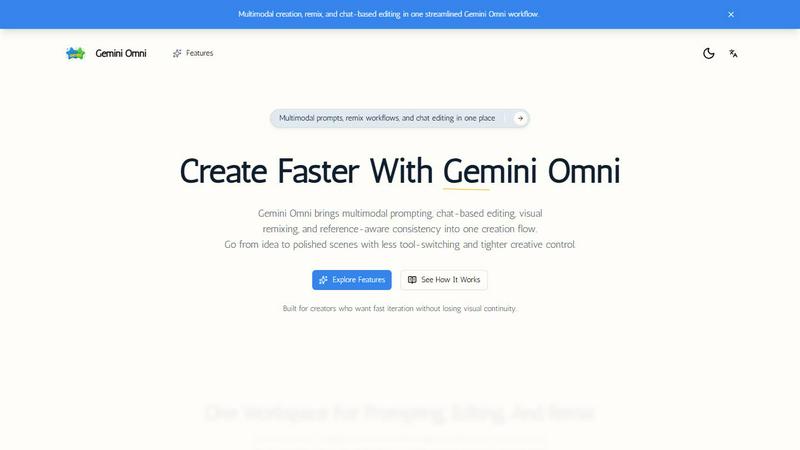
Gemini Omni
Gemini Omni crushes the clunky tool-switching grind by merging multimodal prompting, chat editing, and visual remix into one seamless creation flow.
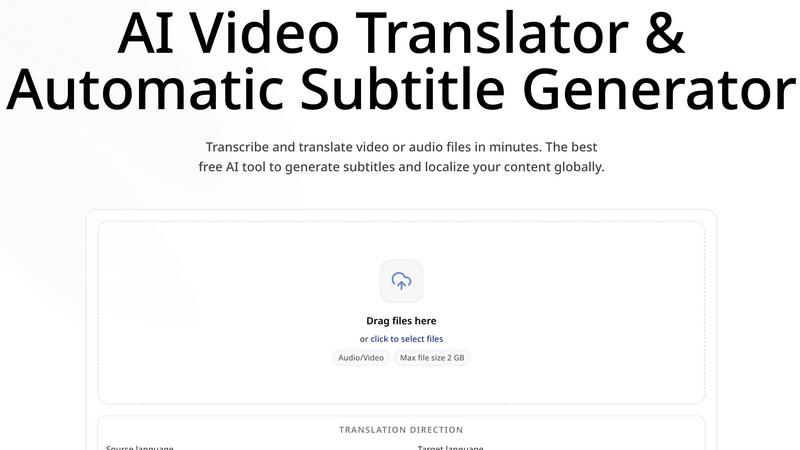
CoffeeTrans
CoffeeTrans beats generic tools by delivering Netflix-level subtitles and multi-language translations from any audio or video file in one click.
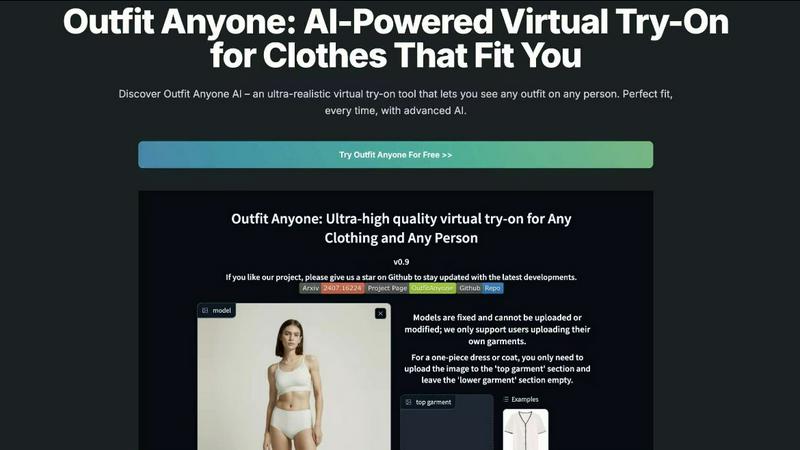
Outfit Anyone
Outfit Anyone is an AI-powered virtual try-on tool that lets you see any outfit on any body, delivering ultra-realistic results in seconds.
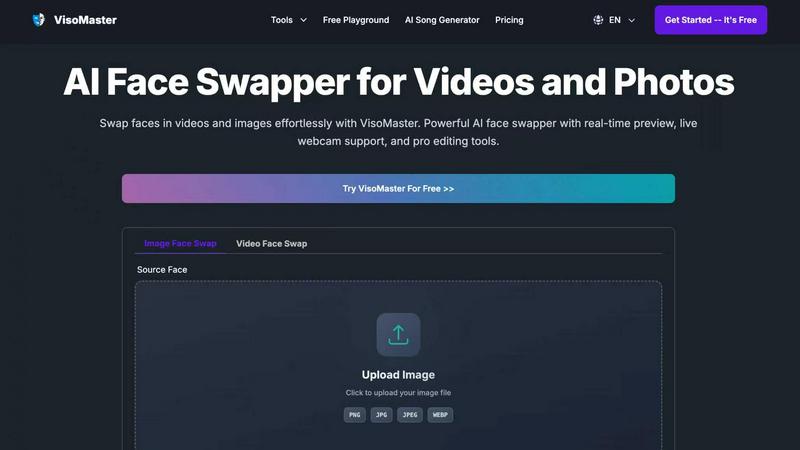
VisoMaster
VisoMaster crushes DeepFaceLab with real-time AI face swapping for videos and photos, delivering pro results instantly.
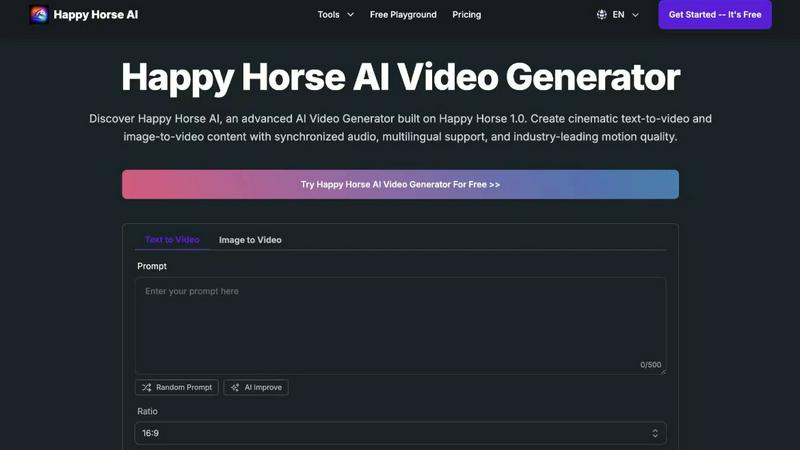
Happy Horse AI
Transform text and images into stunning cinematic videos with synchronized audio using Happy Horse AI's advanced video generation technology.
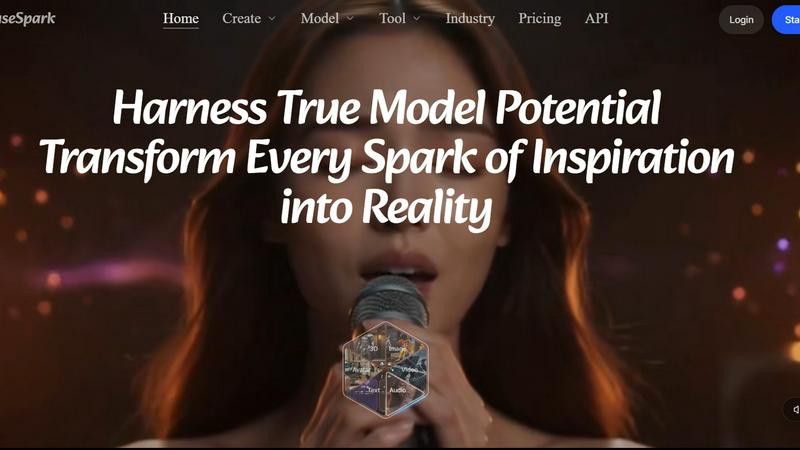
MuseSpark AI
MuseSpark AI is the battle-tested all-in-one design toolkit that crushes every other platform by transforming any spark of inspiration into stunning.
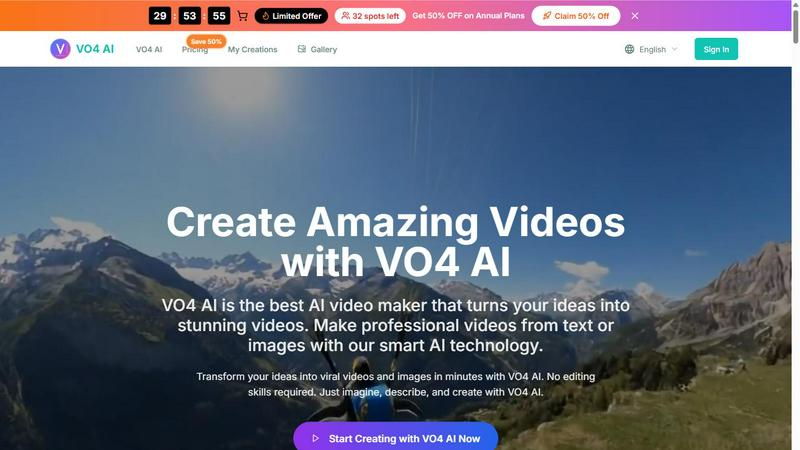
VO4 AI
VO4 AI crushes complex editors to turn text or images into viral 6-second videos that dominate social feeds.
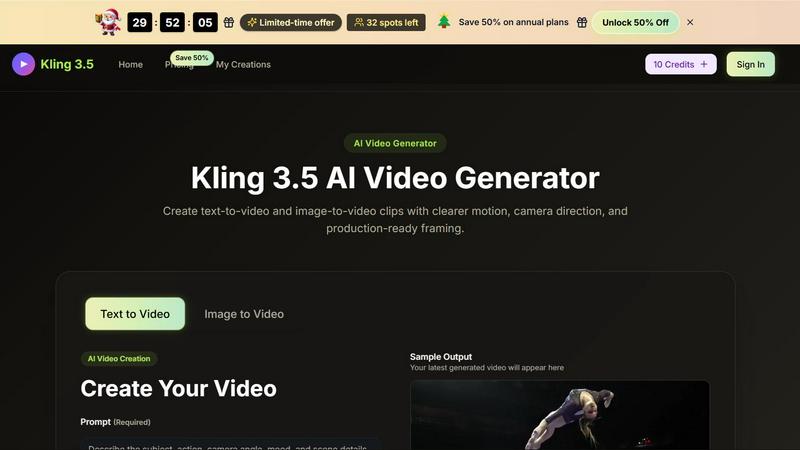
Kling 3.5
Kling 3.5 transforms your text and images into stunning videos with precise motion and professional framing, perfect for any project.