
GPT Image 2 Studio
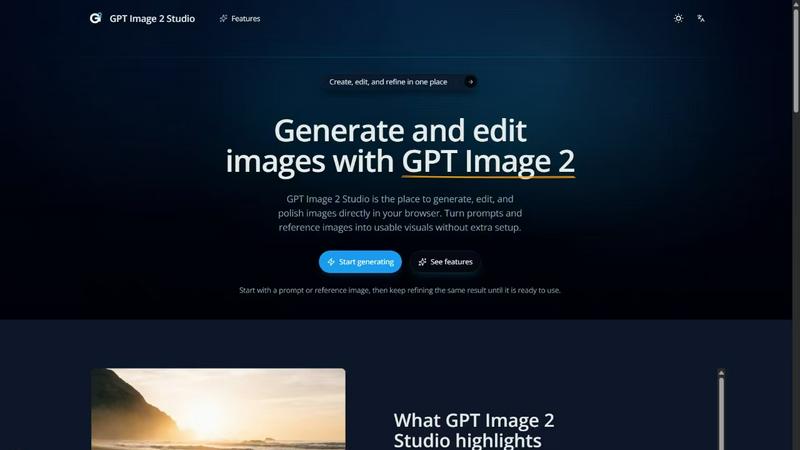
Generate, edit, and refine stunning images effortlessly with GPT Image 2 Studio's intuitive text-to-image and reference editing tools.
About GPT Image 2 Studio
GPT Image 2 Studio is a powerful, web-based platform designed for creators, designers, and teams who need to generate, edit, and polish images efficiently. With its intuitive interface and robust features, users can quickly turn textual prompts and reference images into polished visuals ready for any use case. Whether you are a marketer looking to create engaging visuals for campaigns or a content creator needing unique images for social media, GPT Image 2 Studio offers a seamless experience. Its main value proposition lies in the ability to generate high-quality images quickly while allowing for multi-turn refinements, ensuring that users can achieve the exact look they desire without needing multiple software tools or complex setups. By integrating image generation and editing into one platform, GPT Image 2 Studio streamlines the creative process and enhances productivity.
Features of GPT Image 2 Studio
Text-to-Image Generation
This feature allows users to create images directly from textual prompts, making it easy to generate a first draft quickly. You can simply enter your desired text, and the platform transforms it into a visual representation, saving you time and effort.
Image Editing
With the image editing feature, users can take existing images and enhance them further. By adding specific instructions and reference images, you can refine details and make targeted changes, bringing your vision to life with precision.
Multi-Turn Refinement
The multi-turn refinement capability enables users to iterate on the same image over several interactions without starting from scratch. This ensures that you can continuously improve your visuals, making adjustments based on real-time feedback and evolving ideas.
Reference-Friendly Inputs
This feature preserves essential details from input images, such as faces and logos, allowing for high-fidelity edits. You can maintain the integrity of critical elements while still making creative changes, ensuring the output aligns with your original vision.
Use Cases of GPT Image 2 Studio
Marketing Campaigns
Marketers can leverage GPT Image 2 Studio to create eye-catching visuals for advertisements and social media posts. The ability to quickly generate and edit images makes it an invaluable tool for meeting tight deadlines and changing trends.
Content Creation
Content creators can use the platform to produce unique images that complement blog posts, articles, and videos. With the text-to-image generation feature, creators can visualize concepts that enhance storytelling and engagement.
Product Design
Designers can utilize GPT Image 2 Studio to brainstorm and visualize product ideas. By iterating on designs and refining them based on feedback, they can ensure that their final products resonate well with target audiences.
Educational Materials
Educators can create custom illustrations and diagrams for teaching materials. The ability to edit and refine visuals means complex topics can be made easier to understand through tailored graphics that meet specific educational needs.
Frequently Asked Questions
What is GPT Image 2 good for?
GPT Image 2 is ideal for anyone needing to create and edit images quickly and efficiently. It's perfect for marketers, content creators, designers, and educators looking for a streamlined image generation tool.
Is GPT Image 2 officially available now?
Yes, GPT Image 2 is officially available for users to generate, edit, and export images directly through the platform, allowing for immediate access to its features.
How do I create my first image?
To create your first image, simply open the generator, enter a text prompt or upload a reference image, and start generating visuals in just a few steps.
Can I upload a reference image?
Absolutely! GPT Image 2 Studio allows users to upload reference images, which can then be used to refine and edit generated visuals for better accuracy and detail.
Explore more in this category:
Top Alternatives to GPT Image 2 Studio
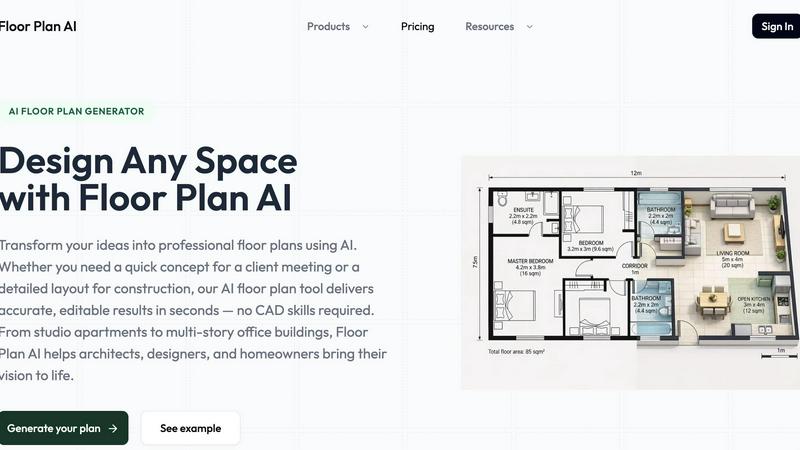
Floor Plan AI
Floor Plan AI turns plain language into professional 2D and 3D layouts instantly, beating CAD's slow learning curve with real-time AI edits.
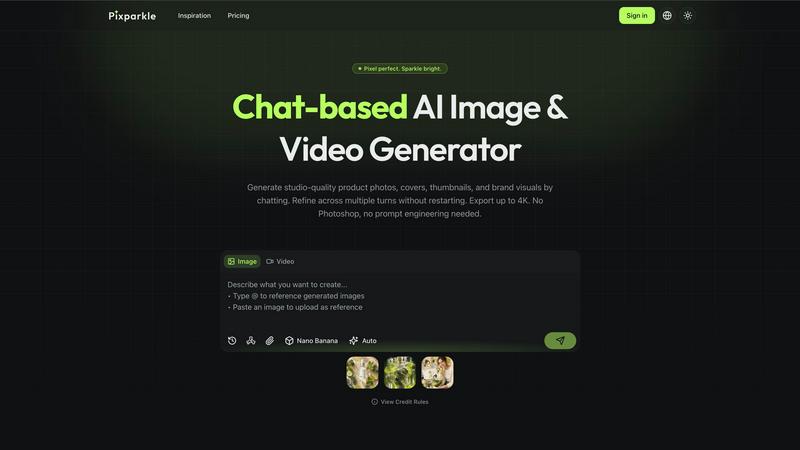
Pixparkle
Pixparkle is a chat-based AI image and video generator that creates stunning visuals effortlessly with no design skills required.
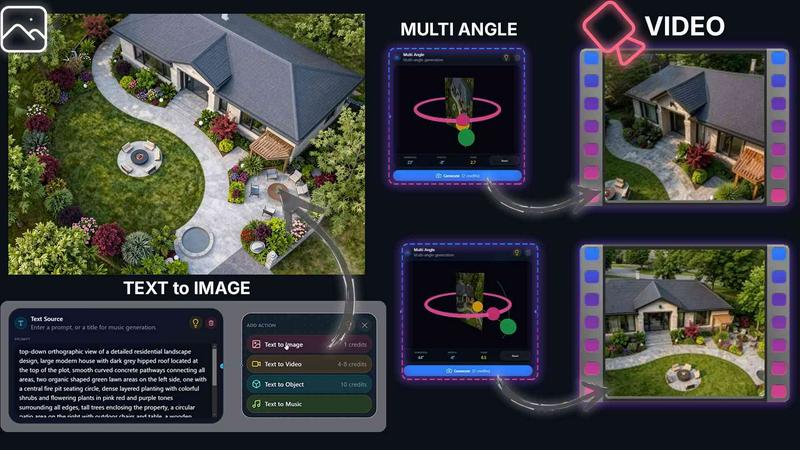
QUVIAI
QUVIAI crushes the competition by turning text and images into architectural renders, videos, and 3D scenes in one battle-ready platform.
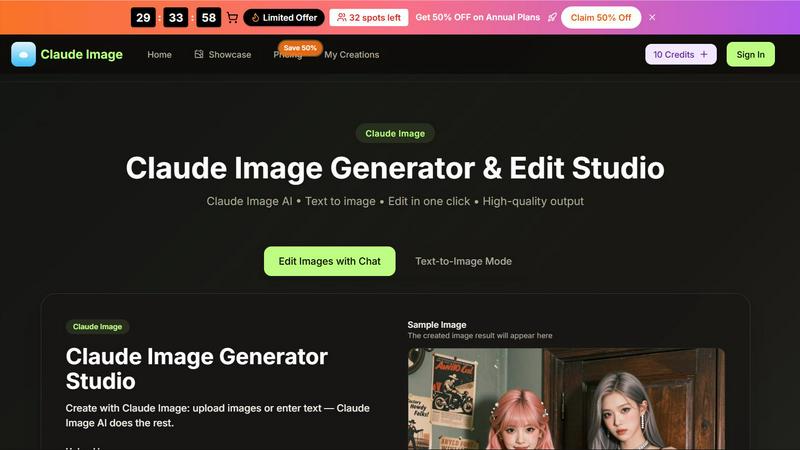
Claude Image
AI image generator and editor for text-to-image creation and quick online edits.
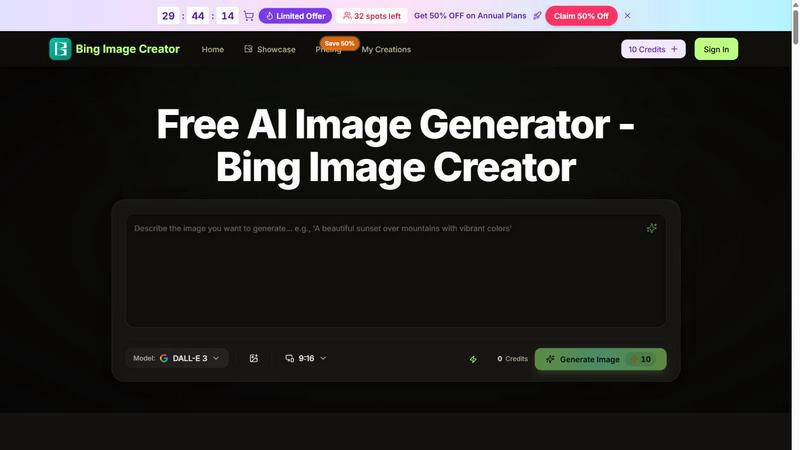
Bing Image Creator
Bing Image Creator crushes Midjourney and DALL-E 3 with free, professional 4K visuals from text or blended images.
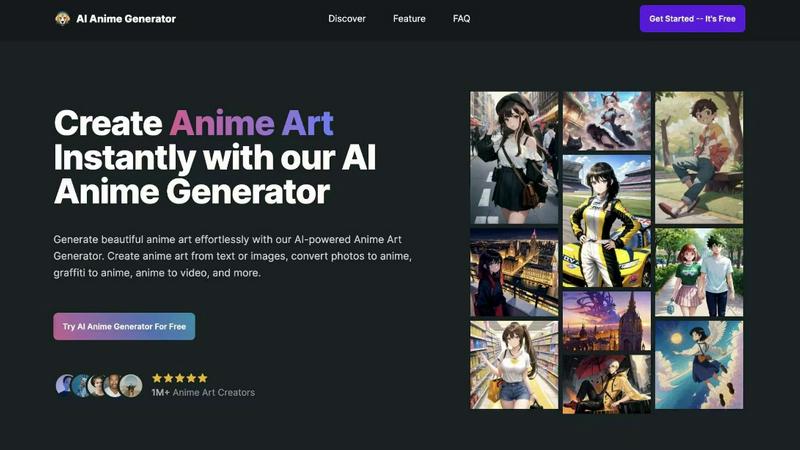
AI Anime Generator
Transform your ideas into stunning anime art instantly with AI Anime Generator, no skills needed—just creativity unleashed.
MuseSpark AI
MuseSpark AI is the battle-tested all-in-one design toolkit that crushes every other platform by transforming any spark of inspiration into stunning.
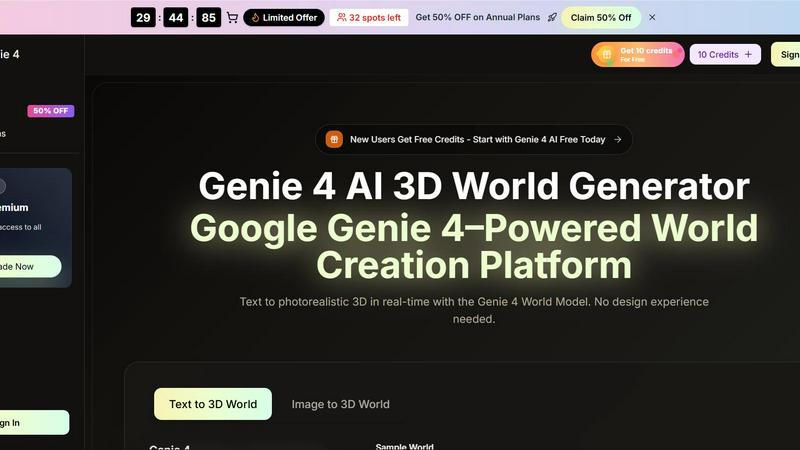
Genie 4 AI 3D World Generator
Transform text into immersive, explorable 3D worlds in real-time with Genie 4 AI, no design skills needed.