
vaethat
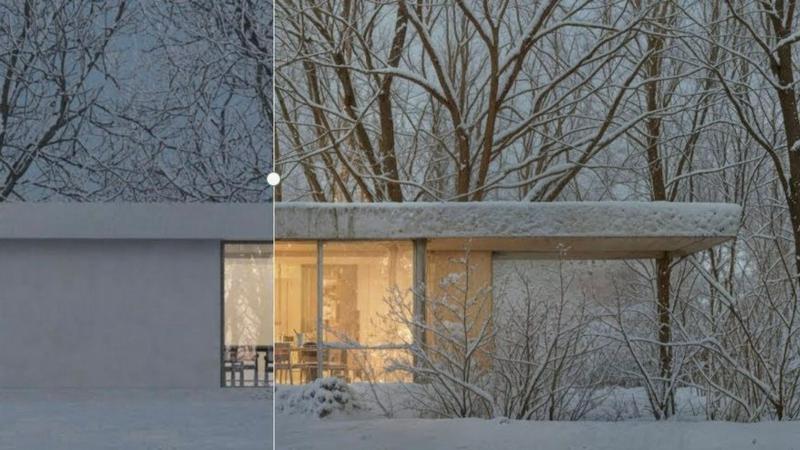
Vaethat is the AI render enhancer that transforms your architectural visuals effortlessly, delivering superior detail.
About vaethat
Vaethat is a cutting-edge AI-powered tool specifically designed to upscale and enhance 3D renders for architectural visualization. Tailored for archviz professionals, Vaethat streamlines the process of improving the clarity, sharpness, and realism of architectural images. Unlike generic AI enhancers that require cumbersome prompts and adjustments, Vaethat offers a user-friendly experience where users can simply upload their renders, select a preset, and initiate enhancements. The tool employs advanced algorithms trained exclusively on architectural visualization, ensuring that the unique details of each project are preserved. With its powerful capabilities, Vaethat provides a significant edge in producing stunning, presentation-ready images that meet the high standards of the architectural industry.
Features of vaethat
AI Render Upscaling
This feature enables users to increase the resolution and sharpness of their 3D architectural renders while maintaining clean and consistent geometry. It allows for high-quality outputs even from lower-resolution images, making it ideal for professional presentations.
Detail Refinement
Vaethat enhances fine textures, edges, and small architectural elements to create a crisper and more polished look. This attention to detail elevates the quality of the renders, ensuring that every aspect of the design is highlighted and presented effectively.
Material and Lighting Enhancement
The tool significantly improves perceived realism by enhancing material definition, contrast, and lighting balance. This feature allows architectural visualizers to create images that not only look good but also accurately represent the intended design aesthetics.
Noise and Artifact Cleanup
Vaethat effectively reduces noise and common rendering artifacts, resulting in cleaner images that are ready for presentation. This cleanup process enhances the overall visual quality, making the renders more appealing to clients and stakeholders.
Use Cases of vaethat
Architectural Presentations
Professionals can use Vaethat to upscale and enhance their architectural renders for impactful presentations. The tool ensures that images are sharp and detailed, making a strong impression on clients and investors.
Portfolio Development
Architects and visualizers can utilize Vaethat to create high-quality images for their portfolios. With enhanced details and clarity, these images showcase their skills and attract potential clients, setting them apart in a competitive market.
Marketing Materials
Vaethat is ideal for generating stunning visuals for marketing campaigns. By enhancing render quality, businesses can create eye-catching brochures, social media posts, and website imagery that effectively promote their architectural projects.
Project Approvals
When seeking project approvals, clear and detailed visualizations are crucial. Vaethat helps professionals produce the high-quality imagery needed to communicate their design intent effectively, increasing the chances of receiving timely approvals from stakeholders.
Frequently Asked Questions
How does the AI render enhancer calculate credits?
Credits are calculated based on the complexity and resolution of the images processed. Each enhancement uses a certain number of credits, which allows users to manage their resources effectively while maximizing output quality.
Can I use the archviz AI upscaler with V-Ray, Lumion, Enscape, 3ds Max, and SketchUp?
Yes, Vaethat is compatible with popular architectural software such as V-Ray, Lumion, Enscape, 3ds Max, and SketchUp, making it an integral part of any archviz workflow.
What makes this AI post-production tool different from manual editing?
Vaethat automates the enhancement process, eliminating the need for manual adjustments and reducing the time spent on post-production. This efficiency allows architects to focus on their creative work rather than tedious editing tasks.
Can I upgrade or downgrade my AI enhancement plan anytime?
Yes, users can easily upgrade or downgrade their enhancement plans according to their changing needs. This flexibility ensures that customers only pay for the features and capabilities they require at any given time.
Explore more in this category:
Top Alternatives to vaethat
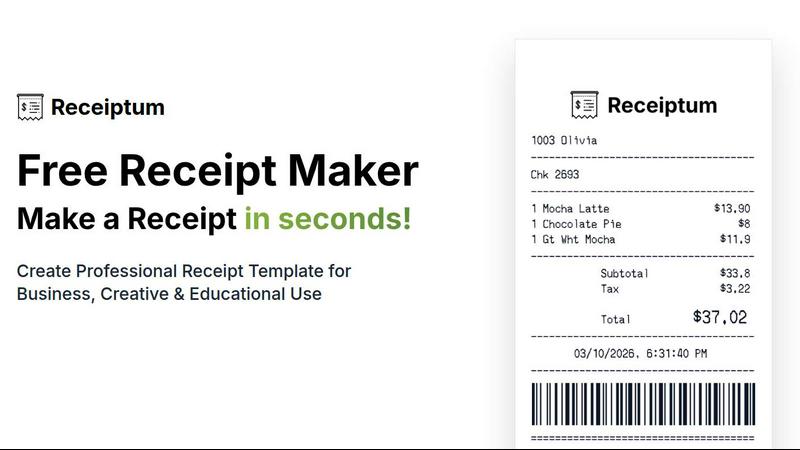
Receiptum
Create professional, customizable receipts in seconds with Receiptum's easy-to-use templates for any business or personal need.
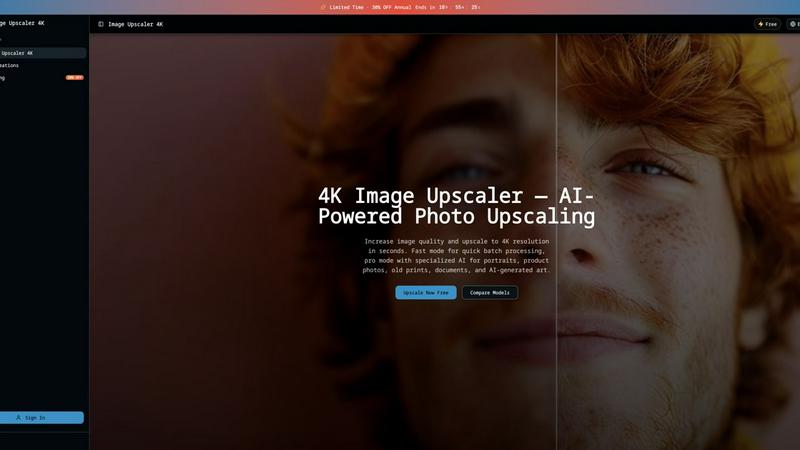
Image Upscaler 4K
Upscale any image to 4K in 3 seconds using dual AI engines, with fast batch processing or pro scene-specific models.
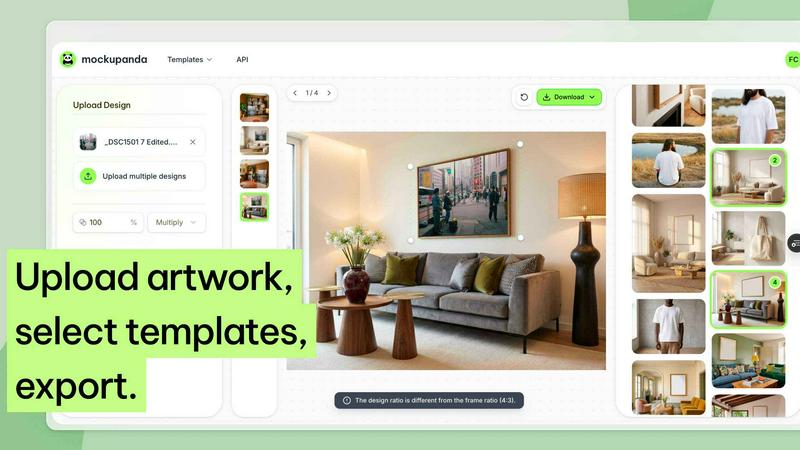
Mockupanda
Mockupanda transforms one design into unlimited professional mockups instantly, helping Etsy and POD sellers launch faster than competitors.
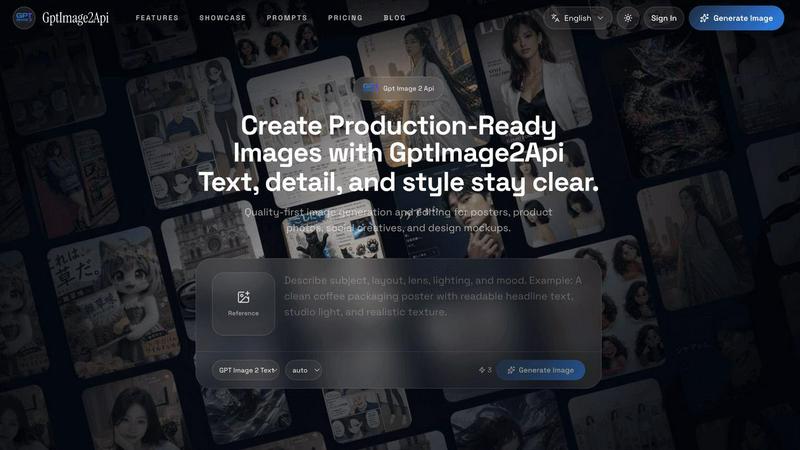
GPT Image 2 API
Effortlessly create stunning, production-ready images and edit existing visuals with the fast and scalable GPT Image 2 API.
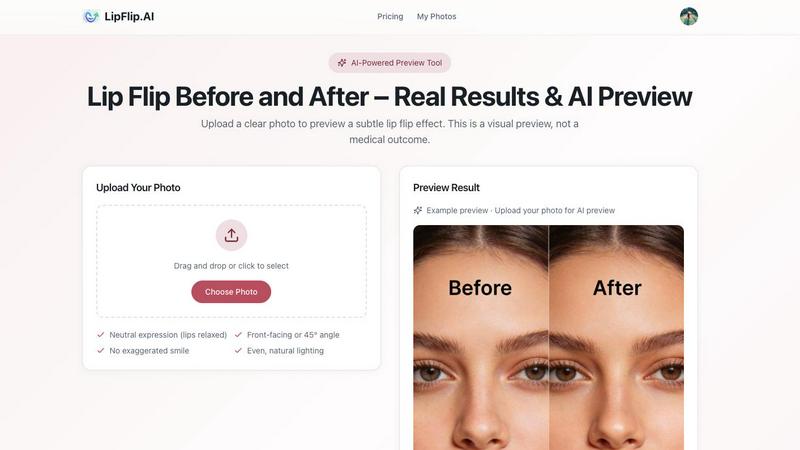
Lip Flip
Lip Flip uses AI to preview subtle lip transformations, letting you see realistic before-and-after results before consulting a provider.
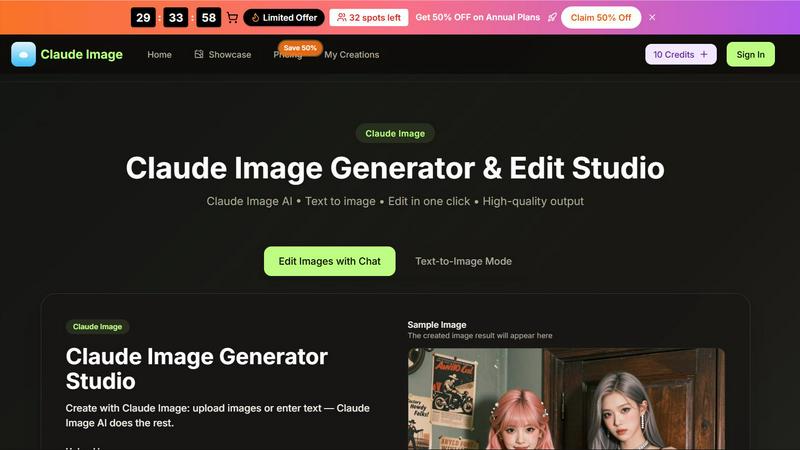
Claude Image
Transform your ideas into stunning visuals effortlessly with Claude Image, the ultimate AI-powered text-to-image generator and editor.
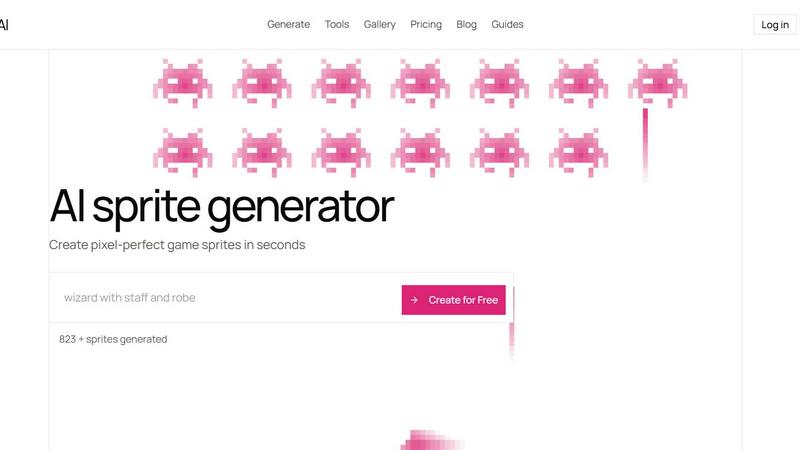
Sprite-AI
Stop wasting hours drawing pixel art by hand; Sprite-AI generates perfect, game-ready sprites in seconds from just your words.
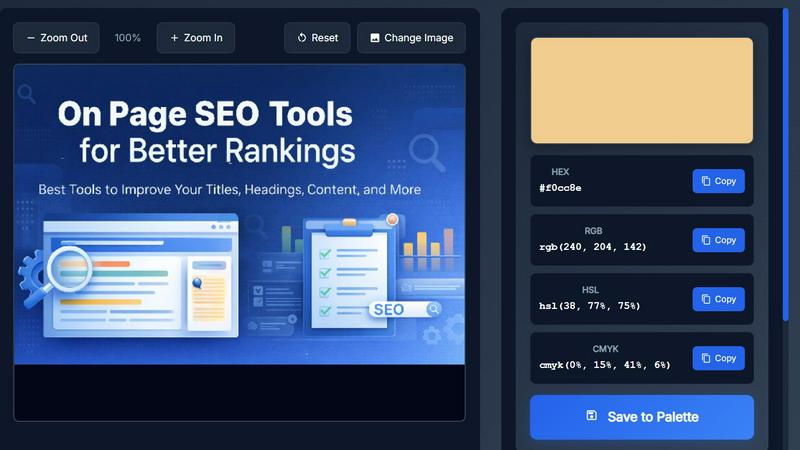
Image Color Picker Online
Effortlessly extract precise HEX, RGB, HSL, and CMYK colors from any image in seconds with our intuitive online color picker tool.