
Tagada
Tagada turns your Gmail into a local command center to highlight, tag, and organize emails without AI or cloud dependency.
About Tagada
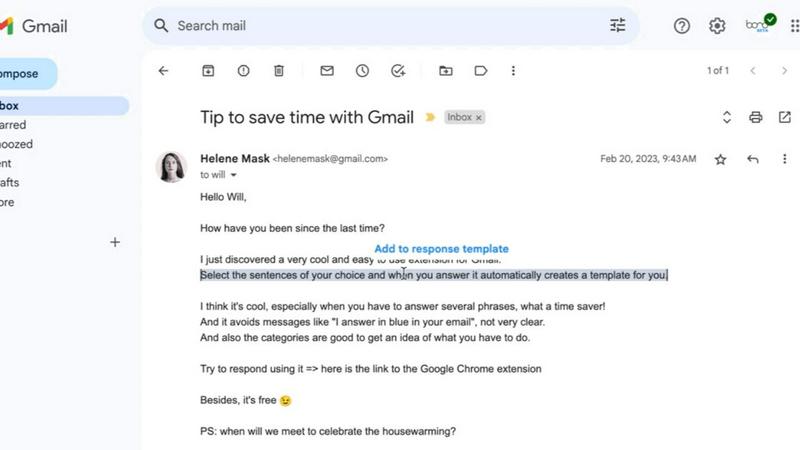
Tagada is a browser extension that fundamentally changes how you interact with email in Gmail by turning incoming messages into structured, actionable content. Instead of the outdated practice of writing replies in colored text embedded within the original message, Tagada parses emails into individual, clickable sentences. You can then highlight, tag, and organize these sentences by category with a single click. The extension automatically generates a clean reply template built around your selections, allowing you to respond faster and with greater clarity. This tool is built for professionals, support teams, freelancers, consultants, and anyone who manages long, complex email threads. The core value proposition is simple: Tagada cuts response time, structures your replies, and keeps your data fully private. Every single operation happens locally on your device. There is no AI processing, no cloud upload, and no third-party server involvement. Your emails never leave Gmail. This is a direct challenge to tools that compromise your privacy for convenience. Tagada proves you do not have to sacrifice security for speed. It works directly inside Gmail, so there is no new interface to learn and no workflow disruption. You get a battle-tested system for email efficiency that respects your data sovereignty.
Features of Tagada
Instant Email Parsing
Tagada instantly breaks down any incoming email into a list of individual, selectable sentences. Instead of reading a wall of text, you see discrete points that you can interact with. This parsing happens locally on your machine, so the content is never sent to any external server. This feature eliminates the need to manually scan and mentally separate key points from filler text, giving you a clear, structured view of what the email actually says from the moment you open it.
One-Click Highlighting and Tagging
Once an email is parsed, you can highlight any sentence with a single click. You can then tag that highlighted sentence with a specific category, such as "Action Item," "Question," "Deadline," or "Important Note." This system allows you to visually organize the email's content in seconds. You are no longer relying on memory or messy note-taking. The tags create a clear map of the email's demands and priorities, turning a chaotic thread into a structured list of tasks and information.
Auto-Generated Reply Templates
After you have highlighted and tagged the relevant sentences, Tagada automatically generates a reply template. This template is built exclusively around the points you selected. It structures your response logically, ensuring you address every key item without missing anything. This eliminates the cognitive load of figuring out how to structure a reply. You get a clean, professional draft that you can refine and send, drastically reducing the time spent composing complex responses.
100% Local and Private Processing
This is the defining feature of Tagada. All parsing, highlighting, tagging, and template generation happens entirely on your computer. No data is sent to the cloud, no AI model processes your emails, and no third-party server ever sees your content. Your emails remain inside Gmail and under your complete control. This feature directly competes with other email tools that rely on cloud-based AI, which often requires uploading your sensitive data. Tagada gives you the efficiency of automation without the privacy risk.
Use Cases of Tagada
Managing Complex Client Communication
Consultants and account managers often deal with long emails containing multiple requests, deadlines, and questions. Tagada allows you to parse the email, highlight the critical action items and deadlines, and tag them accordingly. The auto-generated reply template then ensures you address each point in a structured manner. This prevents you from overlooking a client request buried in a long thread and demonstrates professionalism by providing a clear, organized response.
Streamlining Support Ticket Replies
Support teams handle a high volume of emails that often contain a mix of problem descriptions, error codes, and user requests. With Tagada, a support agent can instantly parse the incoming ticket, tag the specific error message, highlight the user's core issue, and tag any requested follow-up actions. The generated reply template ensures the agent answers every part of the query, reducing back-and-forth and improving first-contact resolution rates.
Freelancer Project Coordination
Freelancers juggle multiple clients and projects, each with its own email thread. Tagada helps you quickly scan and organize these threads. You can tag project requirements, payment terms, and revision requests. When replying, you get a template that addresses the specific feedback or questions from the client. This keeps your communication clear and professional, helping you manage your workload without losing track of important details across different projects.
Executive Email Delegation
Executives receive a flood of emails requiring different responses or actions. They can use Tagada to quickly parse a message, highlight items that need a direct reply, tag items to delegate to a team member, and highlight critical information for their own reference. The auto-generated template can then be used to craft a concise reply or a clear delegation note. This turns email processing from a time-consuming task into a rapid triage and response system.
Frequently Asked Questions
Is Tagada free?
Tagada can be used without a paid license. However, the free version has limited functionality. For a better experience and access to the full range of features, such as unlimited highlighting and tagging, we suggest you purchase a license.
What data do you collect?
We only collect essential data to enhance your experience: your first name, email address, and language preference. We respect your privacy and do not collect any unnecessary information about your email content or usage patterns.
Do you send our emails to your servers?
No. Your emails are never sent to our servers. Everything remains local on your device. At Tagada, we make sure that your data stays private and under your control. The extension processes everything directly in your browser.
Some emails get broken, how can I fix it?
If your emails appear to be corrupted or disorganized, the best solution is to disable the extension, reply to your emails, and then re-enable it. Some emails may have a specific or unusual structure that the extension is unable to parse correctly. This is a temporary workaround that ensures you can still reply without issue.
Explore more in this category:
Top Alternatives to Tagada

PolicyCentral.ai
PolicyCentral.ai replaces scattered policy chaos with one AI-powered hub that manages, tracks, and enforces compliance across your entire enterprise.
Scheduler.social
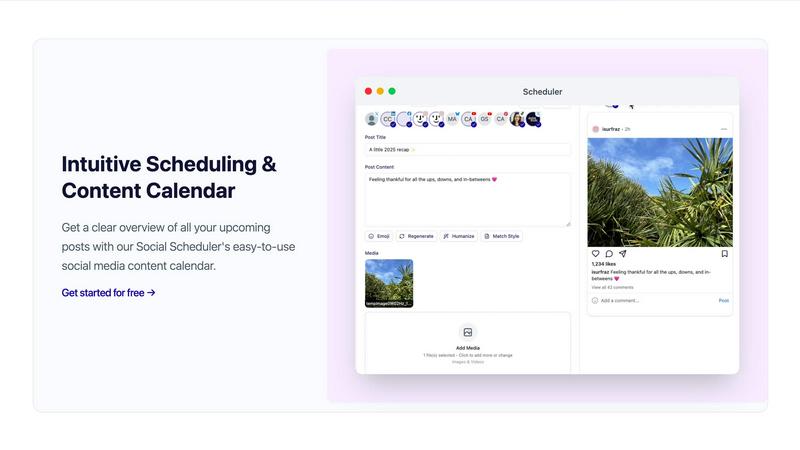
Scheduler.social revolutionizes social media marketing by automating content creation, scheduling, and collaboration for growth-driven teams.
Helpyly
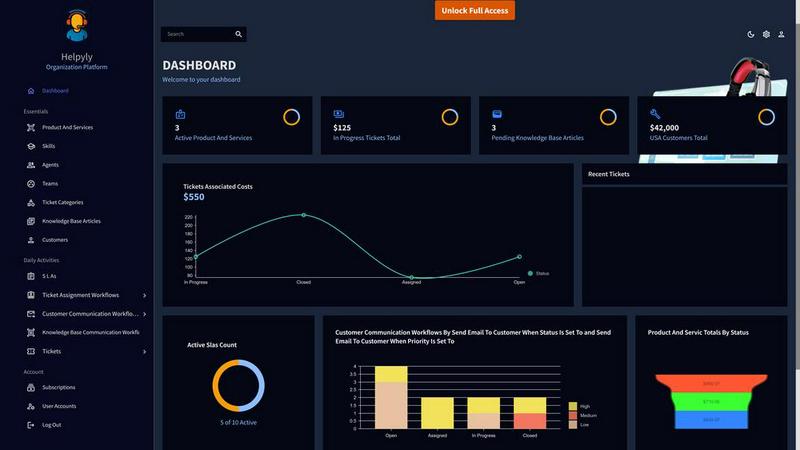
Helpyly transforms customer support with streamlined ticket management, boosting efficiency and enhancing team collaboration for superior service.
Launchy Tools
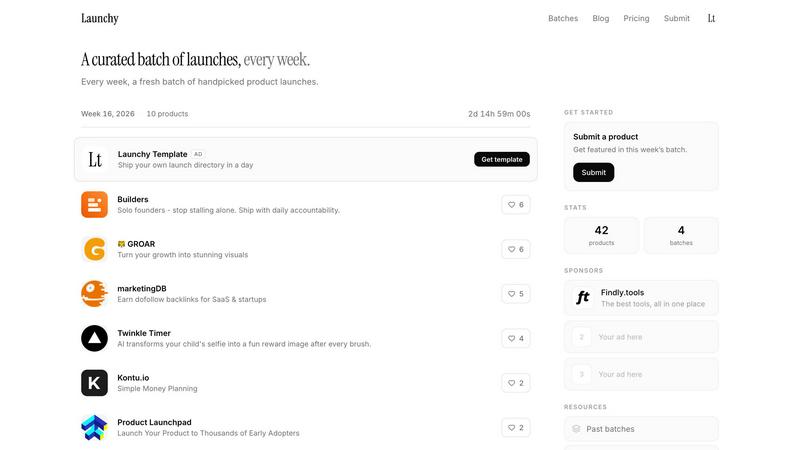
Launchy Tools delivers a curated weekly selection of innovative product launches, ensuring your creations gain the spotlight they deserve.
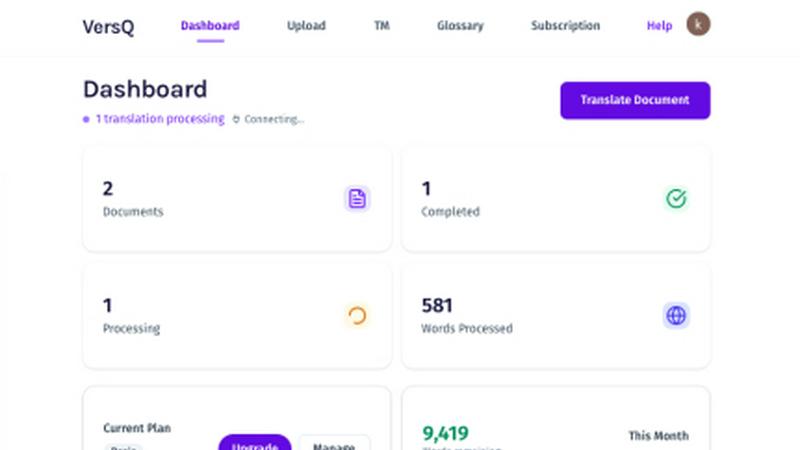
VersQ
VersQ delivers precise translations for PDFs, DOCX, and EPUBs with unlimited monthly access, no per-character fees, and preserved formatting.

InstantDM
InstantDM turns Instagram comments and DMs into automated sales funnels, converting followers into customers 24/7 at one-third the cost of Manychat.

Innermost
Innermost is your private AI guide for emotional support, helping you understand your thoughts and patterns anytime, anywhere.
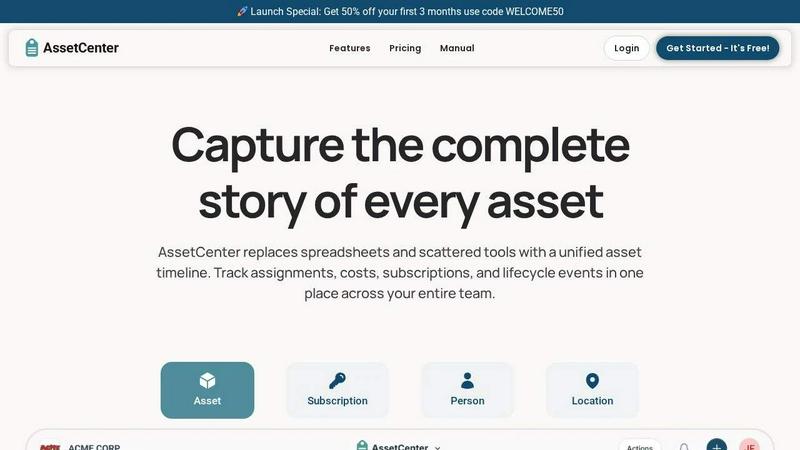
AssetCenter
AssetCenter offers comprehensive lifecycle visibility for your assets, tracking everything from acquisition to retirement in one unified platform.