
Boast Image
Boast Image streamlines client feedback with easy click-to-comment tools for web pages, images, and PDFs.
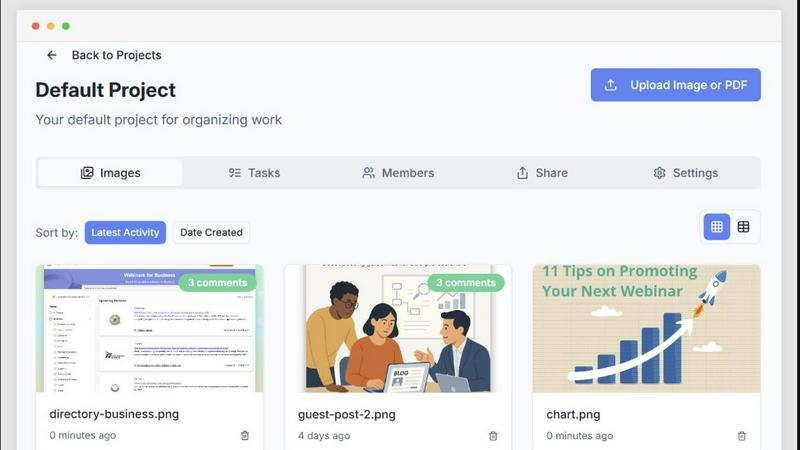
About Boast Image
Boast Image is a revolutionary visual feedback tool designed to enhance client interactions by making it easier for them to provide feedback on web pages, images, and PDFs. This innovative platform eliminates the need for clients to create accounts, log in, or undergo any form of training. With a simple click-to-comment feature, clients can annotate directly on the content, ensuring that their feedback is precise and contextual. This leads to faster turnaround times and less confusion, addressing the common frustrations associated with traditional feedback methods. Boast Image is ideal for agencies, freelance designers, and teams that require efficient client communication and seamless collaboration. By prioritizing the client experience, Boast Image transforms feedback collection from a chaotic process into an organized, enjoyable task, allowing creative professionals to focus on delivering exceptional results without the hassle of managing scattered emails or vague comments.
Features of Boast Image
Client-Friendly Interface
Clients never need to create accounts or log in to provide feedback. They can simply click a link, access the project, and start commenting. This barrier-free approach ensures higher participation rates and faster feedback, eliminating the frustrations of traditional tools.
Comment Pinning
With Boast Image, every comment is pinned directly to the relevant content, providing clarity and context. This feature not only organizes feedback but also prevents confusion that often arises from scattered email threads or vague suggestions, ensuring your team knows exactly what needs to be addressed.
Organized Task Management
Transform messy feedback into structured tasks with ease. Boast Image converts client comments into actionable items, allowing you to track progress and prioritize work efficiently. This feature ensures that you never lose track of what needs to be done, making project management smoother.
Real-Time Collaboration
Stakeholders can provide feedback simultaneously, eliminating the usual sequential commenting process. This collaborative approach means all voices are heard upfront, reducing the number of revisions required and speeding up the journey to final approval.
Use Cases of Boast Image
Agency Client Reviews
Agencies can use Boast Image to gather feedback from clients on design concepts, ensuring that comments are relevant and tied to specific elements. This improves the overall client experience and leads to faster project completion.
Collaborative Team Projects
For teams working on internal projects, Boast Image facilitates real-time collaboration. Team members can comment and provide input simultaneously, streamlining decision-making and reducing the time spent in meetings.
Design Iteration Feedback
Designers can share iterative versions of their work and receive focused feedback. With version control and pinned comments, designers can easily understand what changes are needed, allowing them to deliver refined results quickly.
Marketing Material Approvals
Marketing teams can utilize Boast Image to gather input on promotional materials. The ability to capture feedback directly on PDFs or images allows for a more efficient approval process, cutting down on delays caused by back-and-forth emails.
Frequently Asked Questions
How does Boast Image improve client feedback collection?
Boast Image simplifies the feedback process by allowing clients to comment directly on content without needing an account. This ease of use encourages more clients to participate and provides clearer, more actionable feedback.
Is there a limit to the number of projects I can manage?
With the free plan, you can manage one active project. However, paid plans offer increased capacity, allowing you to handle multiple projects simultaneously, making it ideal for growing teams and agencies.
Can I track changes made to the project?
Yes, Boast Image features version control that allows you to upload new versions for client review. Clients can easily see what has changed, which significantly reduces confusion and miscommunication.
What storage options does Boast Image provide?
Boast Image offers various storage options based on your selected plan. From 5GB in the free plan to 50GB in the solo plan, there are options to fit different project needs and team sizes.
Explore more in this category:
Top Alternatives to Boast Image
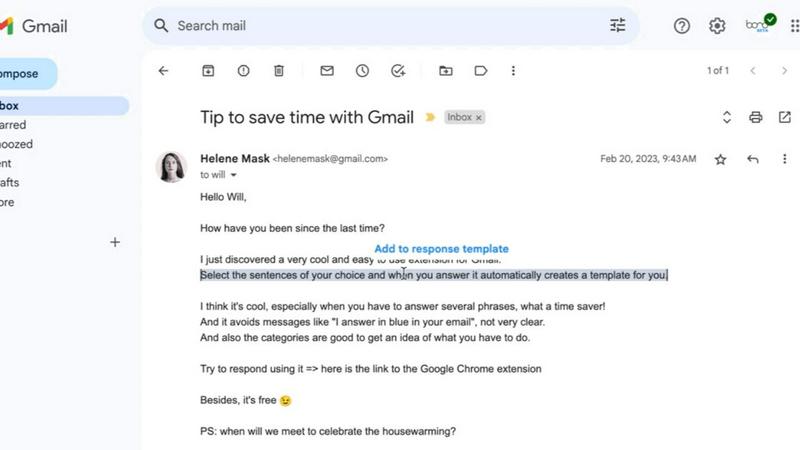
Tagada
Tagada turns your Gmail into a local command center to highlight, tag, and organize emails without AI or cloud dependency.
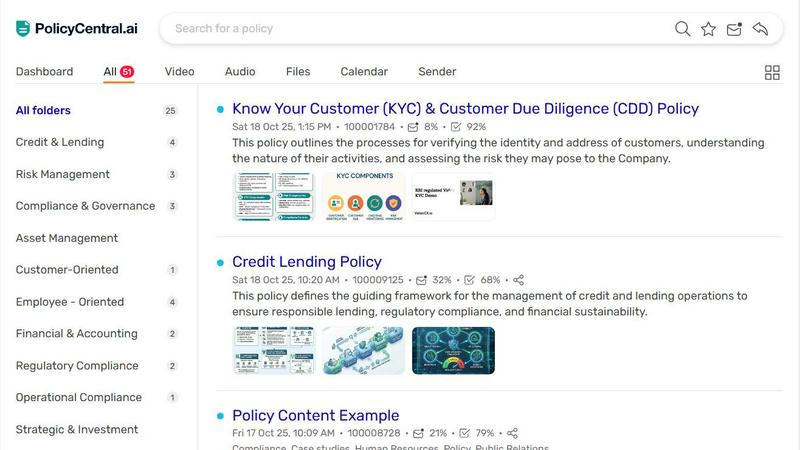
PolicyCentral.ai
PolicyCentral.ai replaces scattered policy chaos with one AI-powered hub that manages, tracks, and enforces compliance across your entire enterprise.
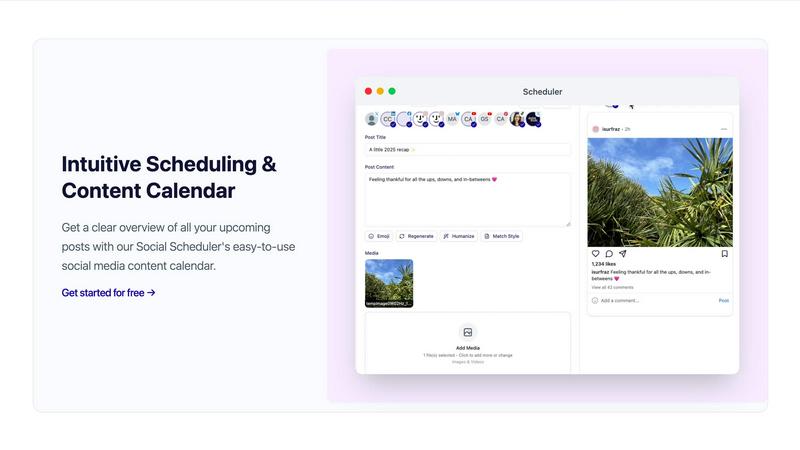
Scheduler.social
Scheduler.social revolutionizes social media marketing by automating content creation, scheduling, and collaboration for growth-driven teams.
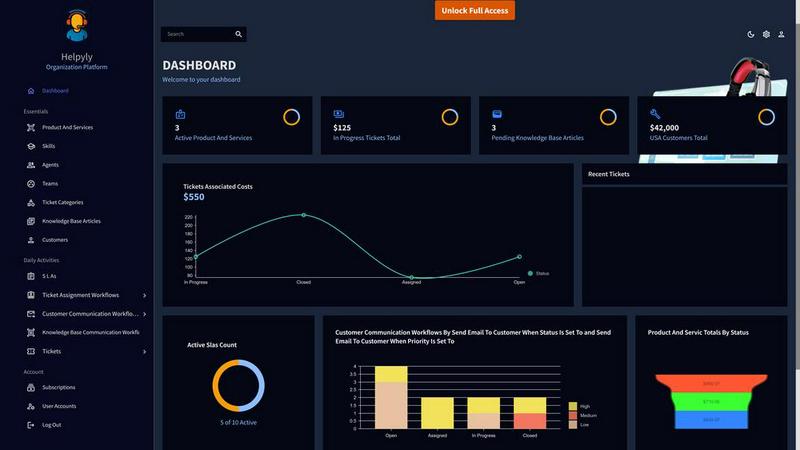
Helpyly
Helpyly transforms customer support with streamlined ticket management, boosting efficiency and enhancing team collaboration for superior service.
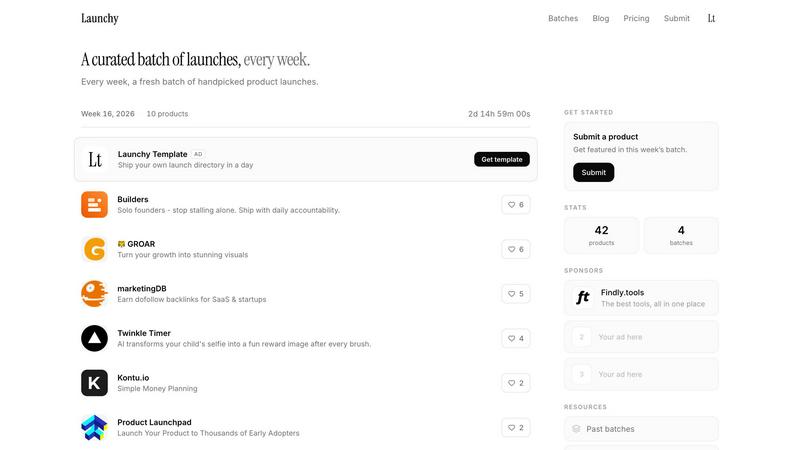
Launchy Tools
Launchy Tools delivers a curated weekly selection of innovative product launches, ensuring your creations gain the spotlight they deserve.
VersQ
VersQ delivers precise translations for PDFs, DOCX, and EPUBs with unlimited monthly access, no per-character fees, and preserved formatting.
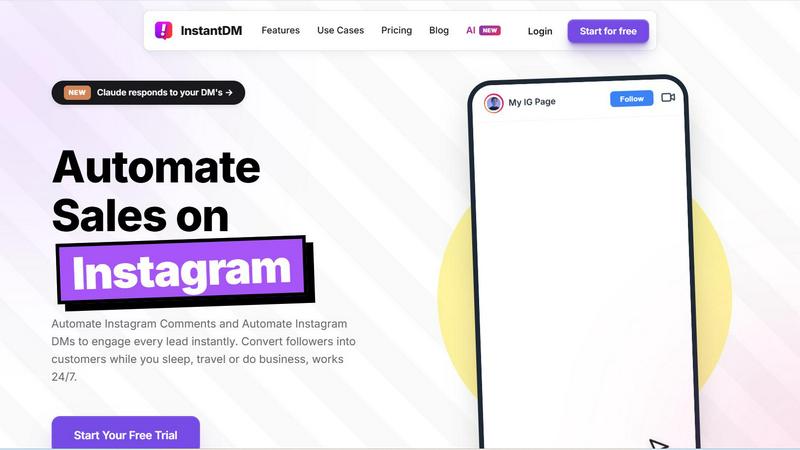
InstantDM
InstantDM turns Instagram comments and DMs into automated sales funnels, converting followers into customers 24/7 at one-third the cost of Manychat.

Innermost
Innermost is your private AI guide for emotional support, helping you understand your thoughts and patterns anytime, anywhere.