
kill the sub
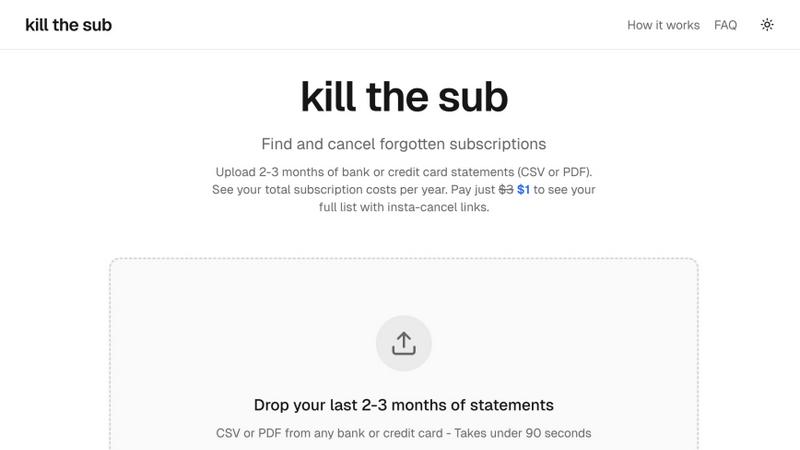
Kill the Sub helps you find and cancel forgotten subscriptions effortlessly, saving you money with just a $3 one-time fee.
About kill the sub
kill the sub is a revolutionary tool designed to help individuals regain control over their finances by identifying and canceling forgotten subscriptions in under two minutes. In today's world, where digital services and subscriptions are ubiquitous, it's easy to lose track of recurring charges that can silently drain your account. This tool is tailored for anyone looking to streamline their expenses, from busy professionals to families managing multiple subscriptions. By simply uploading 2 to 3 months of bank or credit card statements in CSV or PDF format, users can uncover all recurring charges. The main value proposition lies in its simplicity and effectiveness; for just $3, users gain instant access to a comprehensive list of subscriptions along with direct cancel links, ensuring that they save money without the hassle of navigating complex cancellation processes.
Features of kill the sub
Instant Subscription Detection
With kill the sub, users can quickly upload their bank or credit card statements, and within seconds, the AI technology scans the documents to detect all recurring charges. This feature eliminates the need for manual tracking, making it incredibly efficient for users who want to identify forgotten subscriptions.
Direct Cancellation Links
Once the analysis is complete, users pay a nominal fee of $3 to unlock direct cancel links for each subscription found. This feature empowers users to take immediate action, allowing them to cancel unwanted services quickly without getting lost in frustrating cancellation processes.
AI-Powered Cancellation Agent
kill the sub offers an exclusive feature that enables users to share their cancellation results with an AI agent. This agent is knowledgeable about the various cancellation methods used by different services, ensuring a seamless experience. It can handle cancellations on behalf of the user, overcoming the dark patterns that often complicate the process.
Reminders for Future Checks
To prevent subscriptions from sneaking up on users again, kill the sub provides a reminder feature that prompts users to check their subscriptions every six months. This proactive approach ensures ongoing financial awareness and helps users stay on top of their recurring expenses.
Use Cases of kill the sub
Identify Hidden Subscriptions
Users can utilize kill the sub to uncover hidden subscriptions that they may have forgotten about. This is particularly useful for individuals who have signed up for free trials or promotional services that automatically convert to paid subscriptions.
Simplify Expense Management
For budget-conscious individuals, kill the sub streamlines expense management by providing a clear overview of all recurring charges. This transparency allows users to make informed decisions and prioritize their spending.
Effortless Cancelation of Services
When users decide to cancel a subscription, kill the sub simplifies the process by providing direct links to cancellation pages. This feature saves time and frustration, allowing users to quickly eliminate unwanted services.
Delegate Cancellations to AI
For those who find it cumbersome to deal with cancellation processes, the AI cancellation agent acts as a personal assistant. Users can instruct the AI to handle cancellations for them, making it a perfect solution for busy individuals who want to save time.
Frequently Asked Questions
How does kill the sub ensure my data privacy?
kill the sub prioritizes user privacy by immediately discarding files after analysis. No personal data is stored, ensuring that your financial information remains secure and confidential.
What types of statements can I upload?
You can upload bank or credit card statements in either CSV or PDF format. This flexibility allows users from various financial institutions to easily utilize the service.
What if I don’t save more than $3?
kill the sub offers a unique guarantee: if you do not save more than $3 after using the service, you will receive a full refund. This commitment underscores the confidence in the effectiveness of the tool.
Can I use kill the sub for multiple accounts?
Yes, you can use kill the sub for multiple accounts. Simply upload the relevant statements for each account, and the AI will analyze them individually to provide a comprehensive overview of all subscriptions.
Top Alternatives to kill the sub
Fintrack
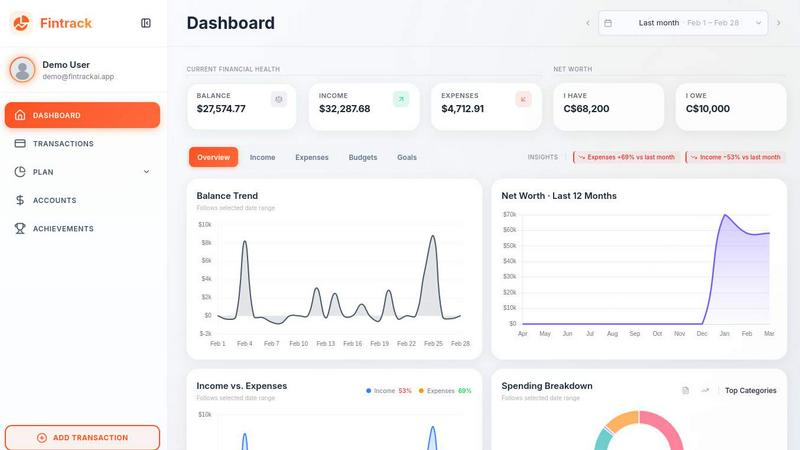
Fintrack empowers you to effortlessly manage your finances and uncover hidden savings with your AI companion, Finny, by your side.
Redbark
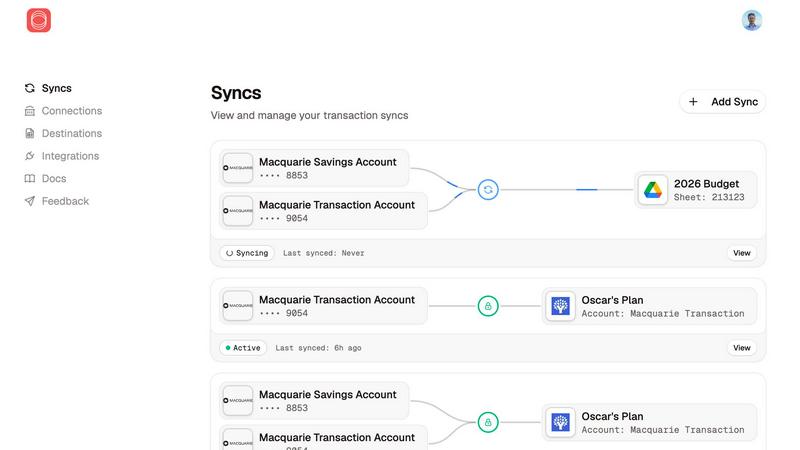
Redbark connects all your Australian bank accounts and brokerages for seamless, real-time financial tracking in one.
BudgetSheet
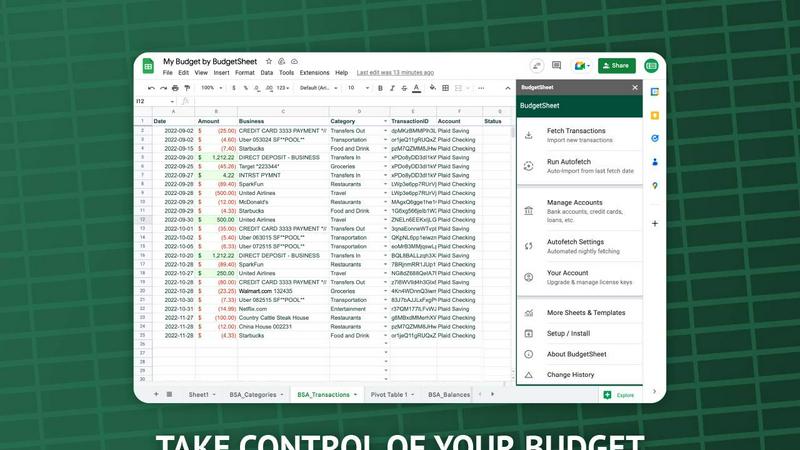
Stop manual data entry; BudgetSheet automates live bank feeds directly into your Google Sheets.

13F Insight
Unlock the secrets of smart money by tracking hedge fund moves and analyzing 13F filings with 13F Insight.
ExpenseManager
ExpenseManager beats spreadsheets by instantly tracking and splitting all expenses with AI insights.
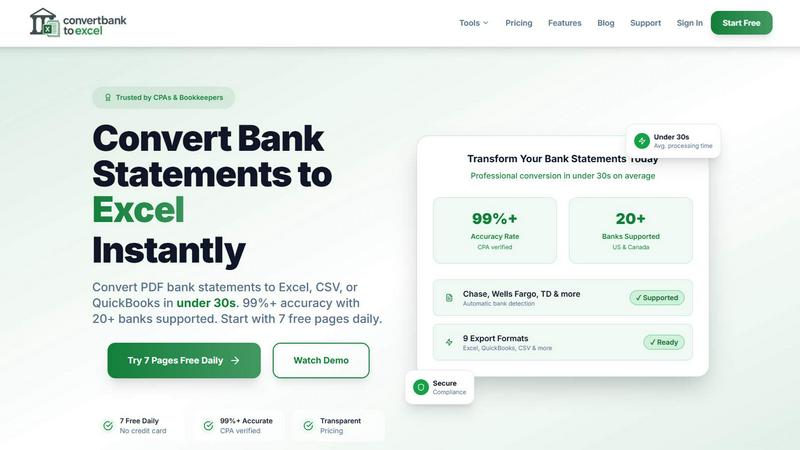
ConvertBankToExcel
ConvertBankToExcel swiftly transforms your PDF bank statements into accurate Excel or CSV files in under 30 seconds.
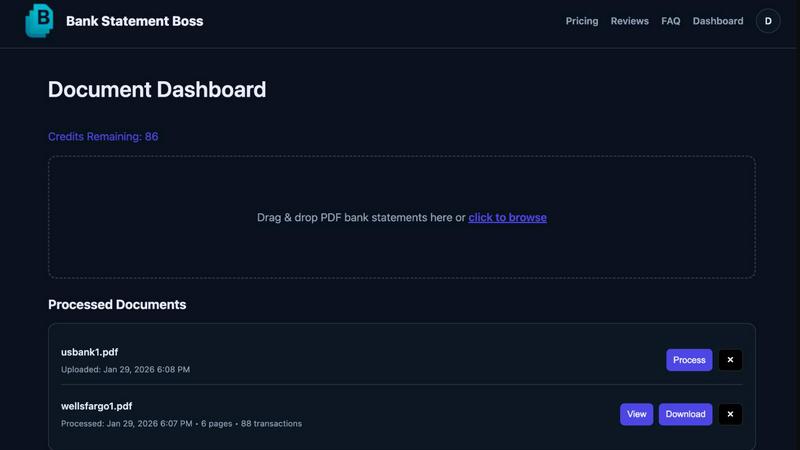
Bank Statement Boss
Bank Statement Boss uses AI to convert PDF statements into spreadsheets with 99% accuracy.

LeapCount
LeapCount is your all-in-one business platform for managing finances, projects, and inventory—all for free for up to 5.